Getting Started 1-17
Installing the Accessories
Attaching the Carrying Strap
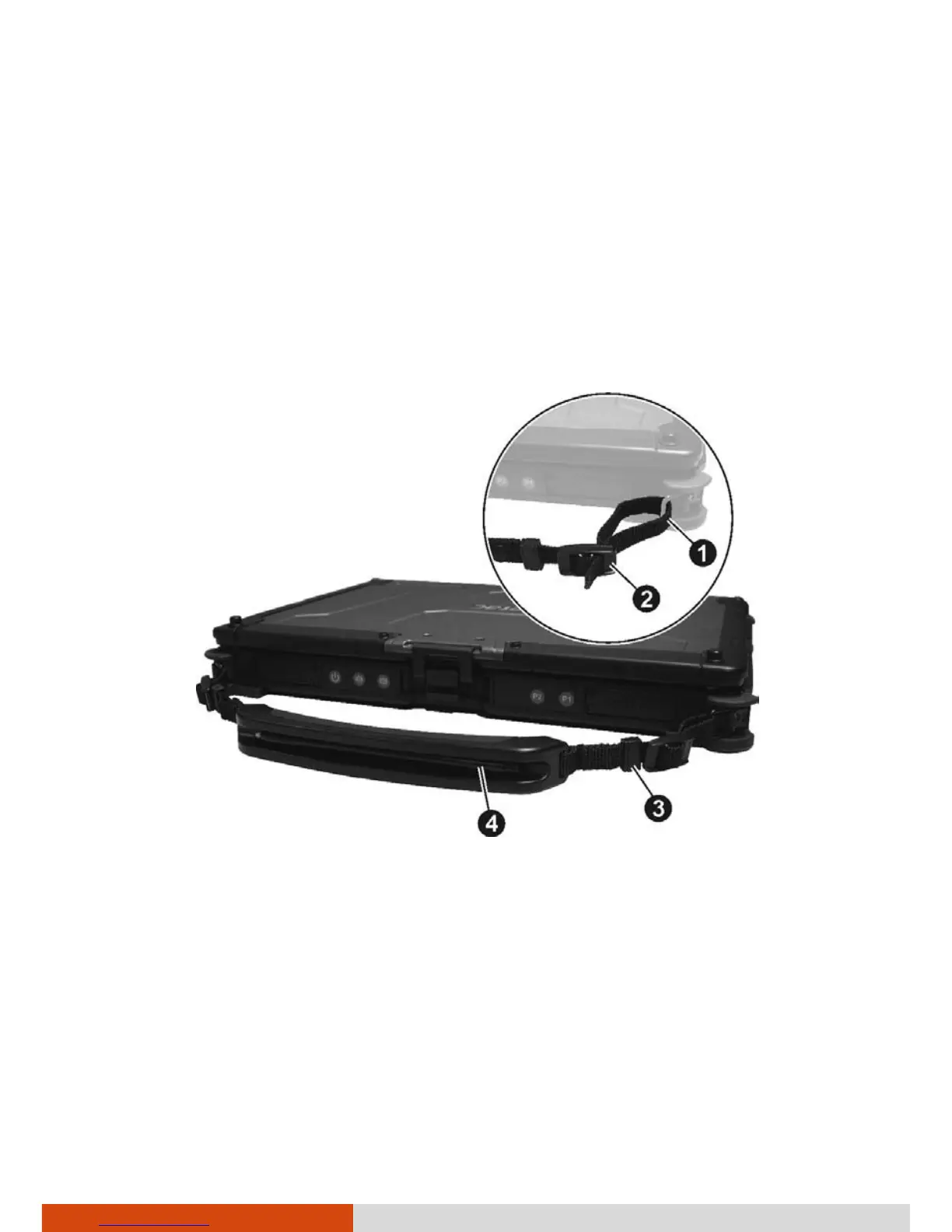
Insert one end of the strap into one strap holder () on your computer and
feed it through the slider buckle (
). Use the fastener () to fix the strap
end in place. Secure the other end of the strap to the computer in the same
way.
The strap provides a slot for storing the stylus or digitizer pen (
) (optional).



 To Next Page