2-20
Operating Your Computer
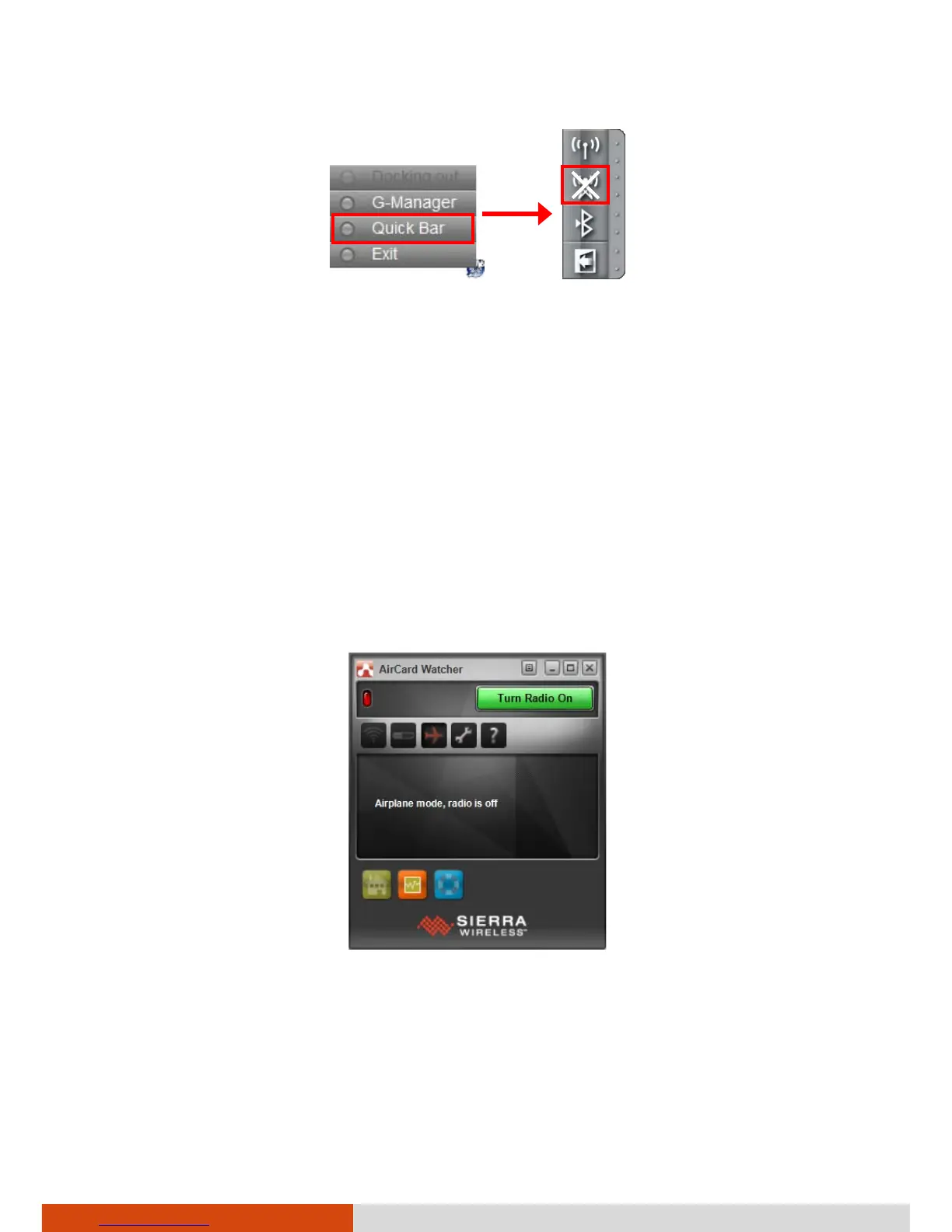
To turn off the WWAN radio:
You can turn off the WWAN radio the same way you turn it on.
If you want to quickly turn off all wireless radio, simply switch on Airplane
mode.
Setting up a WWAN Connection
1. Make sure that the SIM card is inserted and the WWAN function is
enabled (as described above).
2. Start the WWAN utility software (AirCard Watcher). The screen as below
appears.
3. You can use the WWAN utility software to configure and use WWAN
connections. See the online help for information.



 To Next Page