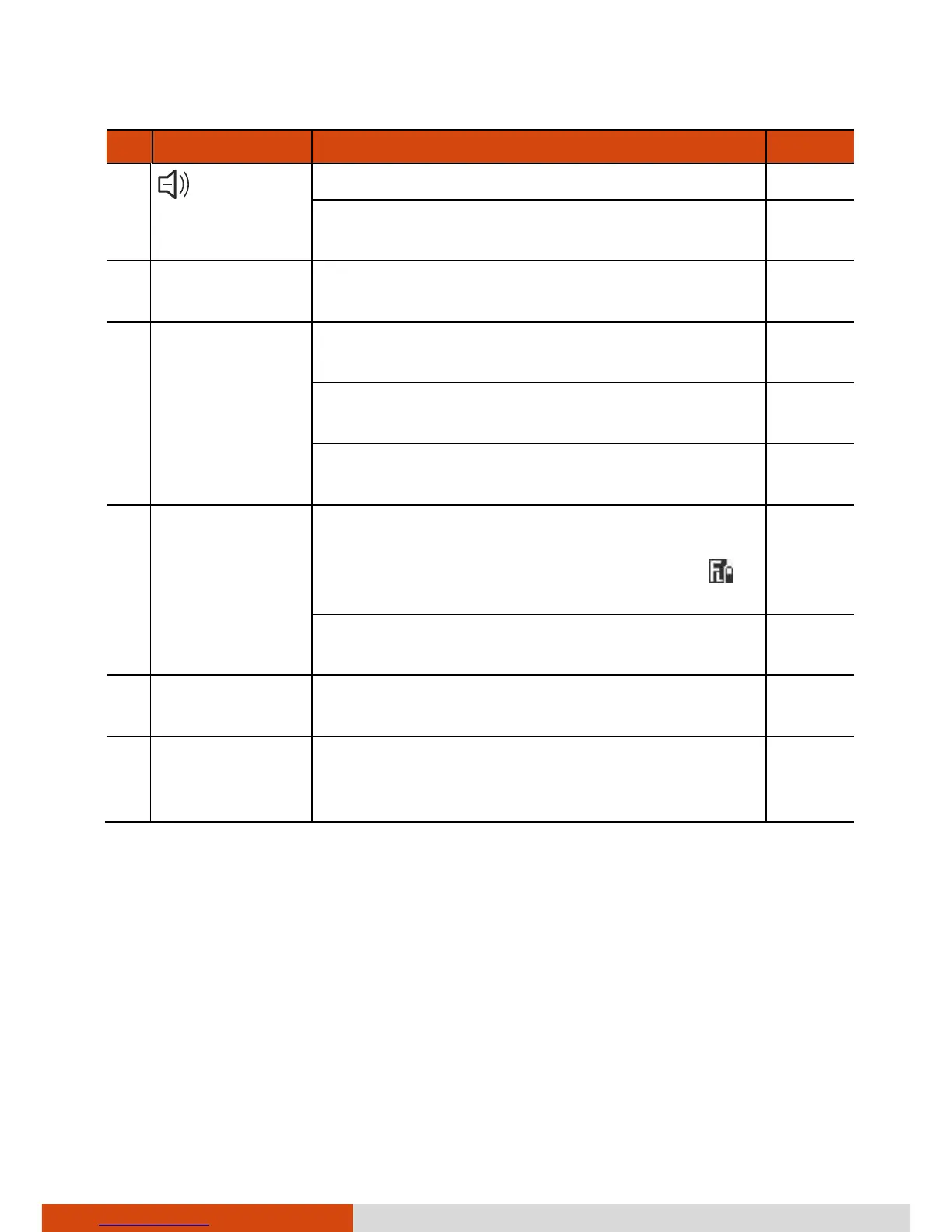
When Function Lock is on:
Decreases the LCD brightness.
Top Cover
Latch
Locks the top cover. P. 1-4
P2 Button
Starts the Getac Camera program and serves
as the shutter release button.
P. 6-5
When Function Lock is on:
Enables or disables the touchscreen feature.
Can be changed to another set of predefined
functions using G-Manager.
P1 Button
Switches on or off Function Lock (FL), which
changes the P2, Up, and Down buttons to an
alternative function. When FL is on, the
icon appears on Windows taskbar.
When pressed longer:
Serves as the Ctrl+Alt+Del keyboard keys.
P. 8-11
Carrying Strap
Provides a convenient way to carry the
computer.
P. 1-17
Stylus /
Digitizer pen
(optional)
Serves as the input device by tapping on the
touchscreen to make selections and enter
information.



 To Next Page