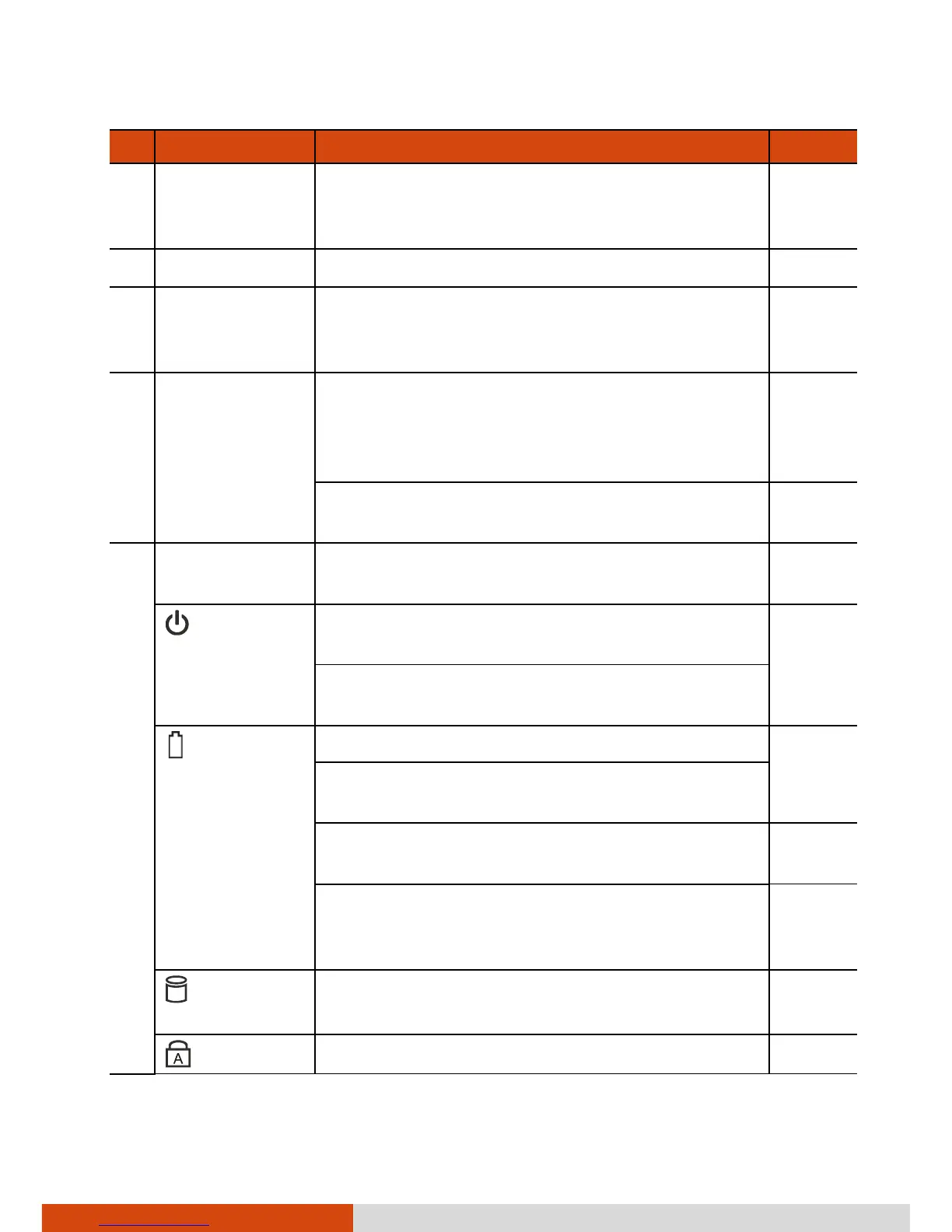
Camera Lens
(optional)
Allows you to use your computer’s camera
function. When the camera lens is in use, the
LED beside it lights up.
P. 6-5
Microphone Receives sound and voice to record voice.
Light Sensor
Detects the surrounding lighting condition
for automatic adjustment of the LCD
brightness.
Windows
Logo Button
For Windows 8:
Goes to the Start screen. Or if you're already
on Start, pressing this button brings you to
the last application you were in.
For Windows 7:
Opens or closes the OSD Control Panel.
P. 6-2
Indicators
Show the current status of the computer’s
devices.
Power
Lights green when the computer is turned
on.
P. 1-7
Blinks green when the computer is in Sleep
mode.
Battery
Charge
Lights green when the battery is fully charged. P. 3-3
Lights amber when the battery is being
charged.
Blinks red when the battery’s capacity is below
10%.
P. 3-5
Blinks amber when the battery charging is in
an abnormal state. Replace the battery in
case this happens.
Hard Disk
Drive In-Use
Lights green when the computer is accessing
the hard disk drive.
Caps Lock
Lights green when Caps Lock is on.



 To Next Page