-Bring the instrument tray and accessories, remove the poly bag.
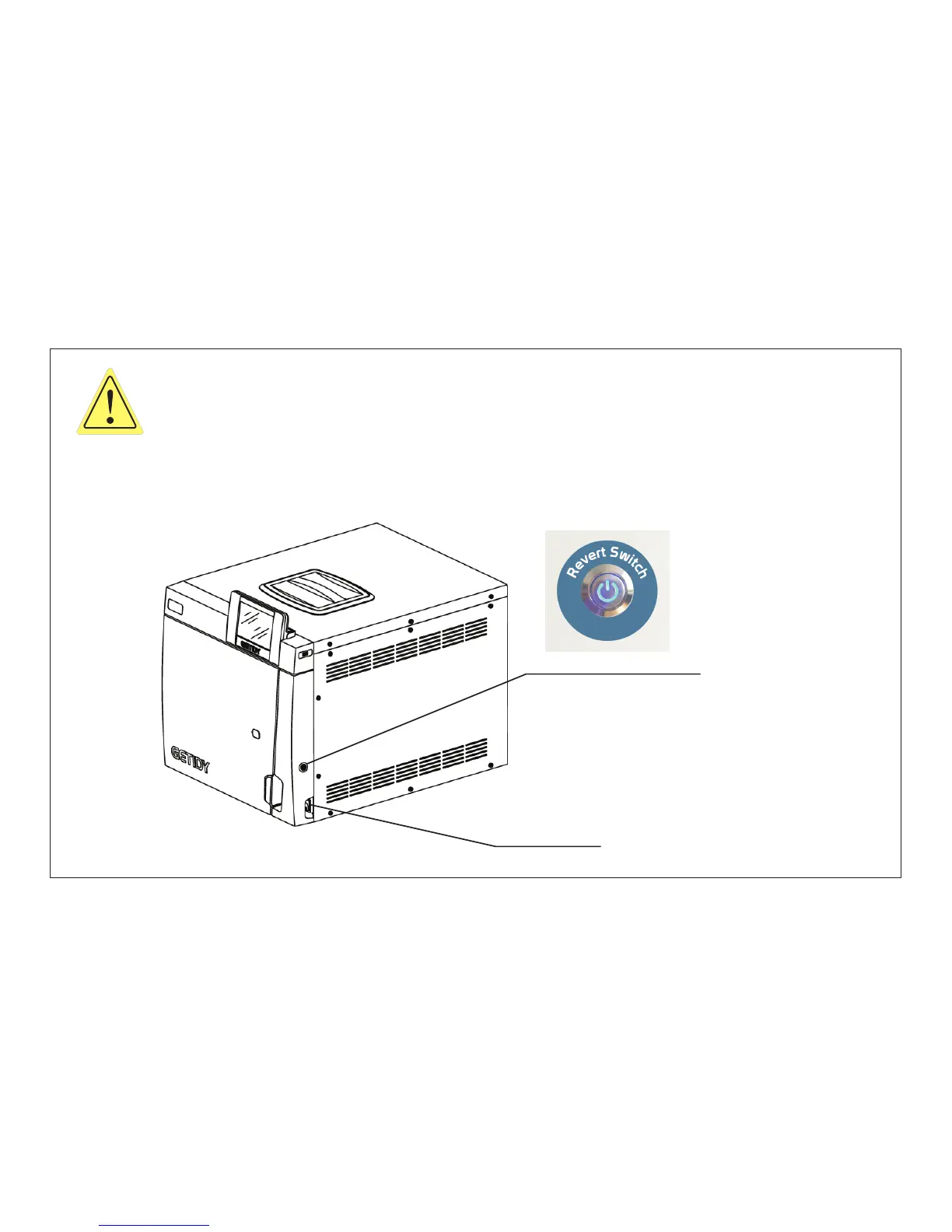
-After you put medical instrument into the tray,turn on the power (green switch indicator
light).(Fig.3.1-9)
-Press the power revert button and LCD screen appears the main interface.(Fig.3.1-9)
-Select the sterilization program you want, then press start to sterilization.
-For details, please refer to Chapter 4.
power recovery button
power switch
Fig.3.1-9
Page 15 of 58



 To Next Page