Page 9 of 27
CONTROL PANEL LAYOUT
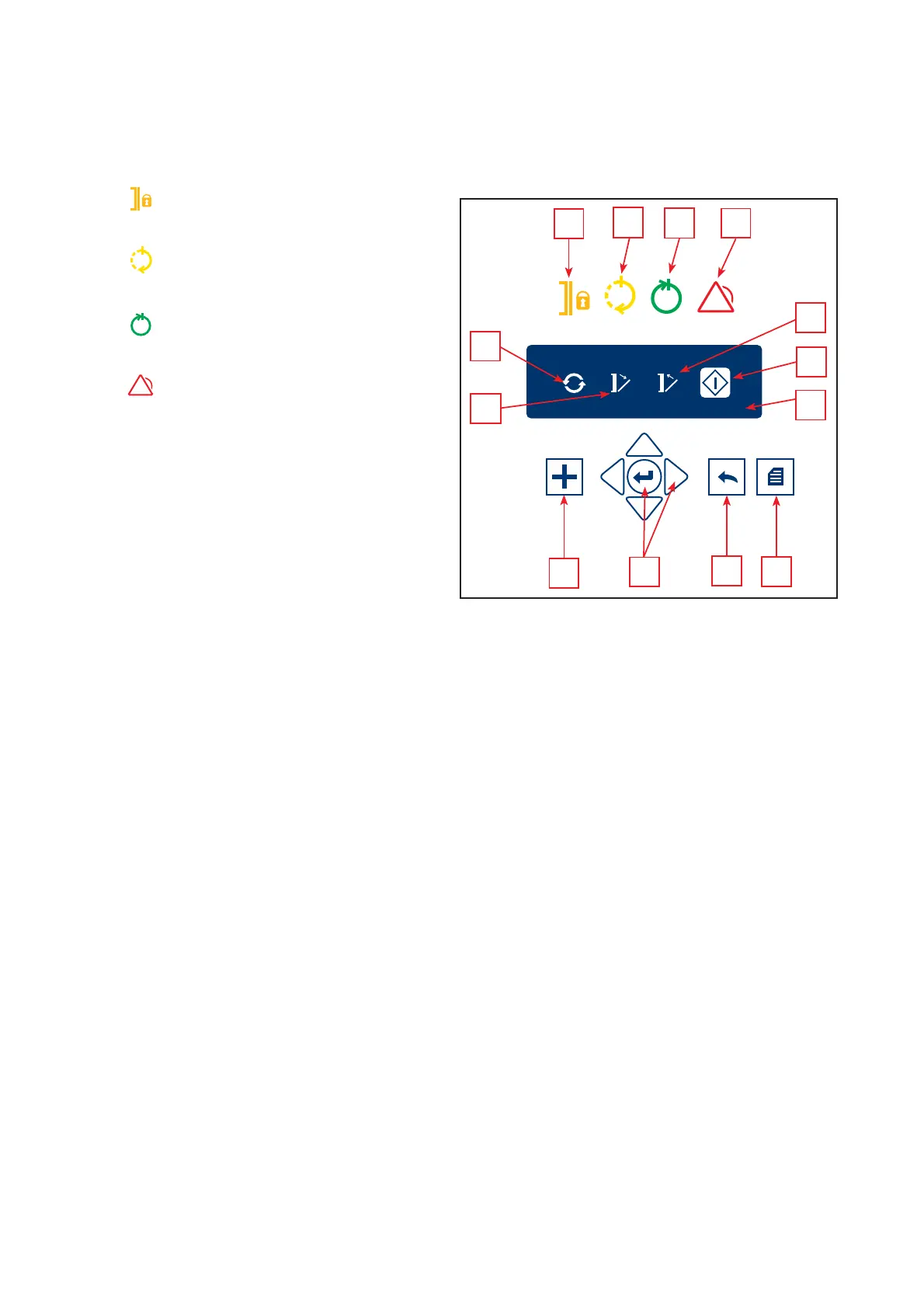
1 Indicator Door locked
Door in locked positon
2 Indicator Process running
Sterilization process started and running
3 Indicator Process completed
Sterilization process is fi nished
4 Indicator Process stopped
Process interrupted or error
5 Program selection indicator
Select and press Enter to change the
program
6
Door indicator (only automatic door)
Select and press Enter to open the door
7 Door indicator (only automatic door)
Select and press Enter to close the door
8 Start indicator
Select and press Enter to start a process
9 Function key (optional)
Press to activate the programmed function
10 Menu key
Press to display the menu
11 Back key
Press to go back one step in the menu
PASSWORD - PIN
!
Some programs, functions or menus are protected against accidental or
unauthorized use by a pin code. There are different pin codes for different
access levels. To enable a protected program, a function or a menu, enter
the current pin code. Pin code should be used only by authorized personnel.
The general pin code for users is 558
12 Navigator and Enter key
Press Navigator arrows to navigate to desired
position, press Enter to activate the choice
13 Graphic display
Illuminated symbols can be activated by means
of illuminated keys 9-12.
Dimmed icons or keys are inactive.
Keys (9-12)
Illuminated characters are selectable.
LED
indicator (1-4)
Active LED
indicator displays current system status.
9
1
2
3
4
11
10
12
!
P01 TEXTILES 134 00:00
Cycles Open Close Start
5
8
13
6
7
CONTROL PANEL - CLASSIC
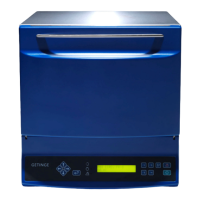
HS33 DOUBLE DOOR - UNLOADING SIDE
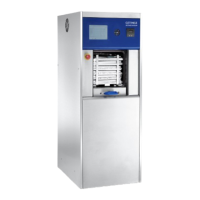
HS33 100-LITERS SINGLE MANUAL DOOR


 To Next Page