GFI FaxMaker Pre-installation action: Configure mail server | 17
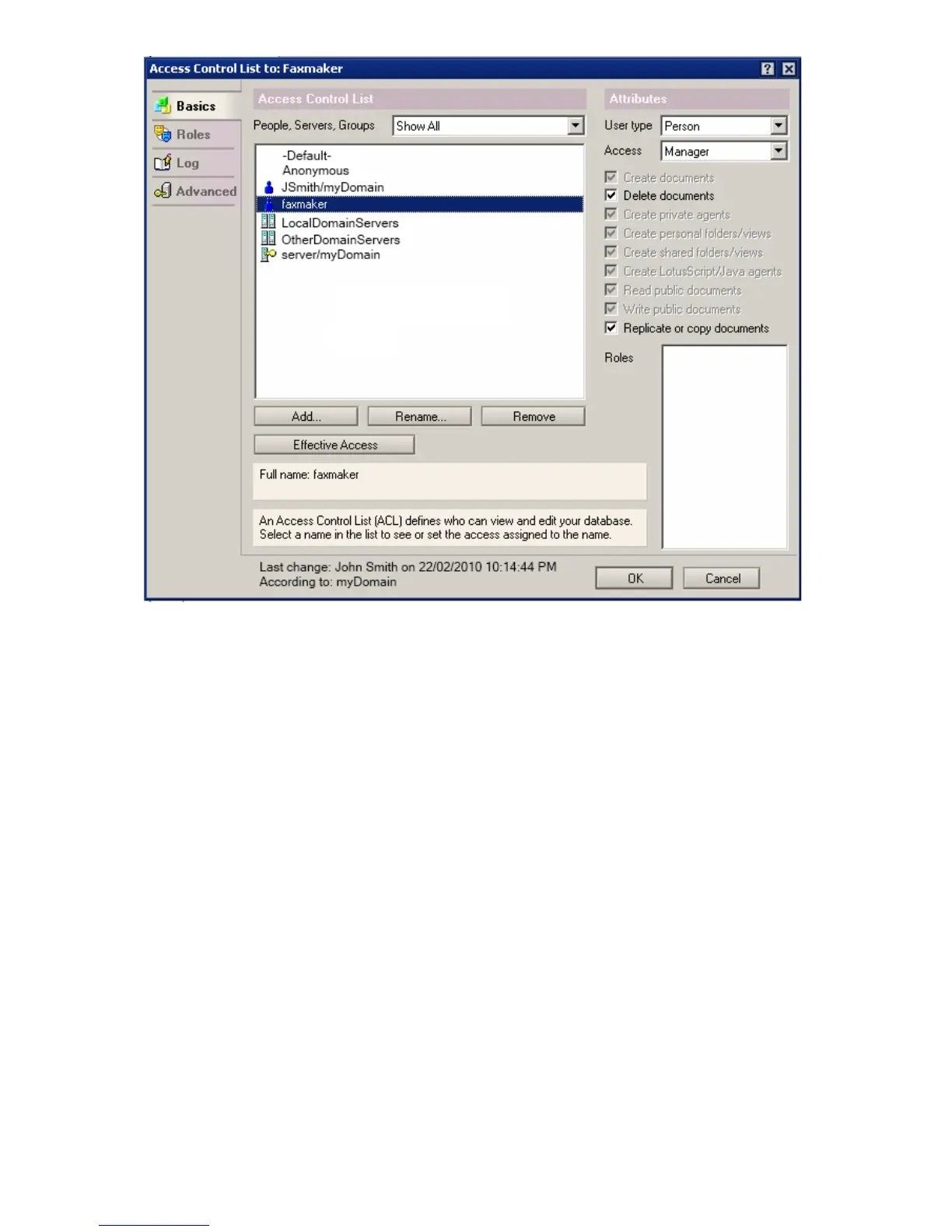
Screenshot 8 - Configuring permissions
4. Click Add to add the GFI FaxMaker Person.
5. Select the GFI FaxMaker Person and from the Attributes section, select User type:
Person, Access: Manager.
6. Select Delete Documents.
7. Click OK.
Step 4: Remove default $POP3 View
1. From Lotus Domino Designer, select File ► Database ► Open.
2. Select your Domino server, the mail directory and GFIFaxMaker.nsf.
3. From Views node, double-click $POP3.



 To Next Page