GFI FaxMaker Testing your new GFI FaxMaker Installation | 33
5 Testing your new GFI FaxMaker Installation
Follow the steps in this section to ensure that your GFI FaxMaker installation is processing
sent and received faxes successfully.
5.1.1 Send a test fax
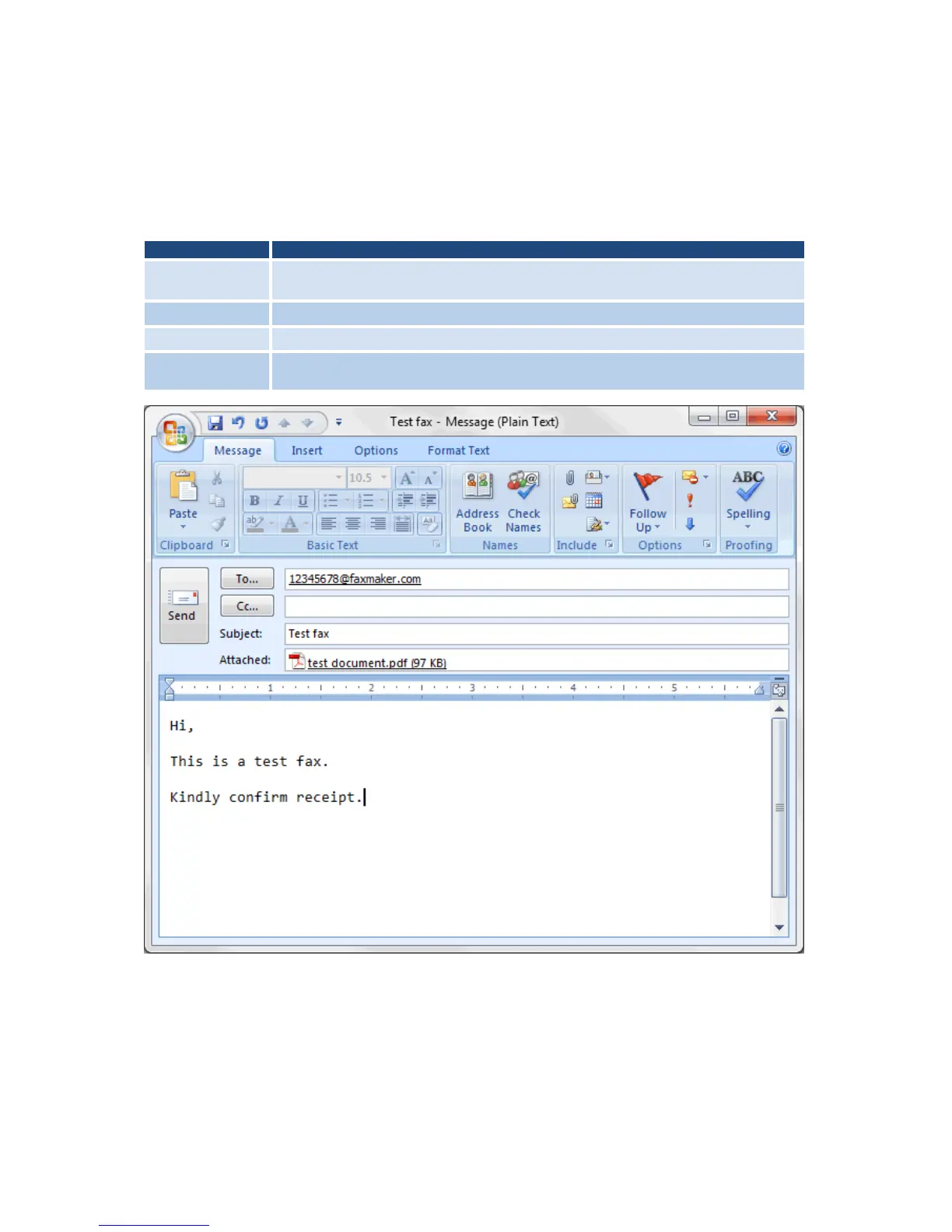
1. From the email client of a user listed as a Licensed user, create an email, in the
following format:
Table 13 - Test email format
Enter recipient in the following format number@faxmaker.com. Replace number
with the recipient’s fax number. For example, 12345678@faxmaker.com.
Attach a one page PDF document containing some test content, such as text and
graphics.
Screenshot 23 - Sending a test fax using Microsoft Outlook
2. Click Send.
3. View the outgoing fax status from GFI FaxMaker Monitor.
4. Confirm fax receipt by recipient.
5.1.2 Receiving a test fax
1. From a test fax line, send a fax to a fax line connected and configured in GFI FaxMaker.



 To Next Page