GFI FaxMaker Pre-installation action: Configure mail server | 21
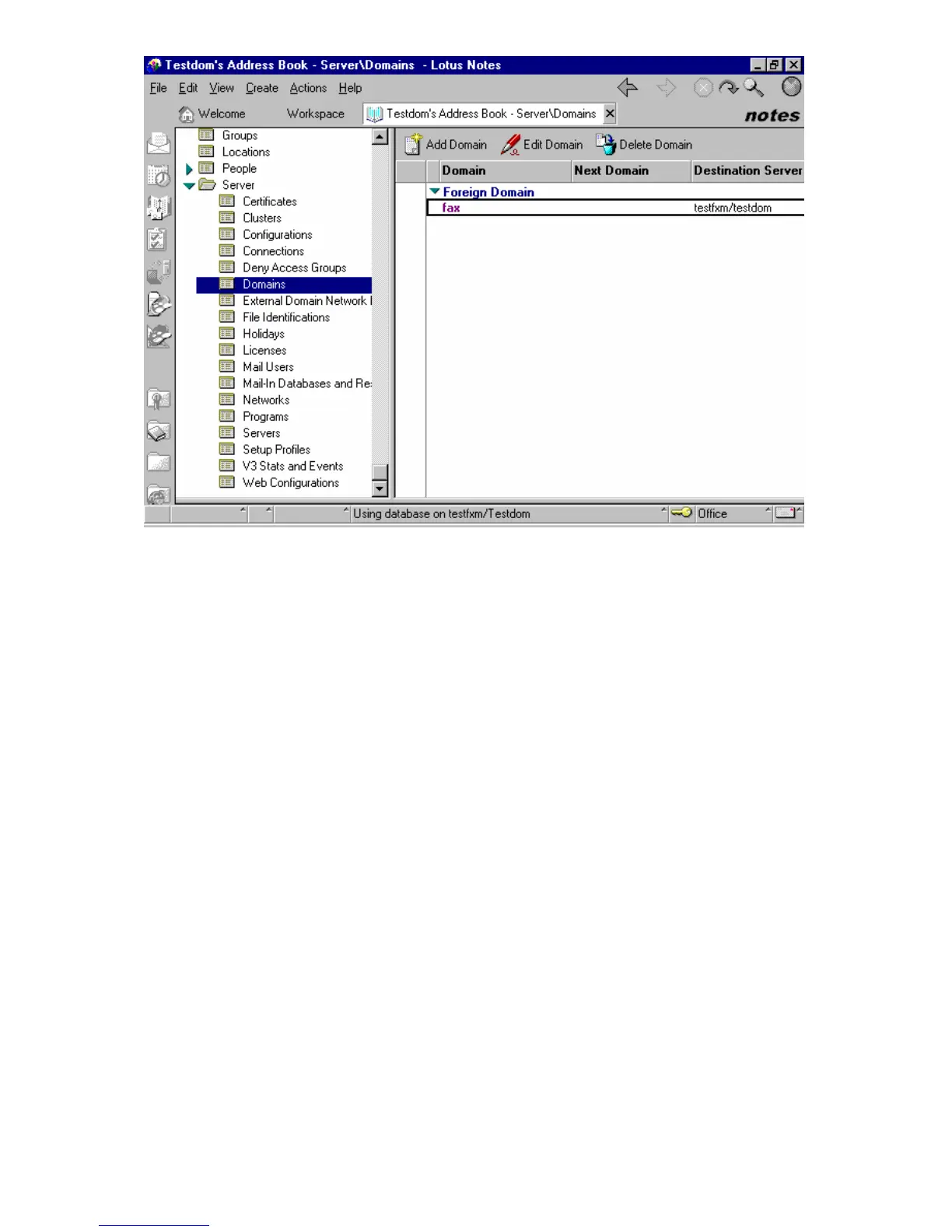
Screenshot 13 - Setting up a Foreign Domain in Lotus Notes
2. Click Add domain.
3. In the Basics section, set Domain type to Foreign Domain.
4. In the Foreign Domain Name field, enter the name of the domain you want to set up
(for example, fax).
5. Select the Mail information tab.



 To Next Page