44 | Appendix 1: Microsoft Exchange 2000/2003 Connector GFI FaxMaker
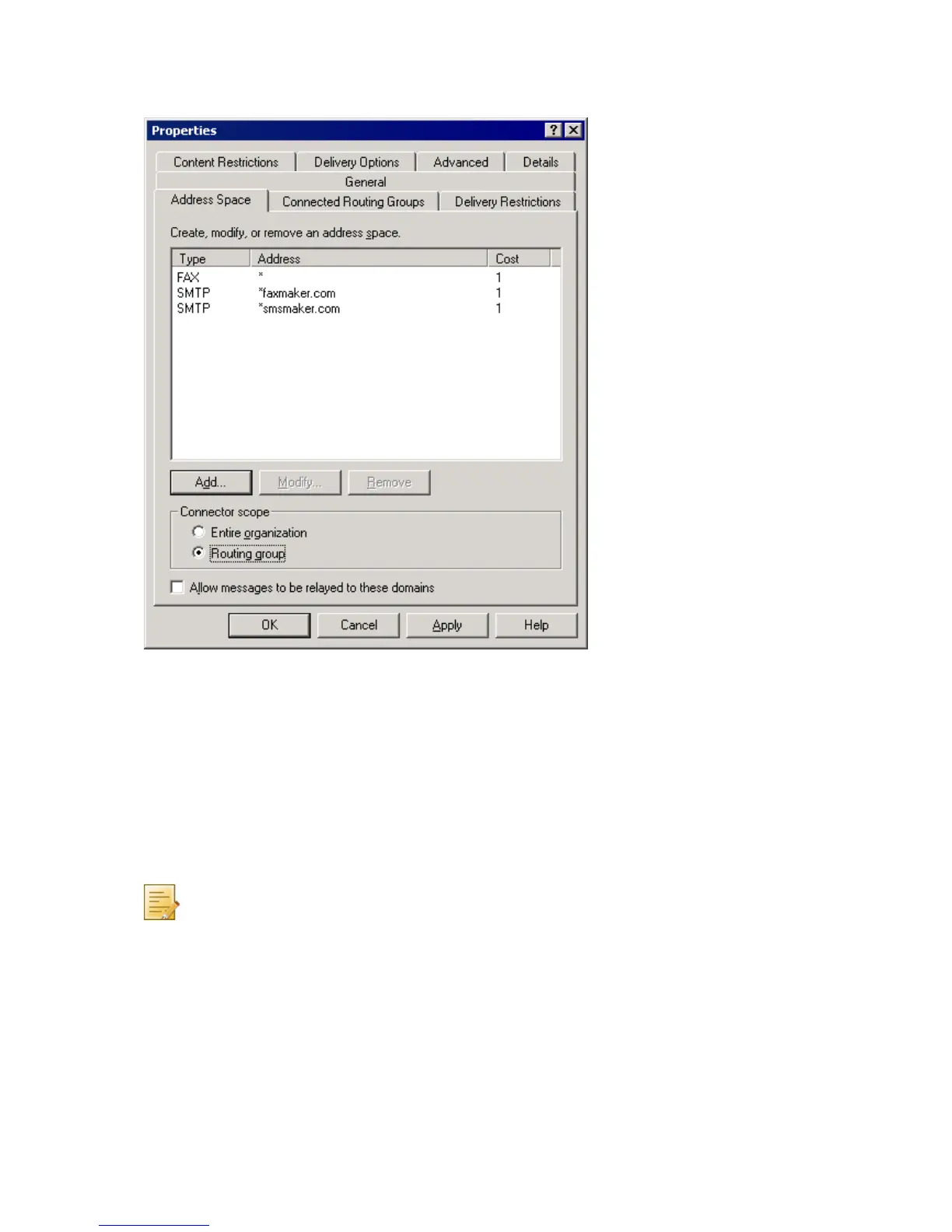
9. In Internet Address Space Properties dialog, key in *faxmaker.com in E-mail domain
text box. Click OK.
10. Repeat steps 7, 8, 9 for smsmaker.com domain.
Screenshot 27 - The address space tab
9. In the Connector scope section, select Routing group.
10. Click OK to create the connector.
8.3 Removing the connector automatically
GFI FaxMaker installed on Microsoft Exchange Server
If the connector was created automatically during installation of GFI FaxMaker, it is
automatically removed during uninstall.
No further configuration is required.
NOTE: If the connector is not named FaxMaker SMTP Connector (for example, if it
was renamed or was manually created using a different name), remove it manually.
For more information refer to Removing the connector manually section in this
manual.
GFI FaxMaker installed on a separate machine
If the connector was created automatically by running the GFI FaxMaker setup on the
Microsoft Exchange server, it is automatically removed by uninstalling GFI FaxMaker from
the Microsoft Exchange server.
No further configuration is required.



 To Next Page