20 | Pre-installation action: Configure mail server GFI FaxMaker
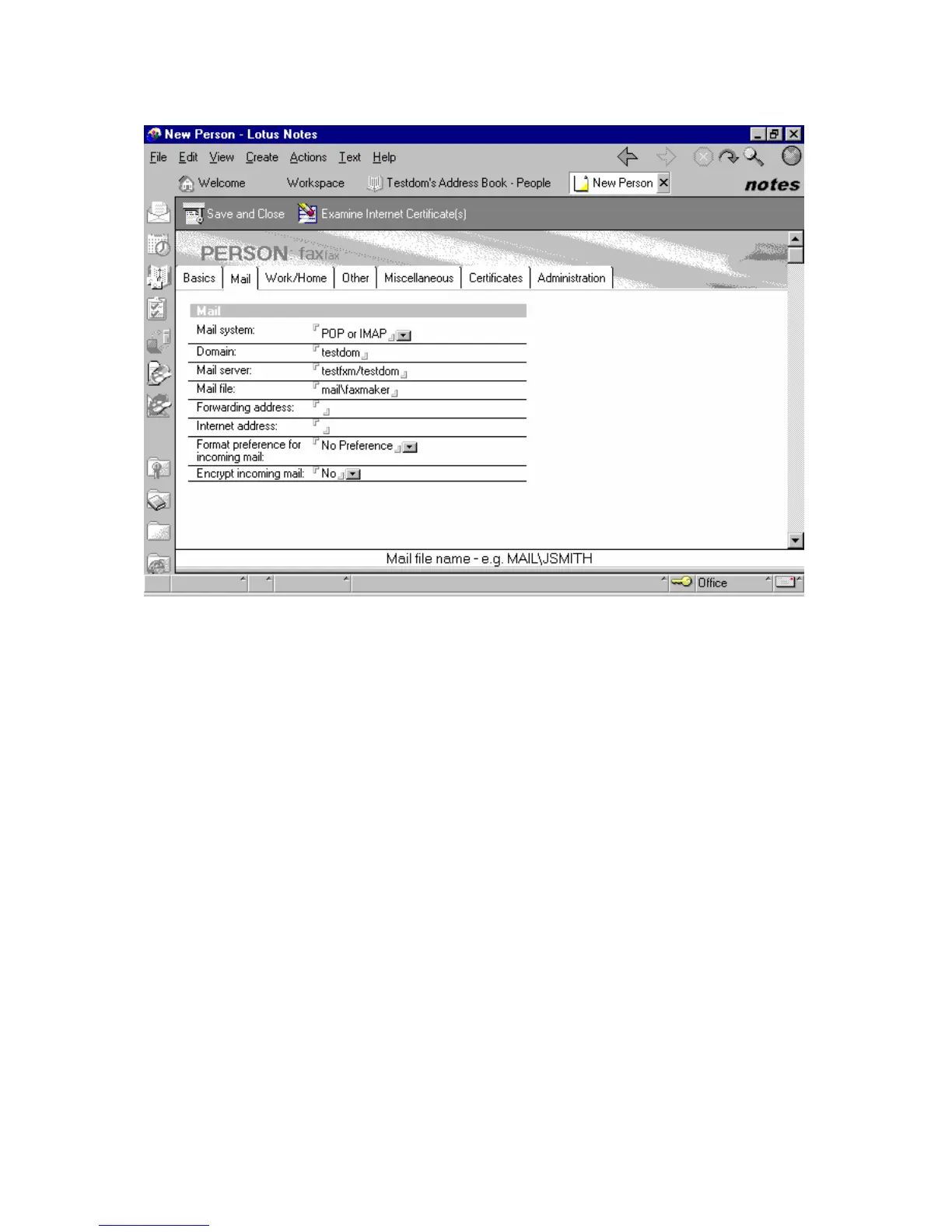
4. From Mail tab, set Mail system to POP or IMAP.
5. From Internet message storage option, set Mail section to Notes and Internet Mail.
6. Click Save and Close.
Screenshot 12 - Setting up the POP mailbox for GFI FaxMaker
Step 3: Set up forwarding of the domain
1. From the Lotus workspace, open the address book and navigate to Server ► Domains.



 To Next Page