28 | Installing GFI FaxMaker GFI FaxMaker
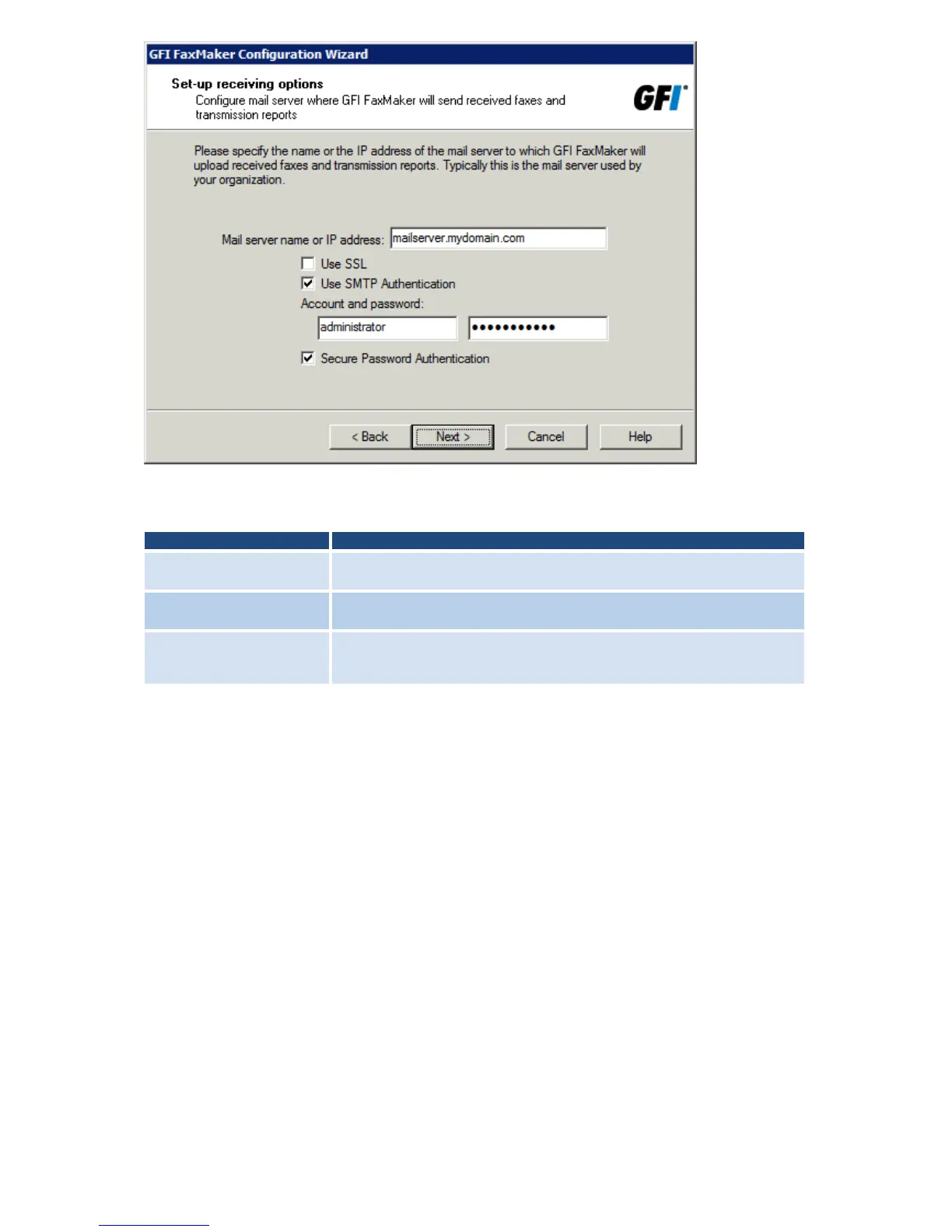
Screenshot 20 - The wizard will prompt you for a mail server name
3. Specify mail server details where GFI FaxMaker forwards received emails.
Table 10 - Mail server options
Mail server name or IP
address
Enter the name or IP address of the mail server where to upload received
faxes.
Instructs GFI FaxMaker to connect and communicate with the mail server
using SSL.
Instructs GFI FaxMaker to connect to the mail server using specific user
credentials. Enter credentials in the Account and password text boxes.
Select Secure Password Authentication if required by the mail server.
Click Next to continue.
4. Specify the Country code of the country where the fax lines are connected. This is used
by GFI FaxMaker to determine the appropriate number to dial (for example, removes the
country code for faxes within the same country). Click Next.



 To Next Page