micro balance Mod. E50S/3
Page 12 of 38
6.3.1 Activating the configuration menu
Press «ON/OFF» to switch the balance on.
Hold down the «ESC» key continuously during the start-up process (which takes about ten seconds)
until “UNIT-1” appears in the display.
You can now change the configuration menu.
6.3.2 Language function
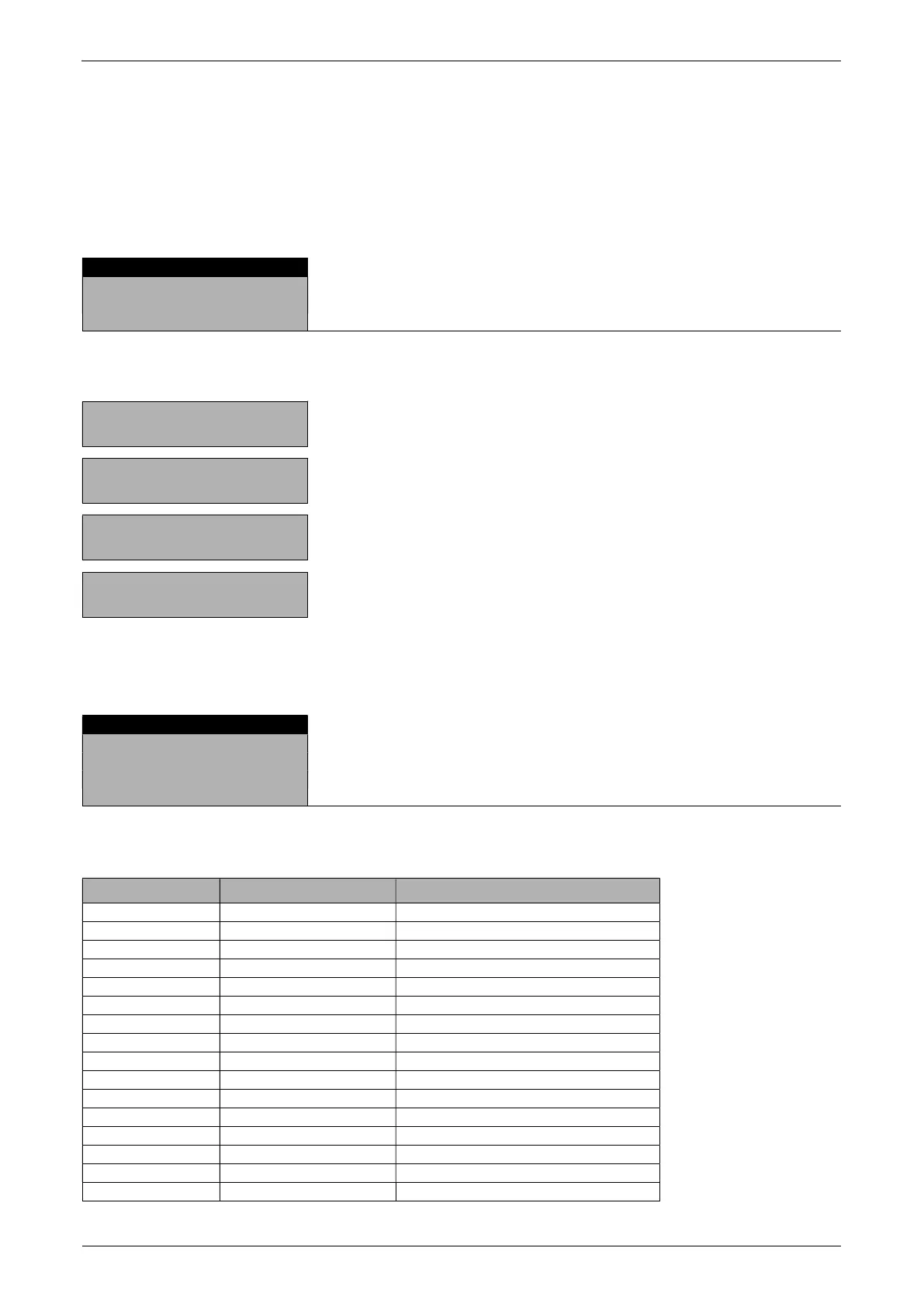
SPRACHE DEUTCH
LANGUE FRANCAISE
Procedure for changing the language:
- - - - - - - -
«»
Press repeatedly, until the language currently activated is
displayed.
- - - - - - - -
«»
The language now flashes.
- - - - - - - -
«»
Press repeatedly, until the language you require appears.
- - - - - - - -
«»
To confirm the choice of language.
Press «esc» to exit the menu.
6.3.3 Selecting the weight unit
The balance can show results in different units, although with some balances display is not possible in
milligram or kilogram because of the corresponding weight range.
Display Weight unit Conversion to gram
g Gram
(mg) Milligram 0,001 g
(kg) Kilogram 1000 g
GN Grain 0,06479891 g
dwt Pennyweight 1,555174 g
ozt Troy ounce 31,10347 g
oz Ounce 28,34952 g
Lb Pound 453,59237 g
ct Carat 0,2 g
C.M. Carat Metric 0,2 g
tLH Tael Hong Kong 37,4290 g
tLM Tael Malaysia 37,799366256 g
tLT Tael Taiwan 37,5 g
mo Momme 3,75 g
t Tola 11.6638038 g
Bht Baht 15.2 g


 To Next Page