Template Module, Version 2.2, 15.11.2022 / Version - 07.07.2020
Answering machines
Gigaset IP BASE / SBG IE-UK-International en / A31008-M3037-S301-1-X119 / answering_m_SBG.fm / 3/12/24
30
Network answering machines
A network answering machine is a service provided by your telephony provider. If the service is
activated, voice messages are recorded by the provider for calls that are received via a connec-
tion and are not accepted. The messages can be queried on the phones to which the connection
is assigned.
On the web interface
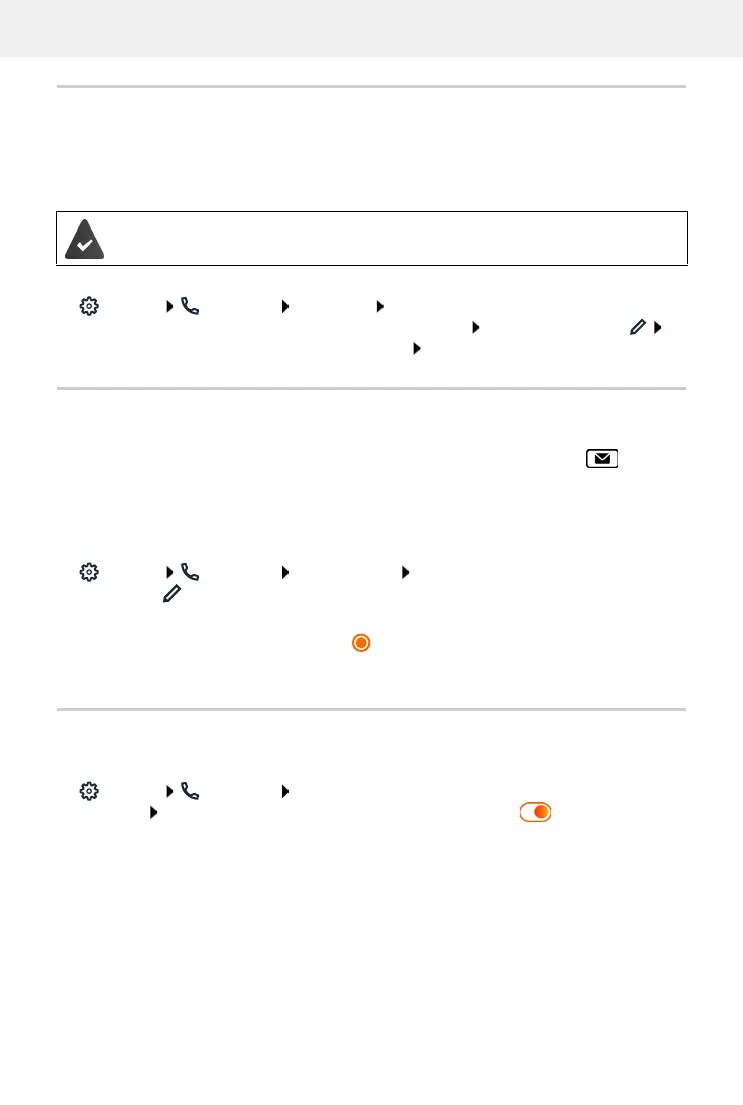
Settings Telephony Voicemails Network Voicemail Box ... for each config-
ured connection, a network answering machine is entered next to the entry, tap
enter number of the network answering machine Save
Assigning an answering machine for MWI display
Gigaset IP BASE can use multiple answering machines and receive MWI messages for them.
Incoming MWI messages are signalled on the telephones with the message key .
Handsets only ever receive notifications for one answering machine. If multiple answering
machines are assigned to these devices, the last answering machine set up will be signalled on
the device.
Check/change assignment:
Settings Telephony Phone devices next to the entry for the telephony
device, click . . . the local and network answering machines set up are listed under
Message configuration (MWI)
The activated answering machine is marked
If necessary, select another answering machine or No selection
Activating/deactivating an answering machine
On the web interface
Settings Telephony Voicemails . . . the available answering machines are
displayed activate/deactivate answering machines with switch ( = activated)
Network answering machines must be appointed by the provider if necessary.



 To Next Page