Gigaset IP BASE / SBG IE-UK-International en / A31008-M3037-S301-1-X119 / answering_m_SBG.fm / 3/12/24
Template Module, Version 2.2, 15.11.2022 / Version - 07.07.2020
Answering machines
31
Listening to voice messages via the web interface
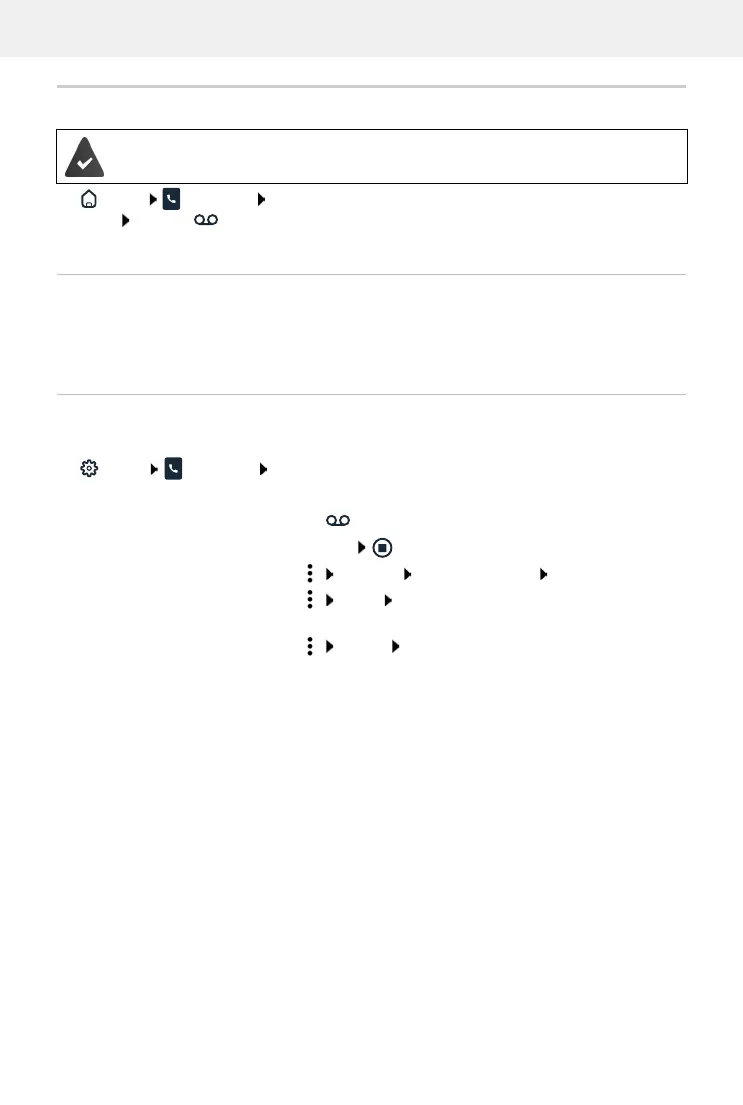
Home Messages Voicemail . . . the voice messages of all answering machines are
listed click the icon to the left of the entry . . . the message is played via the computer
loudspeaker
New messages
Status list – New voicemails displays the number of new voice messages. If there are new voice
messages, the display will be orange.
Tap New voicemails . . . the message list of the web interface is opened
Actions for voice messages
On the web interface
Home Messages Voicemail . . . the list of voice messages on all answering
machines is opened
At least one answering machine is configured and activated.
Listening:
click the icon next to the voice message
cancel listening:
Save number to directory:
click Save no. Central contacts create an entry
Transferring a number to
the black list:
click Block confirm with Ok . . . no more calls are put
through from this number
Delete an entry:
click Delete confirm with Ok



 To Next Page