Template Module, Version 2.2, 15.11.2022 / Version - 07.07.2020
Making/receiving calls
Gigaset IP BASE / SBG IE-UK-International en / A31008-M3037-S301-1-X119 / settings_advanced.fm / 3/12/24
44
Access code
If you operate the telephone on a PABX, you may have to dial an access code for external calls
(e.g. "0"). If you save the dialling code in the configuration, it is automatically prefixed with each
external call. The setting applies to all registered telephony devices.
On the web interface
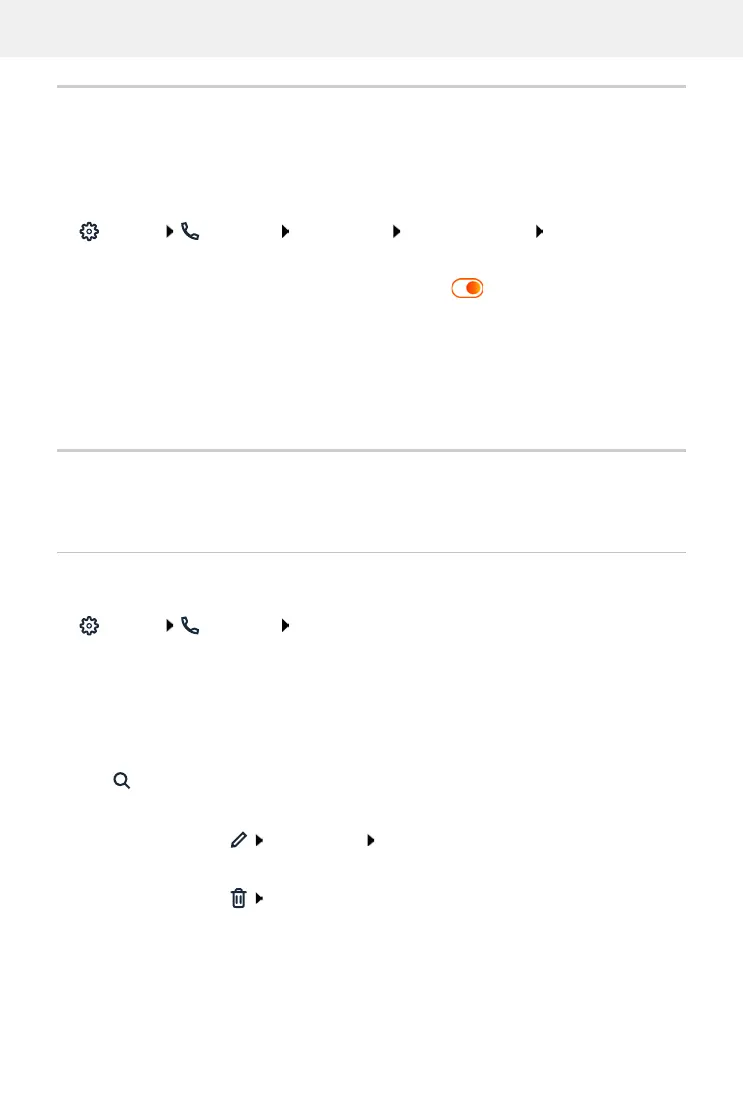
Settings Telephony Dialing plans Number handling Access code
Dialling rules
You can use dialling rules to specify which connection should always be used to dial specific
phone numbers.
Manage dialling rules
On the web interface
Settings Telephony Dialing plans . . . the existing dialling rules are listed by
number
Filtering a list:
Enter filter criteria in the Filter by number or comment text field
click . . . only the matching entries are displayed
Edit dialling rule:
next to the entry, click change name Save
Delete dialling rule:
next to the entry, click confirm with Ok
Enter the access code:
Enter the access code set on the PABX
Activate function:
Activate function with switch ( = activated)
Identify internal
numbers:
Select the number of digits used for internal numbers from the
Length of internal numbers menu
The access code is only prefixed if the number entered contains more
digits.
Save the settings:
Save
By number: Enter the start digits of the numbers
By comment: Enter letters occurring in a comment



 To Next Page