Gigaset IP BASE / SBG IE-UK-International en / A31008-M3037-S301-1-X119 / settings_advanced.fm / 3/12/24
Template Module, Version 2.2, 15.11.2022 / Version - 07.07.2020
Making/receiving calls
45
Create a new dialling rule
On the web interface
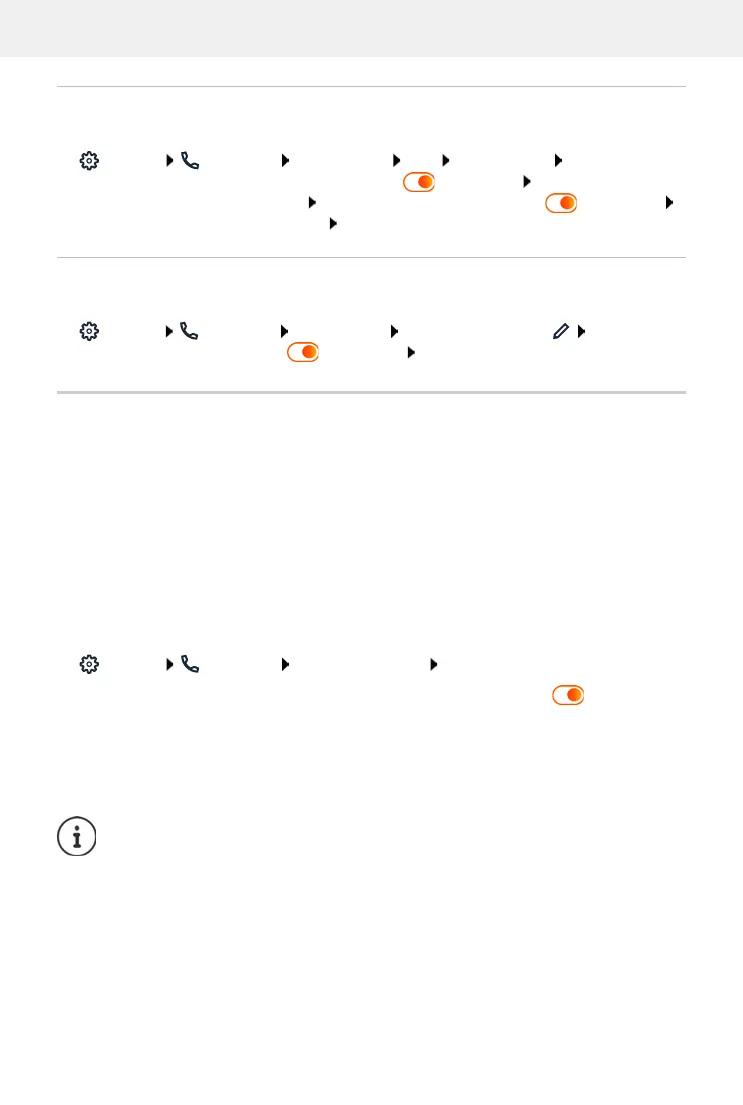
Settings Telephony Dialing plans Add enter number define whether
the number is to be prefixed with the area code ( = activated) select connection via
which the number is to be dialled activate dialling rule with switch ( = activated)
enter description for the dialling rule Save . . . the dialling rule is entered in the list
Activate/deactivate the dialling rule
On the web interface
Settings Telephony Dialing plans next to the entry, click activate/deac-
tivate dialling rule with switch ( = activated) Save
Setting STUN server
Once you have downloaded the profile of your VoIP provider from the Gigaset configuration
server, the settings for STUN are already initialised (STUN = Session Traversal Utilities for NAT).
The STUN server you set here is used as an alternative or as a fallback for the system.
The phone can determine its public address using STUN. The phone needs this address to
receive caller voice data.
If your telephone is connected to a router with NAT (Network Address Translation) and/or a fire-
wall, it might still be the case that a few settings in this area need configuring for your phone to
be accessible (i.e. addressable) from the Internet. NAT hides the IP addresses of nodes in the LAN
behind the shared, public IP address of the router.
On the web interface
Settings Telephony Advanced settings STUN server
Activate STUN
Activate/deactivate function with the switch ( = activated)
STUN server address
Enter the (fully-qualified) DNS name or the IP address of the STUN
server on the internet followed by the port number
(e.g. publicstun:3478)
Save the settings:
Save
The STUN server is set up system-wide. To enable use for an external VoIP connection,
the ICE support function must be activated for the connection. This happens auto-
matically for connections that are set up via provider profile. Contact your SIP
provider as required for more information on setting up a STUN server.



 To Next Page