SLX
0635-999-05---08p_2017.12.indd
Kundendienst benachrichtigen = Unterschied zu BA
ERROR:
E 7O3 END
RESET?
7
To ?
0635-999/06p
Page 19 of 30
Operator manual
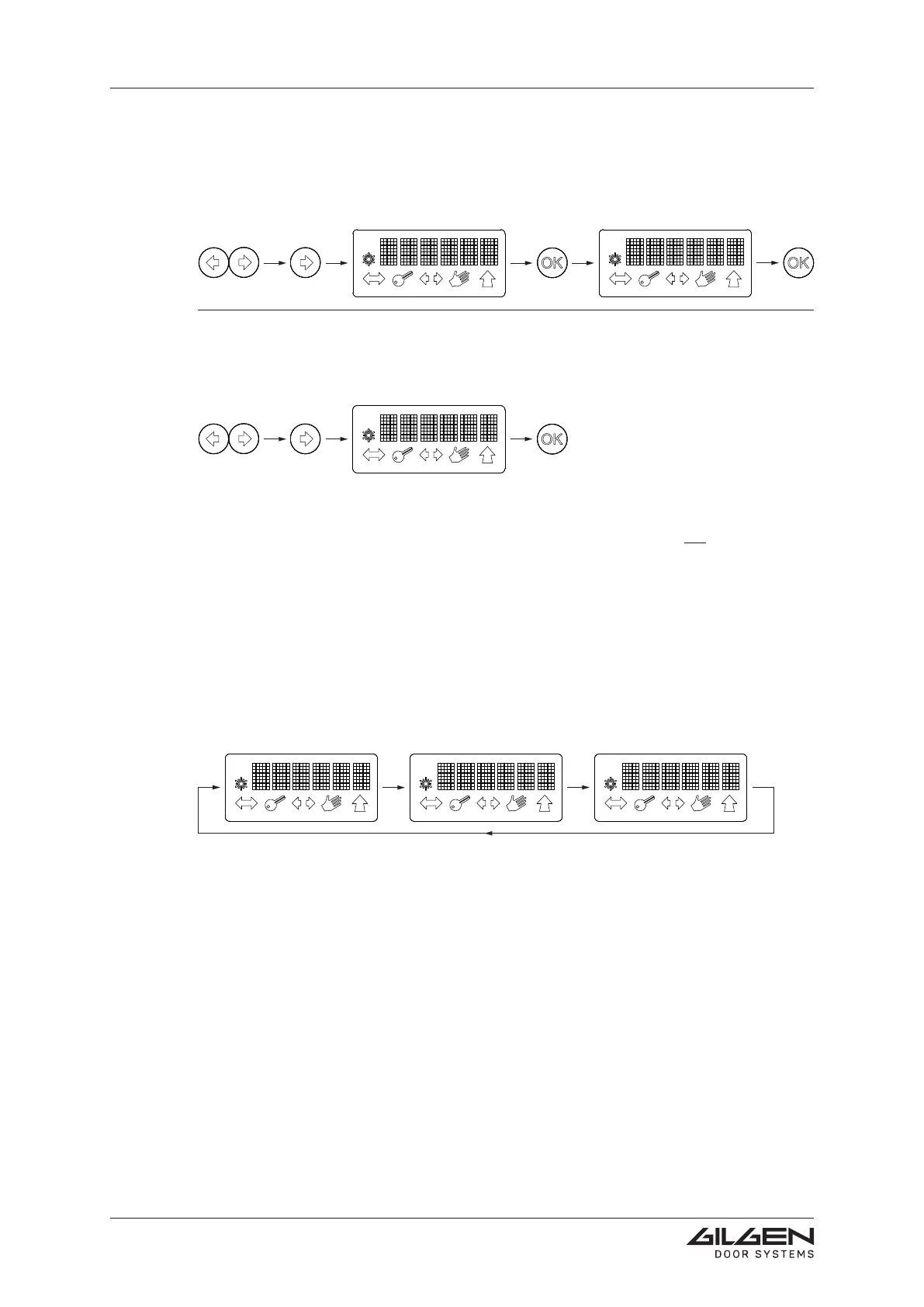
Parameters (hold-open timeday)
Short simultaneous actuation of the arrow keys (= access to the menu level).
By means of the arrow key, select To.
ConrmwiththeOKkey.
By means of the arrow key, change the value.
ConrmwiththeOKkey.
Reset
Short simultaneous actuation of the arrow keys (= access to the menu level).
By means of the arrow key, select Reset.
ConrmwiththeOKkey.
4.1.7 Error display
As soon as an error occurs, the mention ERROR appears on the display, followed by
the number of the presently active error (e.g. E 703).
Provided that no additional error is pending, END is displayed (error list: see chapter
Troubleshooting).
This sequence will be repeated until the error has been eliminated.
Display-Reset D-BEDIX
Keep the C key depressed during 3 seconds.
D-BEDIX is restarted (however, the setting-up procedure of the door is not repeated).



 To Next Page