CP30 INSTRUCTION MANUAL
22
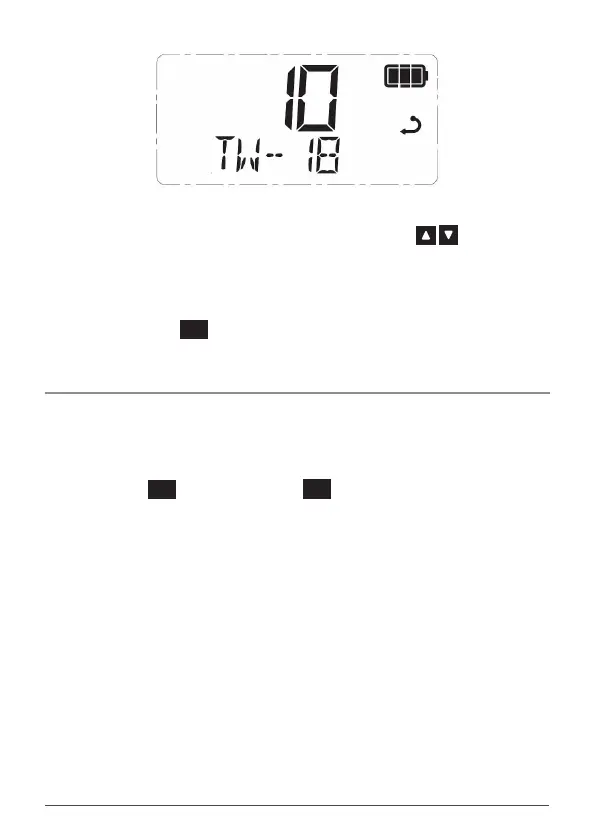
NOTE: When Triple Watch is active, you can change the selected channel at any
time by rotating the Channel Selector knob or pressing the keys. Your
radio will continue to monitor your two Priority Channels as well as your newly
selected channel.
To Exit Triple Watch
1. Press the
PRO
DUP
key. Triple watch will stop and the radio will return to
normal operation.
Scan Groups
The OS/GS key is used to select a scan group for scanning. Available scan groups
are Open Scan 1, Open Scan 2, Group Scan and Network Scan.
To Cycle Between Scan Groups
Briey press the
MENU
F
key followed by the
SCAN
OS/GS
key. OPEN1, OPEN2, GROUP or
NETWK will be displayed briey.
Please refer to the Scanning section for further details on the operation of each
scan group.
NOTE: Network scan (NETWK) is disabled by default and if required will need to
be enabled through the CP30’s menu. It will not appear under the OS/GS key until
it has been enabled (see NETWORK SCAN later in this manual).



 To Next Page