35
CP30 INSTRUCTION MANUAL
Message Text
The Message Text option enables or disables verbose messages that appear on
the display when some functions are selected. Generally these options are also
associated with an icon or some other indicator.
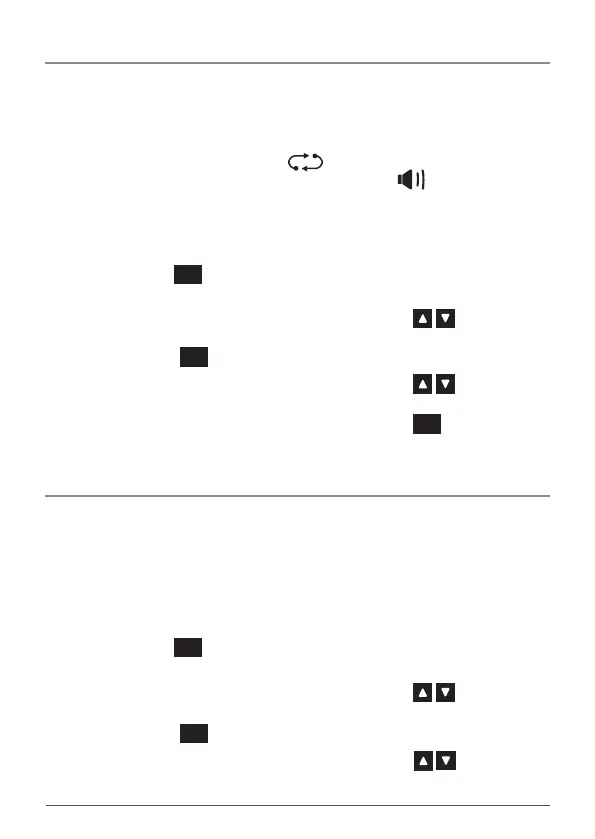
For example, when adding the selected channel to the scan memory, the message
SCANCH ON is displayed alongside the icon. Similarly opening the squelch
with the Squelch key displays SQLCH OPn alongside the icon.
If desired these text messages can be switched o so that only the associated
icon is displayed.
To Enable or Disable the Message Texts:
1. Hold the
MENU
F
key to access the menu. The last selected menu item
will be displayed.
2. Rotate the Channel Selector knob or press the keys until
MSGTXT is displayed.
3. Press the
MENU
F
key.
4. Rotate the Channel Selector knob or press the keys to select
ON or OFF.
5. When the desired option is displayed, press the
MENU
F
key to exit the
menu or wait a few seconds for the menu to time-out.
Power Save
The Power Save function is designed to conserve power and extend the battery
life by letting the radio sleep during periods of inactivity. If you intend to use your
CP30 for long periods of time between charges you should consider using the
power saving mode.
The Power Save option is switched o by default.
To Select the Power Save Options:
1. Hold the
MENU
F
key to access the menu. The last selected menu item
will be displayed.
2. Rotate the Channel Selector knob or press the keys until
PWRSAV is displayed.
3. Press the
MENU
F
key.
4. Rotate the Channel Selector knob or press the keys to select
OFF, LO or HI.



 To Next Page