108
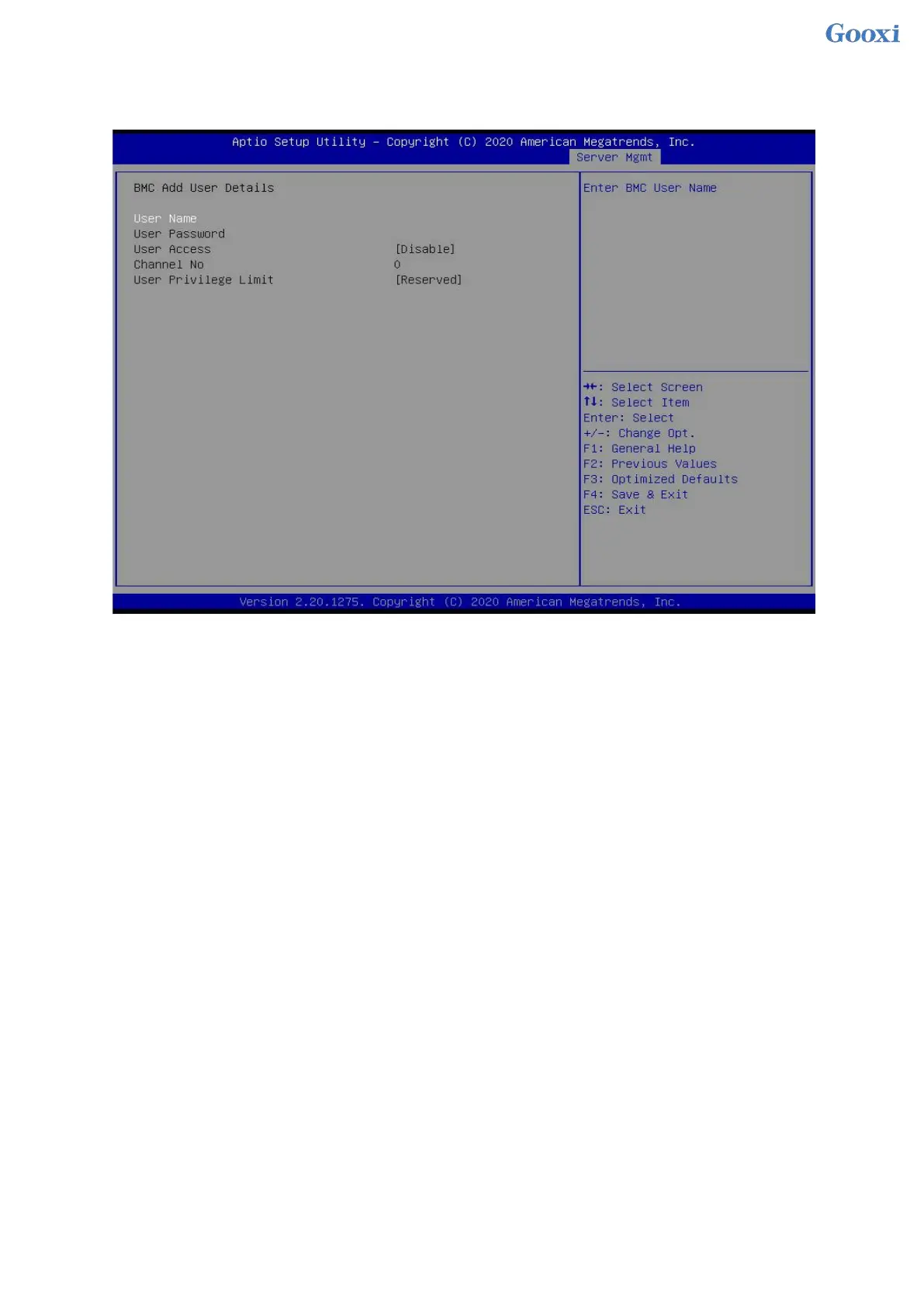
5.2.43 Add User
Figure 5- 46
User Name : User name setting, up to 16 characters are supported.
User Password : User password settings, password characters must contain uppercase and lowercase letters,
special characters and numbers, with a minimum of 8 characters and a maximum of 20 characters.
Channel No : BMC channel setting, input 1 or 8
User Privilege Limit
User permission settings, menu options are:
Reserved
Callback
User
Operator
Administrator
After the setting is successful, "Set User Access Command Passed" will be prompted, and the BMC User will
take effect immediately.


 To Next Page
 Loading...






