76
connected.
Port X
To control the opening and closing of sSATA Port X, the menu options are:
Disabled: Disable sSATA Port X.
Enabled: Enable sSATA Port X.
Default: Enabled
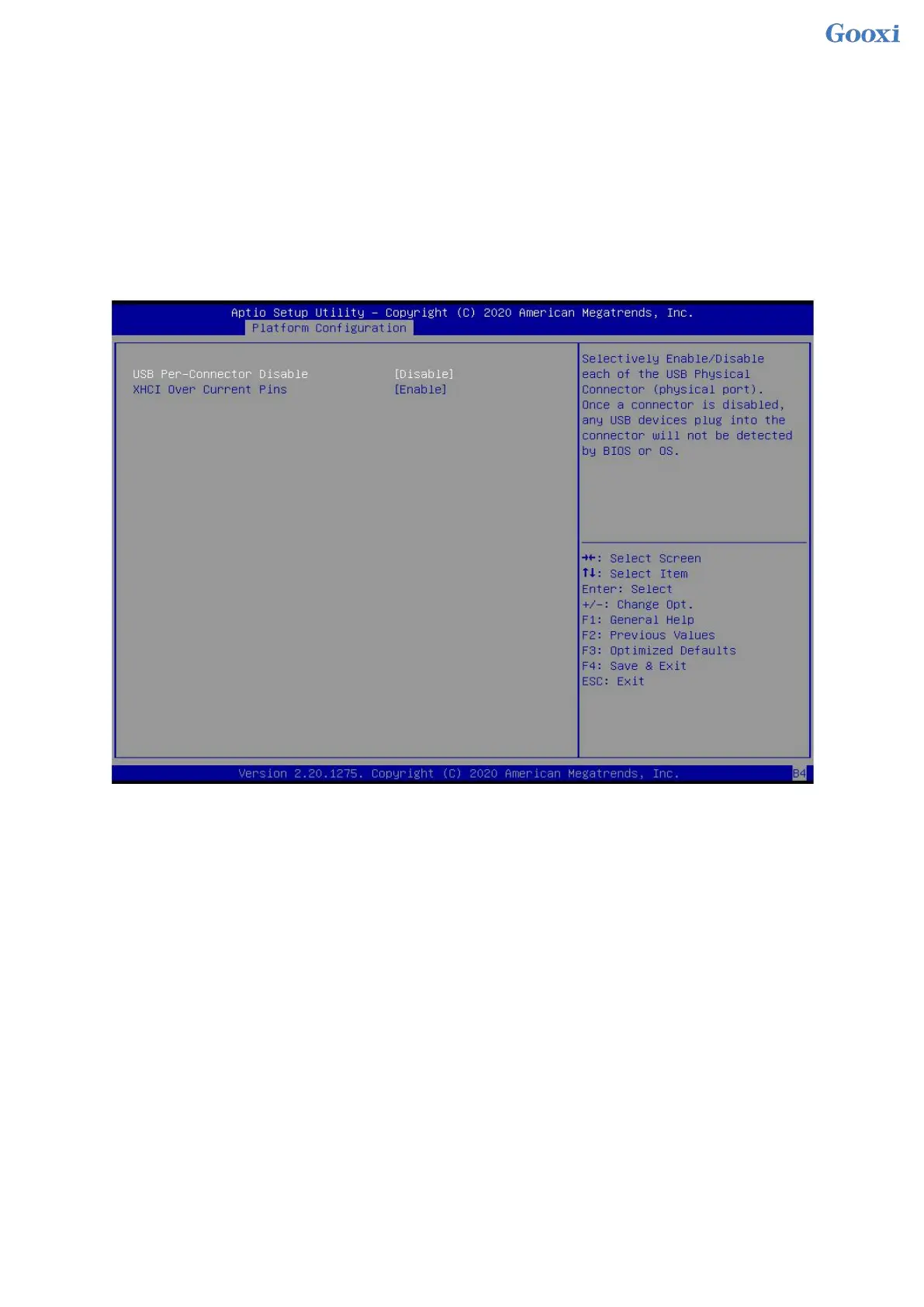
5.2.18 USB Configuration
Figure 5- 18
USB Per-Connector Disable
For each USB connector switch, the menu options are:
Enable
Disable
Default: Disable
XHCI Over Current Pins
XHCI overcurrent pin switch, the menu options are:
Enable
Disable
Default: Enable


 To Next Page
 Loading...






