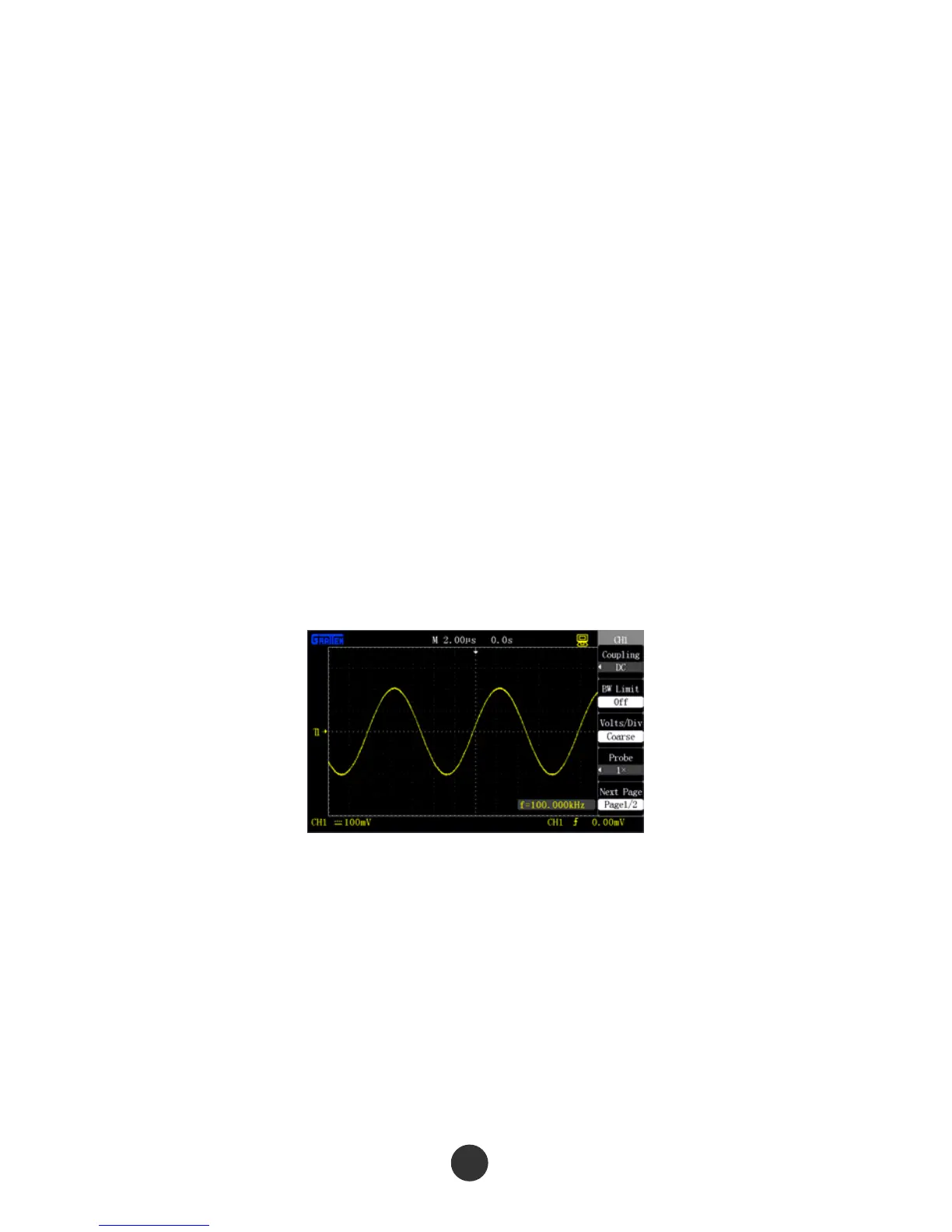
3.7 Screen capture
Use the shortcut key [PRINT] to store the screen print in a USB flash disc.
1. Press [SAVE/RECALL] to select “IMAGE STORE”.
2. Select “PRINT BUTTON” as “STORED IMAGE”. Set the [PRINT] shortcut key as
screen capture USB flash disc storage function.
3. Access a signal to channel 1, and press [CH1] to select “COUPLING MODE” as
“ALTERNATING CURRENT”.
4. Regulate the vertical gear [Volt/div] and the time base gear [s/div] to display the best
waveform.
5. Plug the USB flash disc, and notice that “USB MEMORY IS CONNECTED
SUCCESSFULLY” if the connection is normal.
6. Press [PRINT] to carry out storage, and notice that “DATA IS STORED
SUCCESSFULLY”.
7. Check the stored pictures in the computer, such as GAS0001.BMP.
Figure 3-5 GAS0001.BMP
91



 To Next Page