1/Delta T : Frequency of cursor A and cursor B.
Delta V : Vertical distance (namely the voltage value between the two cursors) of
cursor A and cursor B.
2.10.3 Measurement
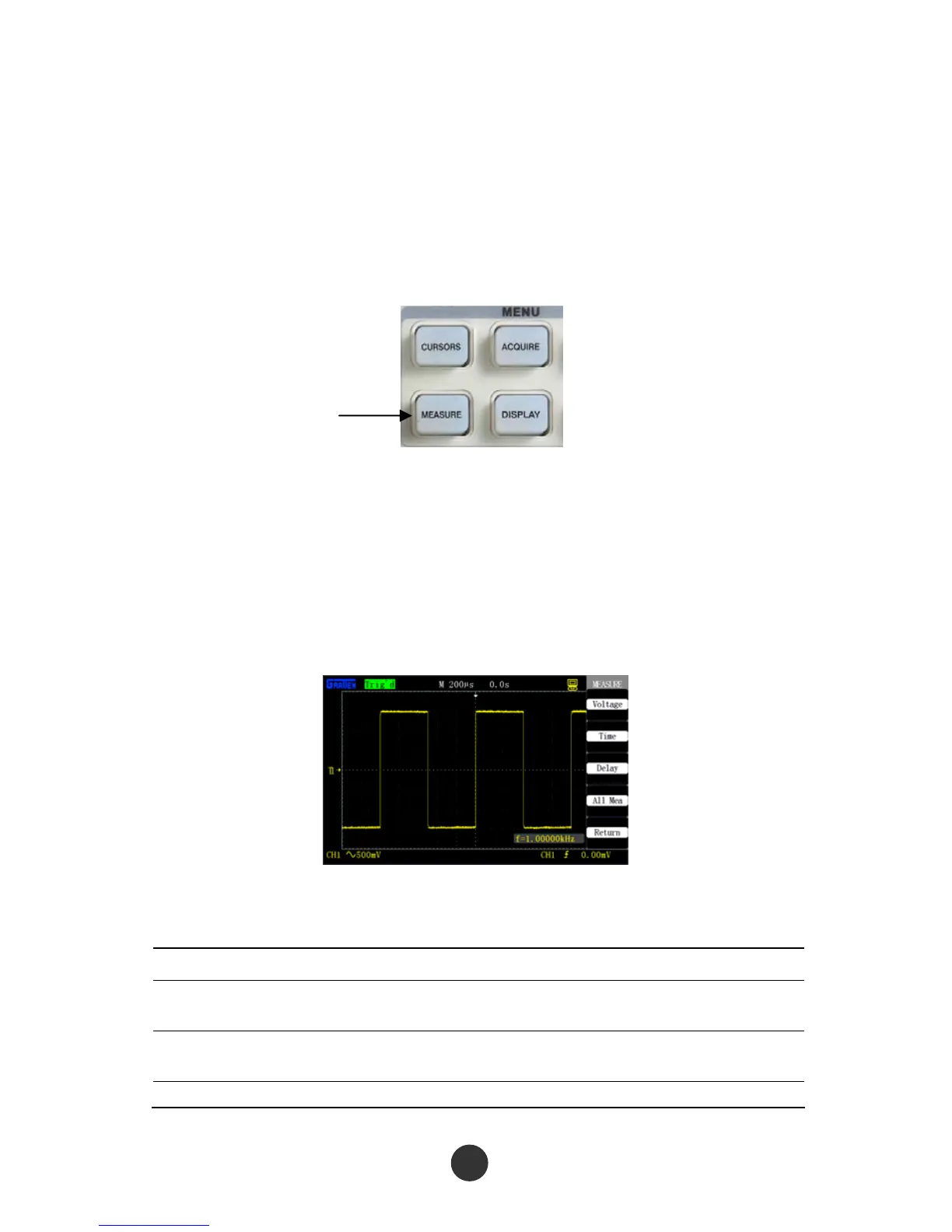
As shown in figure 2-52, [MEASURE] is a function key for measurement.
Figure 2-52 Measure keys
The measurement includes three major items: voltage measurement, time
measurement and delay measurement; and there are 32 measurement minor items in
total. At most five items can be displayed once. Press [MEASURE] to skip to the
measurement menu to display the measurement result at first, as shown in figure 2-53,
and press any option key to change the measurement type, as shown in figure 2-54.
Figure 2-54 Measurement type
Table 2-35 Measurement function menu 1:
Option Description
Voltage
measurement
Press the key to skip to the voltage measurement menu.
Time
measurement
Press the key to skip to the time measurement menu.
Delay Press the key to skip to the delay measurement menu.
Measure



 To Next Page