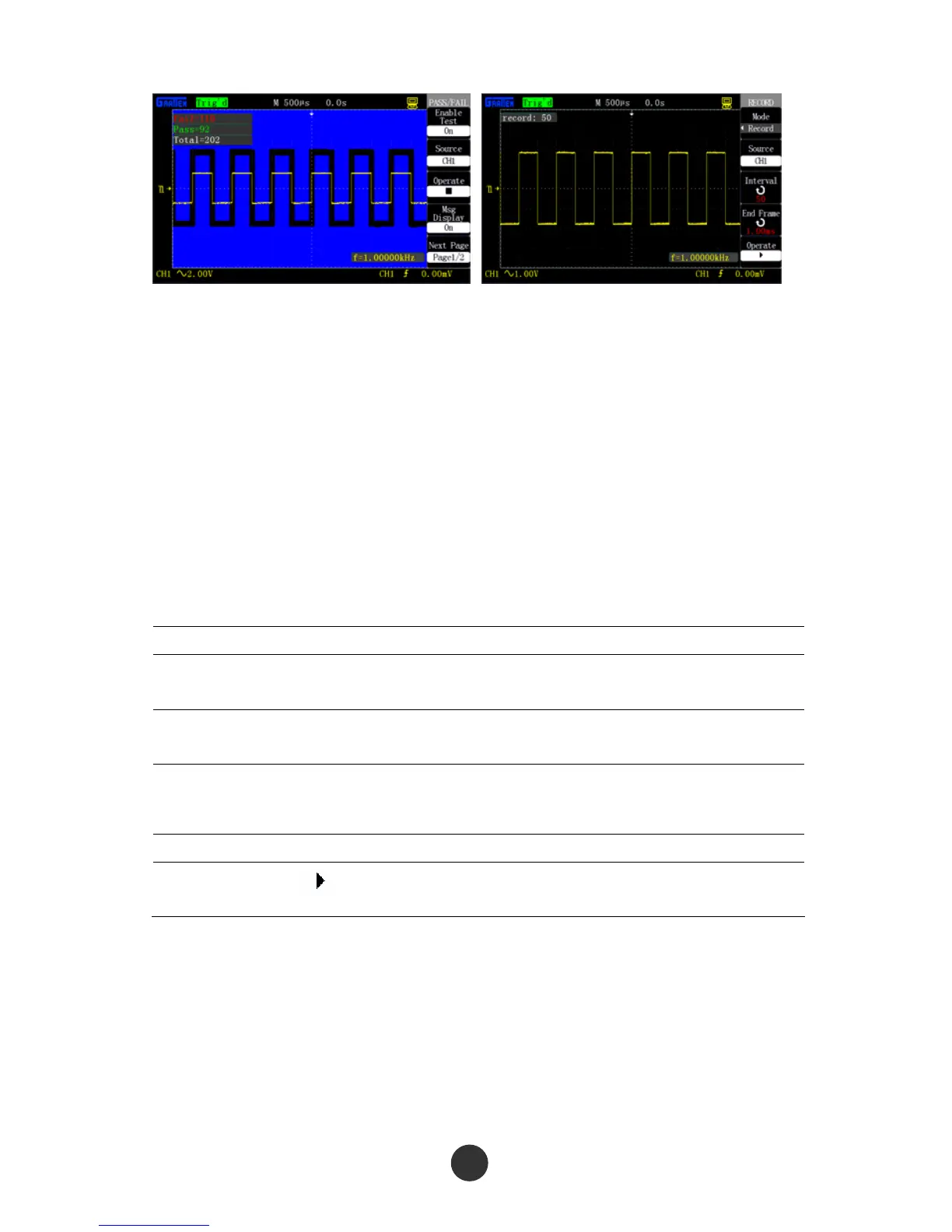
Figure 2-77 Pass/Fail Test result Figure 2-78 Waveform recording
2.12.7 Waveform recording
The waveform recording function can be used for recording waveforms input by
channel 1 and channel 2. The user can set the time interval of the frames within
1ms-999s. At most 1000 frames of waveforms can be recorded. The waveforms can be
replayed after being recorded.
Waveform recording: Record the waveforms at a specified time interval until reaching
the set end frame number.
Table 2-51 Waveform recording function menu:
Option Setup Description
Mode
Run
Stop
Set a recording function menu.
Set a replay function menu.
Signal source
Record
Replay
Set a recording signal source.
End frame
CH1
CH2
Set the maximal frame number for waveform
recording.
Time interval Set the time interval for waveform recording.
Operation
■
Start to record the waveform.
Stop recording the waveform.
As shown in figure 2-78, the operation steps of waveform recording are as follows:
1. Press [UTILITY] to skip to the [UTILITY] menu.
2. Press “Next” to skip to page 3 of the auxiliary menu.
3. Press “Waveform recording” to skip to the “RECORD” menu.
78



 To Next Page