2.13 Help function
This series of oscilloscope has one-line help function that provides various language
help information, and the help information can be recalled at any time as needed
during use.
[HELP] is a help function key, and the user can enter or exit the help state by pressing
the key. The user can recall the corresponding help information by pressing the keys
when entering the help state.
The submenus in each main menu have the corresponding help information. Attention:
in order to check the help information of the options in the next page of the submenu,
please exit the help state at first, switch to the next page of the menu, then enter the
help state again, and then press the option key to check the corresponding help
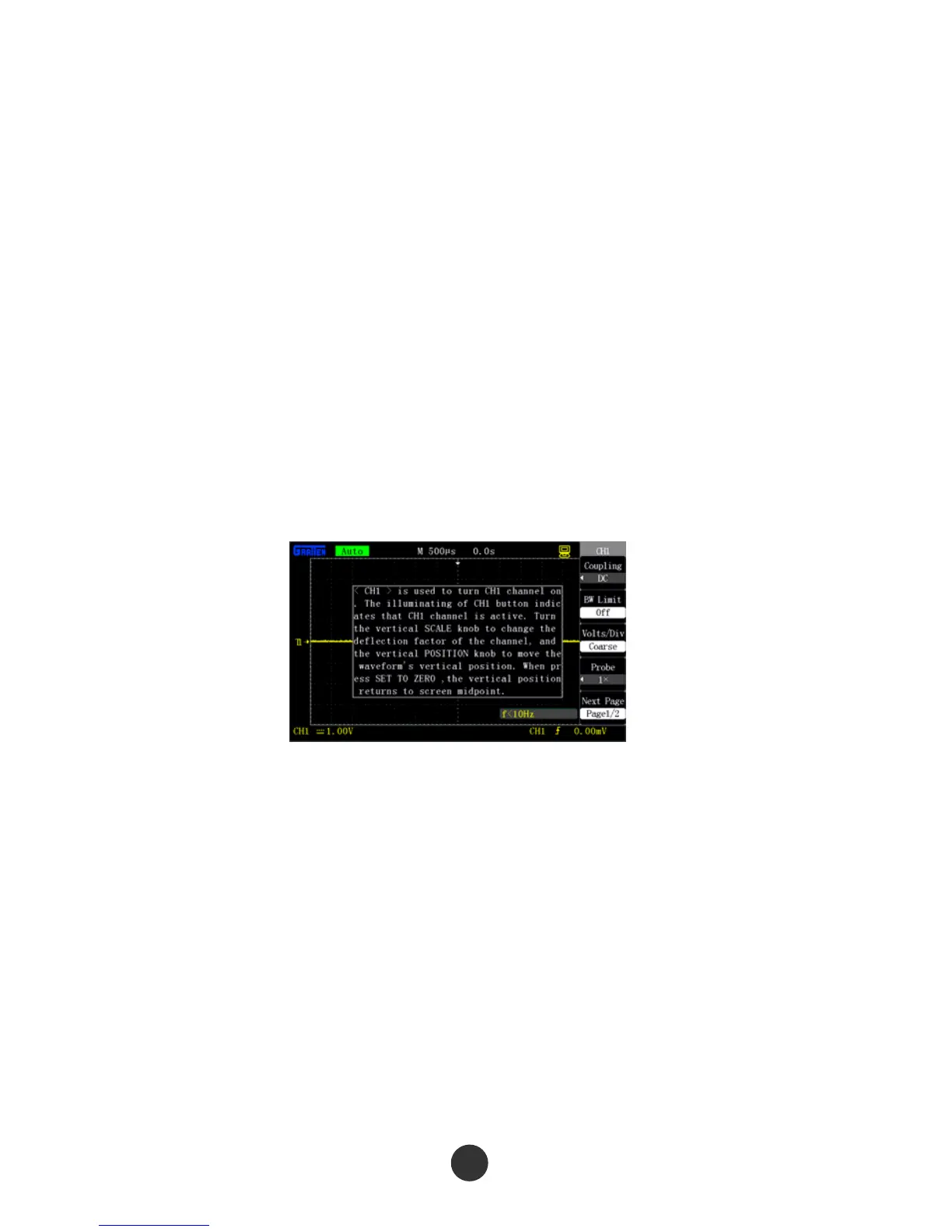
information. Figure 2-81 shows the help information of [CH1].
Figure 2-81 Help interface
81



 To Next Page