Table 2-46 Page 4 of the auxiliary system function menu:
Option Setup Description
Screen saving
1min
2min
5min
10min
15min
20min
1hour
2hour
5hour
Stop
Set the screen saving time.
Next Page 4/4 Press the option key to skip to page 1.
2.12.1 System state
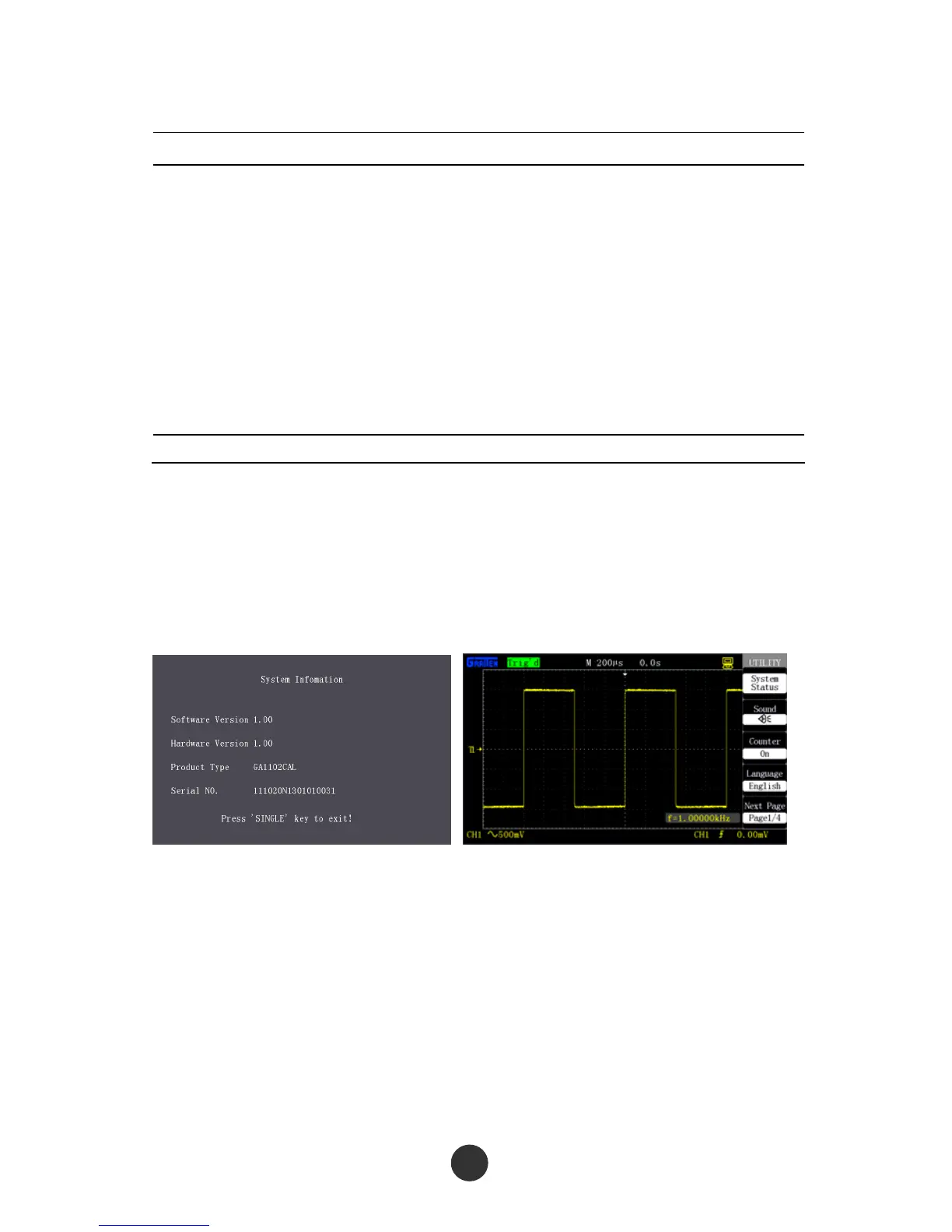
Select “System state” in the [UTILITY] menu to display the system state. As shown in
figure 2-67, the system state includes software and hardware versions, local model
number and sequence number.
Figure 2-67 System state Figure 2-68 Language selection
2.12.2 Language selection
This series of oscilloscope is provided with a plurality of languages that can be
selected by users.
To select a display language, press [UTILITY], press “Language type” in page 1 of the
“UTILITY” menu, and switch the language menu for display. Figure 2-68 shows an
English menu.



 To Next Page