Back USB
interface
Computer
Connect the oscilloscope with the computer
by a USB wire, and select “Computer” when
running the principle computer GAScope1.0
software to implement remote control, and
display a computer icon in the upper part of
the screen at the moment.
Next Page 2/4
Press the key to skip to page 3 of the menu.
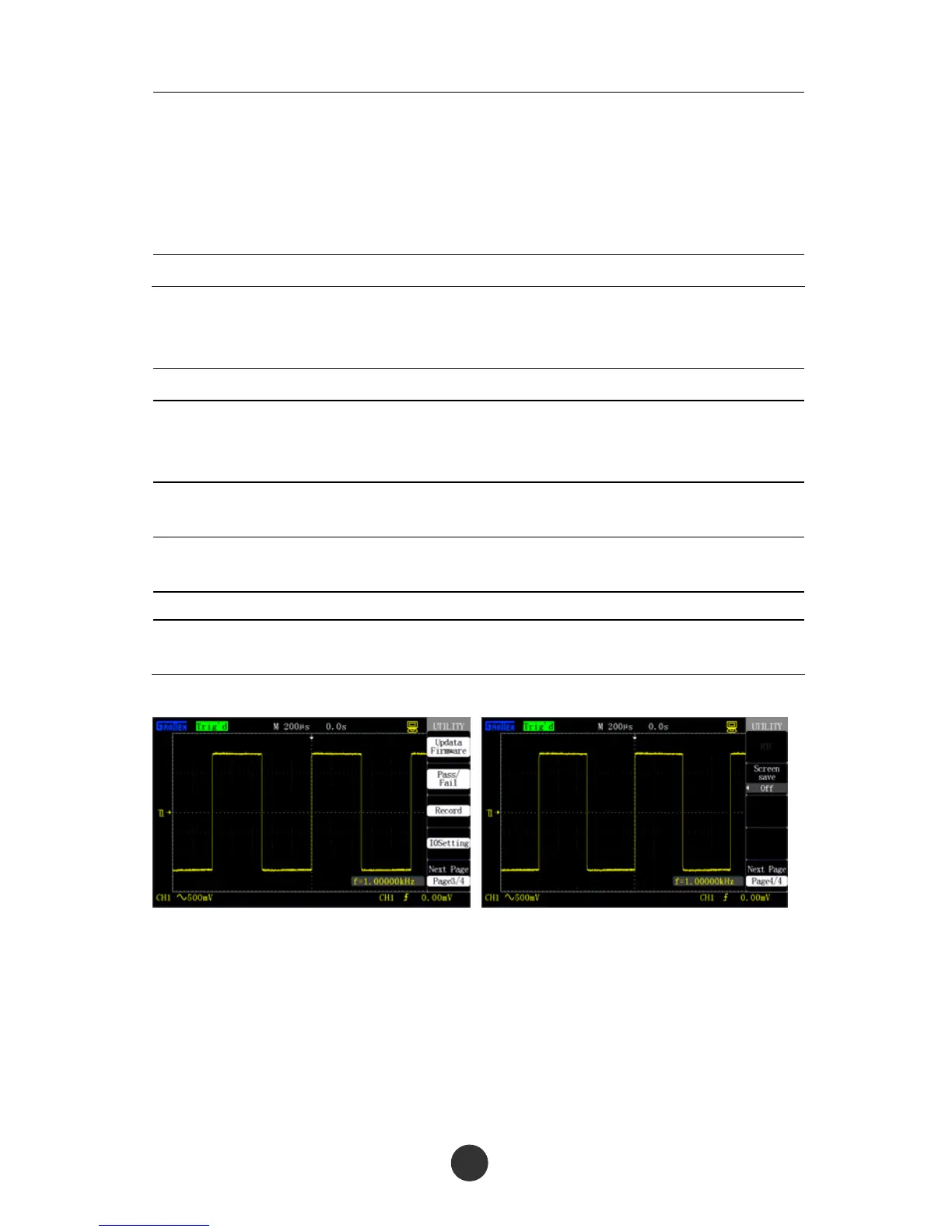
Table 2-45 Page 3 of the auxiliary system function menu:
Option Setup Description
Upgrade
firmware
Upgrade the software by the USB flash
disc. The upgrading needs about 5
minutes.
Pass/Fail
Press the key to skip to the Pass/Fail
menu.
Waveform
recording
Press the key to skip to the waveform
recording menu.
Interface setup Skip to an interface setup menu.
Next Page 3/4
Press the option key to skip to the next
page of the menu.
Figure 2-65 Page 3 of the auxiliary menu Figure 2-66 Page 4 of the auxiliary menu



 To Next Page