2.12.3 Self correction
A self correction program can ensure a maximal measurement precision of the
oscilloscope. The program can be run at any time, especially when the environment
temperature is changed by more than 5 ℃ or after the program is continuously run for
30min.
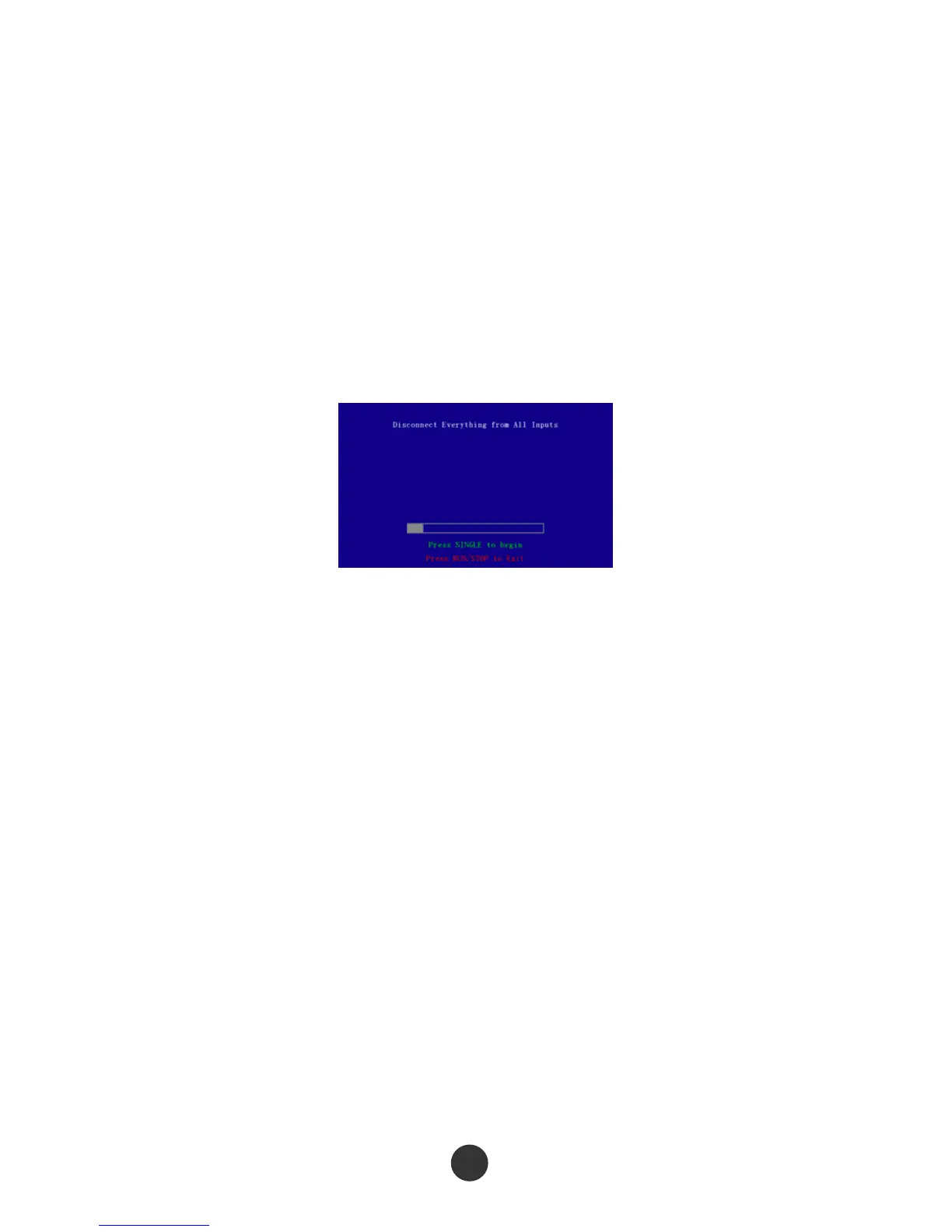
For self correction, please disconnect all the probes or wires from the input connector,
then press [UTILITY], press “ Self correction” in page 2 of the “UTILITY” menu, and run
the self correction program according to a screen prompt.
Figure 2-69 Self correction
2.12.4 Self test
Press [UTILITY], and press “Self test” in page 2 of the “UTILITY” menu. The self test
includes screen test, keyboard test and lightening test.
Operation steps:
1. Screen test:
Select “Screen test” to skip to a screen test interface, as shown in figure 2-70. At the
moment, the screen displays a prompt message of “Press SINGLE key to continue,
Press RUN/STOP key to exit”, namely start the test when prompting to press [SINGLE].
Different colors are displayed on the screen. Observe whether the screen has serious
color cast or other display errors.



 To Next Page