2.7 Trigger system
The trigger function of the oscilloscope can be synchronously horizontally scanned at
the right point of the signal, which is very important to signal display. Trigger control
can be used for stabilizing repeated waveform and acquiring single-pulse waveform.
After the trigger is correctly set, the oscilloscope can transform an unstable display
result or blank as a significant waveform.
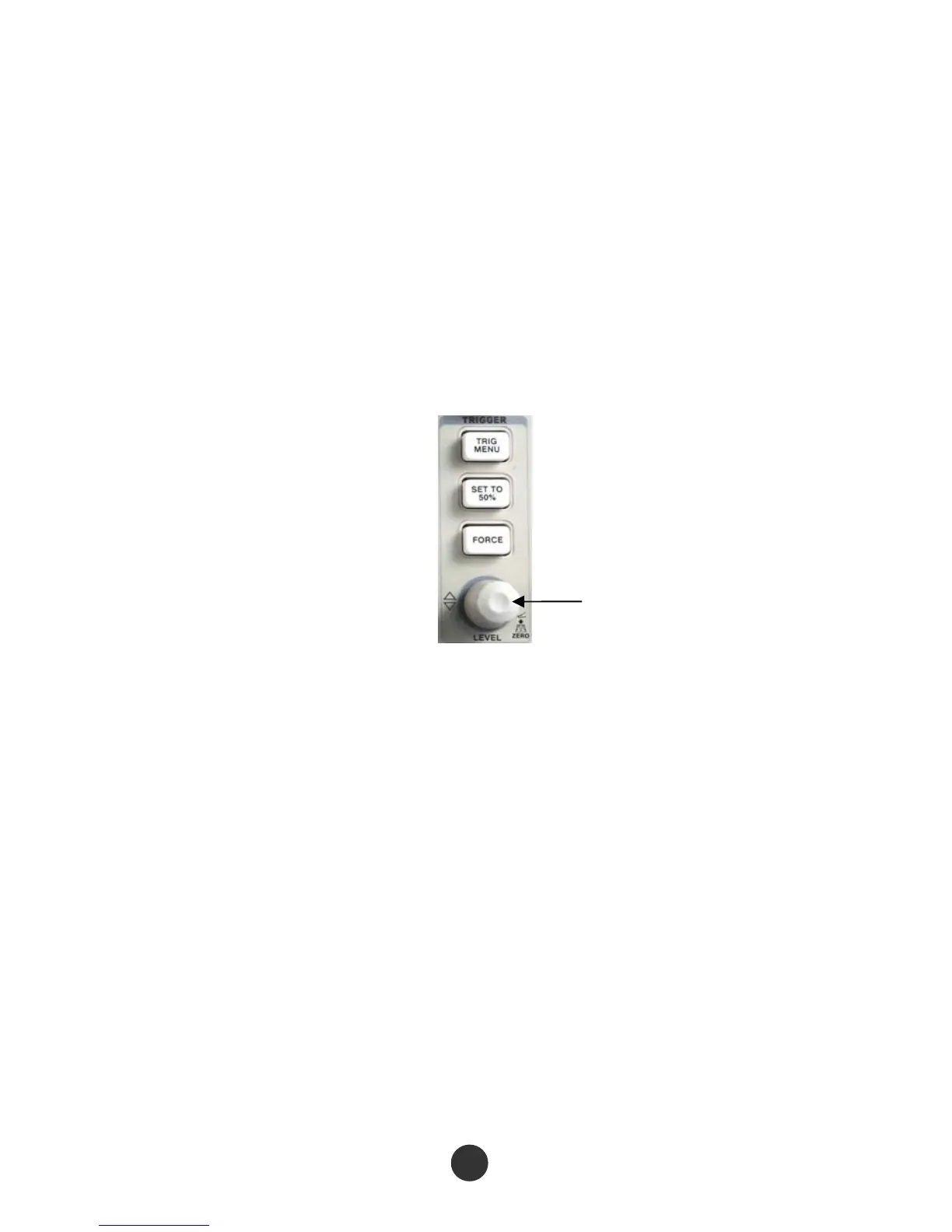
As shown in the figure below, one knob and three keys are in the trigger control region
(TRIGGER).
Trigger electric level knob
Figure 2-28 Trigger keys and knob
[TRIG MENU]
Press the key to recall the “TRIGGER” menu.
[LEVEL] knob
Set a signal voltage corresponding to the trigger point to the trigger electric level for
sampling. Press the knob to set the trigger electric level as zero electric level.
[SET TO 50%]
Use the key to quickly stabilize the waveform. The oscilloscope could automatically
trigger the electric level as a center electric level of the signal. The key is very useful
and can be used for quickly setting the trigger electric level.
32



 To Next Page