2.12 Auxiliary system
[UTILITY] is an auxiliary system function key.
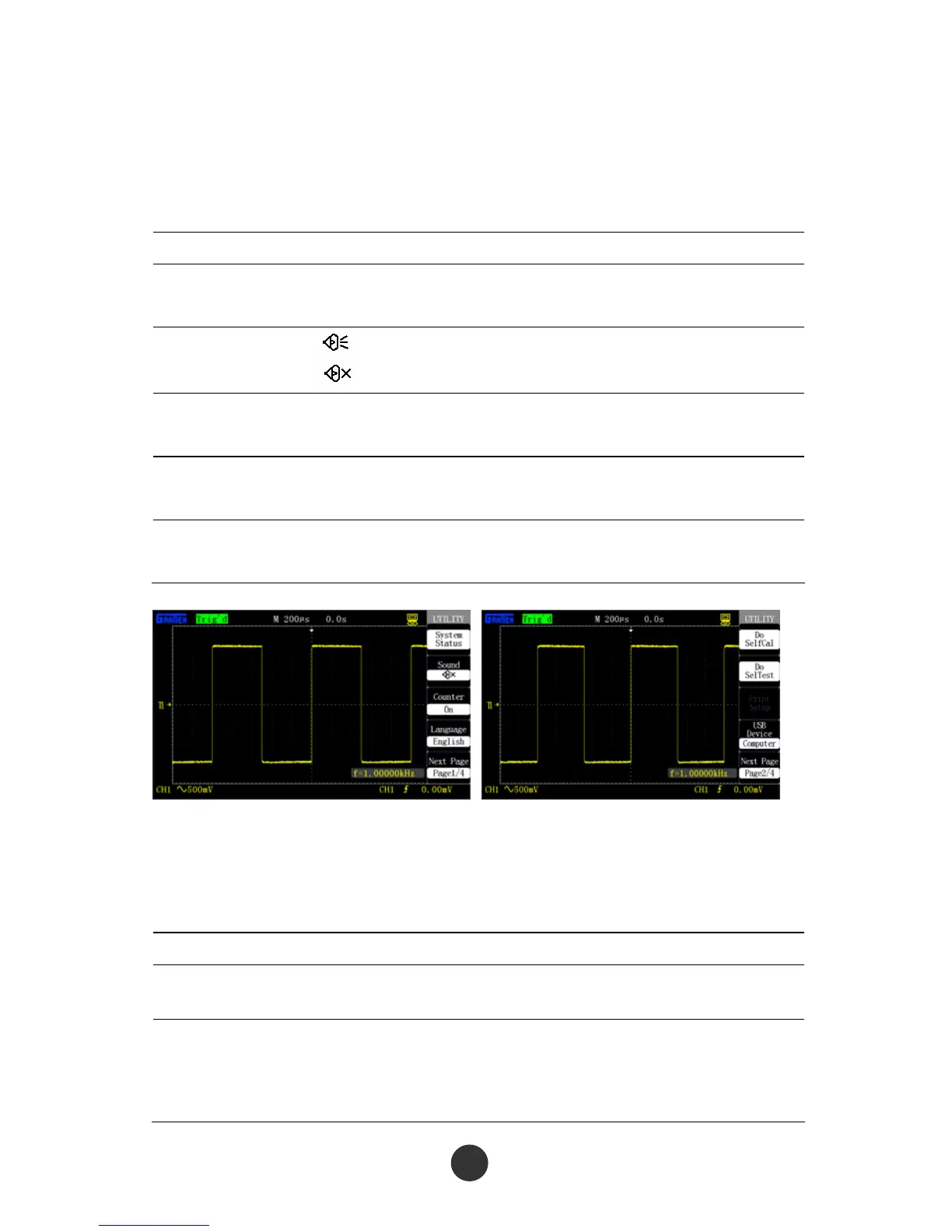
Table 2-43 Page 1 of auxiliary system function menu:
Option Setup Description
System state Display the system state of the
oscilloscope.
Sound
Run the key sound of the oscilloscope.
Stop the key sound of the oscilloscope.
Frequency meter Run
Stop
Run the frequency meter function.
Stop the frequency meter function.
Language Simplified Chinese
English
Simplified Chinese
English
Next Page 1/4 Press the option key to skip to page 2 of
the menu.
Figure 2-63 Page 1 of auxiliary Figure 2-64Page 2 of auxiliary
function menu function menu
Table 2-44 Page 2 of the auxiliary system function menu:
Option Setup Description
Self correction
Carry out self correction operation for
channel correction.
Self test
Screen test
Keyboard test
Lightening test
Run a screen test program.
Run a keyboard test program.
Run a lightening test program.
69



 To Next Page