low-frequency signal is observed at the scan mode.
2.6.2 Window expansion
Window expansion is used for amplifying a segment of waveform so as to check
details. The window expansion time base setup cannot be slower than the setup of the
main time base. In the window expansion region, a selection region can be moved
leftwards and rightwards by the horizontal [POSITION] knob or enlarged and reduced
by revolving the [s/div] knob. The window expansion time base has higher resolution
relative to the main time base. The smaller the window expansion time base is, the
higher the horizontal expansion multiple of the waveform is.
Carry out the following steps to observe details of local waveform:
1. Press [HORI MENU] to display the “HORIZON” menu.
2. Press the “WinZone” option button.
3. Revolve [s/div ](to regulate the size of the window) and the horizontal [POSITION] (to
regulate the position of the window) to select the window of the waveform to be
observed, as shown in figure 2-26. The expansion time base cannot be slower than
the main time base.
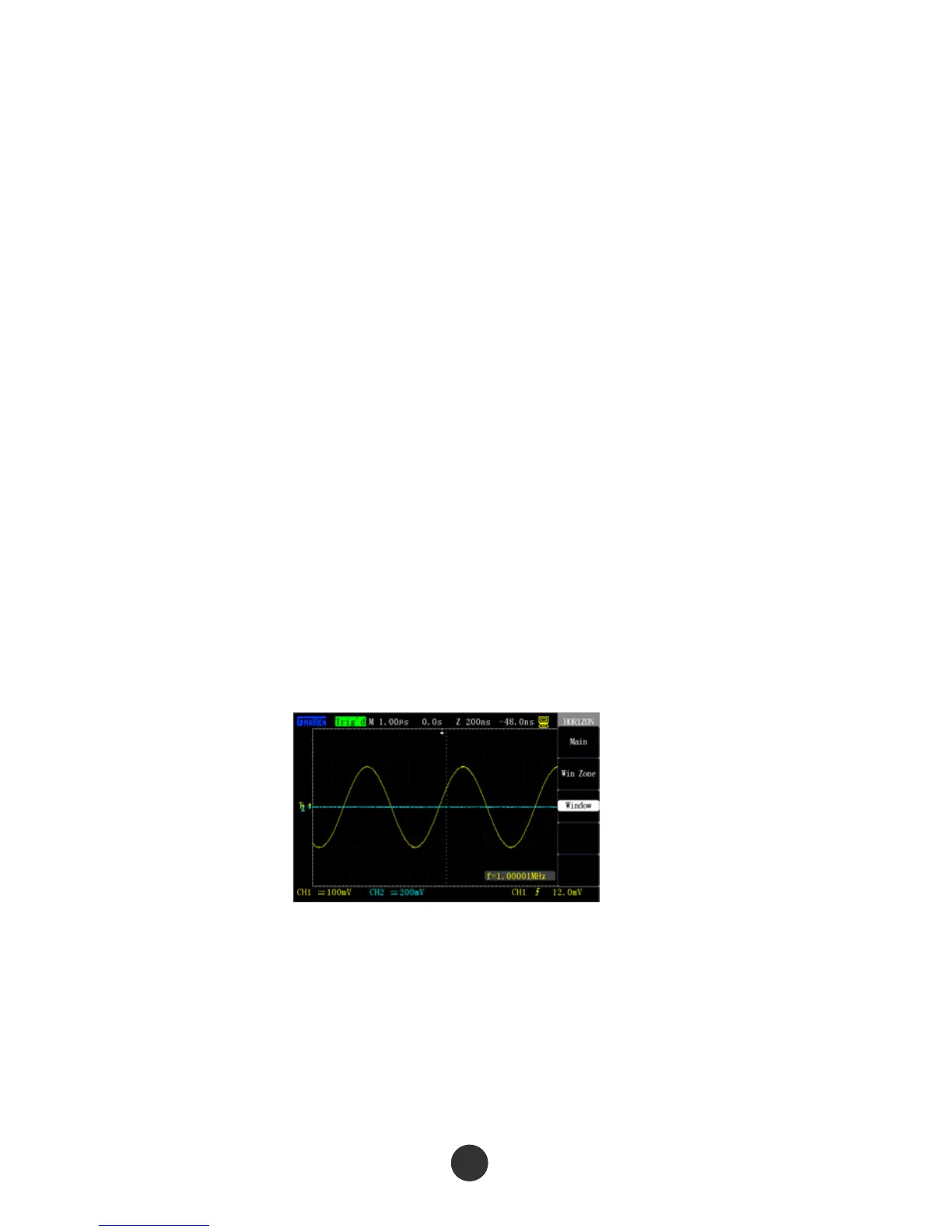
Figure 2-27 Window expansion
Press the “Window” button after the window is set. At the moment, the waveform in the
selected window is expanded to the full screen to display. Figure 2-27 shows the
expansion result after the window is set.



 To Next Page