80
End frame Set the replayed end frame number.
Back Back to the main waveform recording menu.
Back Page 2/2 Back to page 1 of the replay function menu.
During replay, the current frame number is displayed on the screen; after replay is
stopped, the [UNIVERSAL] knob is used to observe all frames of waveforms between
the start frame and the end frame.
The current recorded waveforms can be replayed by carrying out the following steps:
1. Press [UTILITY] to skip to the [UTILITY] menu.
2. Select “Mode” as “Replay”.
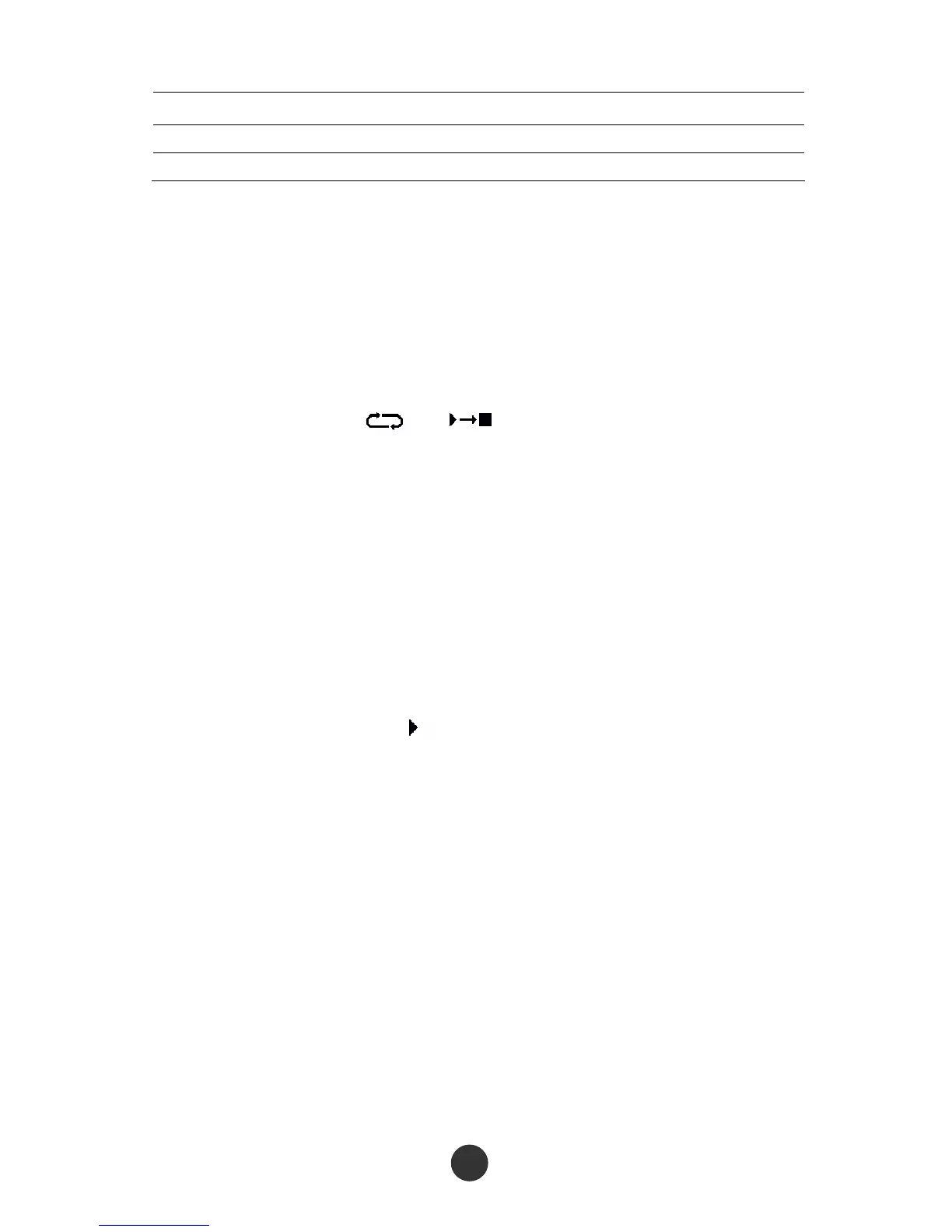
3. Select “Replay mode” as or .
4. Press “Time interval” to set the time interval of the replayed waveform frame to
frame.
5. Press “Next Page1/2” to skip to page 2 of the replay function menu.
6. Press “Start frame”, and revolve the [UNIVERSAL] knob to regulate the start frame
number of the replayed waveforms.
7. Press “End frame”, and use the [UNIVERSAL] knob to regulate the end frame number
of the replayed waveforms.
8. Press the “Back Page 2/ 2” option key to get back to page 1 of the waveform replay
function menu.
9. Press the “Operation” option to replay the waveform.
2.12.8 Interface setup
The interface setup is used for setting RS-232 Baud rate, and the Baud rate can be set
as 300, 2400, 4800, 9600, 19200 or 38400.



 To Next Page