measurement
All measurement Press the key to skip to the all measurement menu.
Back Press the key to get back to the measurement result.
Table 2-36 Measurement function menu 2-volage test menu:
Option Setup Description
Signal
source
CH1, CH2 Select a signal source for a
voltage test.
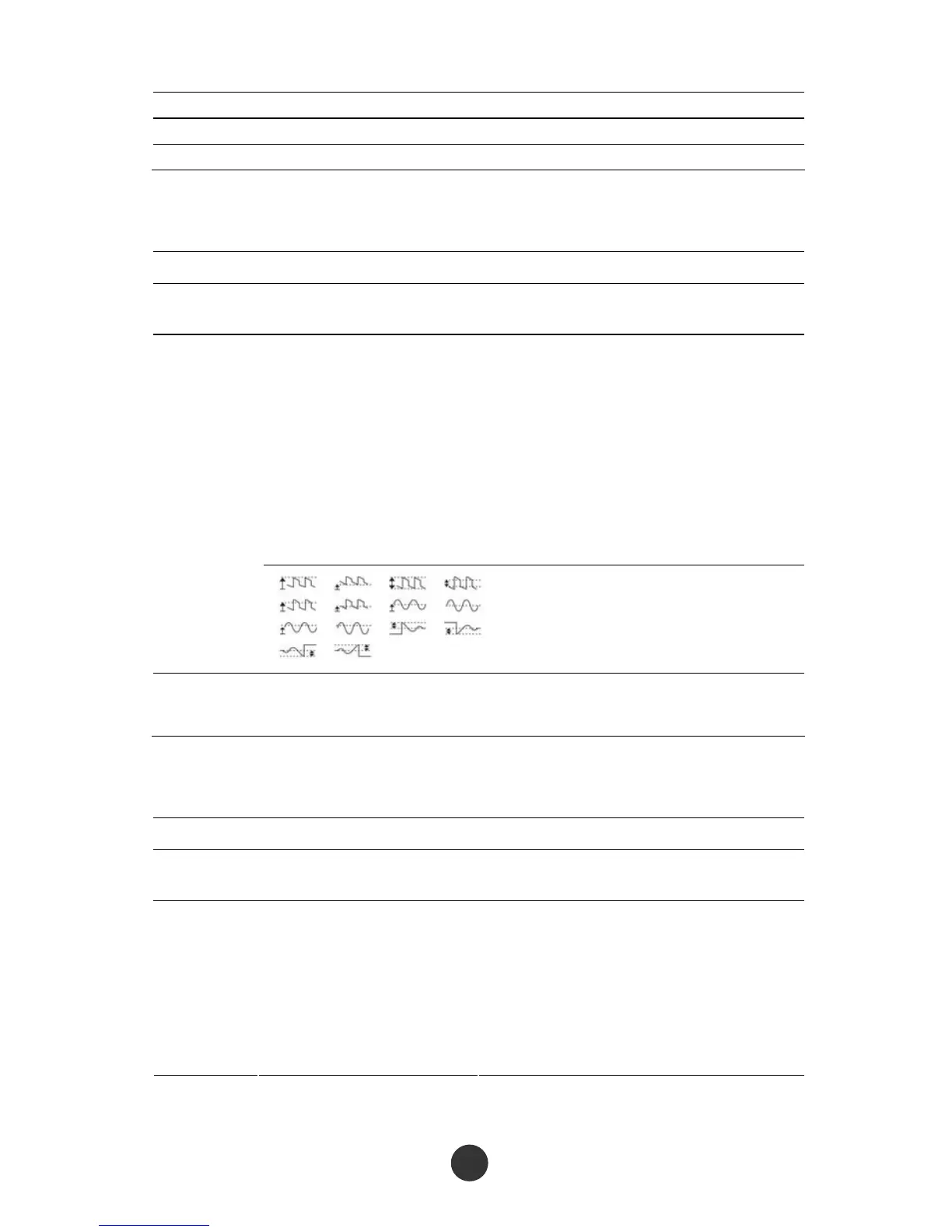
Maximal value, minimal value,
peak-to-peak value, amplitude,
top value, bottom value,
periodic average value,
average value,
periodic mean square root,
mean square root,
ROVERShoot, FOVERShoot,
RPREShoot, FPREShoot
Press “Measurement type” or
revolve the [UNIVERSAL] knob to
select voltage measurement
parameters.
types
Display the icons and measured
values corresponding to the
selected voltage measurement
parameters.
Back Back to measurement function
menu 1
Table 2-37 Measurement function menu 3-time test menu:
Option Setup Description
Signal
source
CH1,CH2 Select a signal source for time
measurement.
Types
Rise time, fall time,
frequency, period,
pulse width,
positive pulse width,
negative pulse width,
positive duty ratio,
negative duty ratio
Press “Measurement type” or revolve the
[UNIVERSAL] knob to select time test
parameters.



 To Next Page