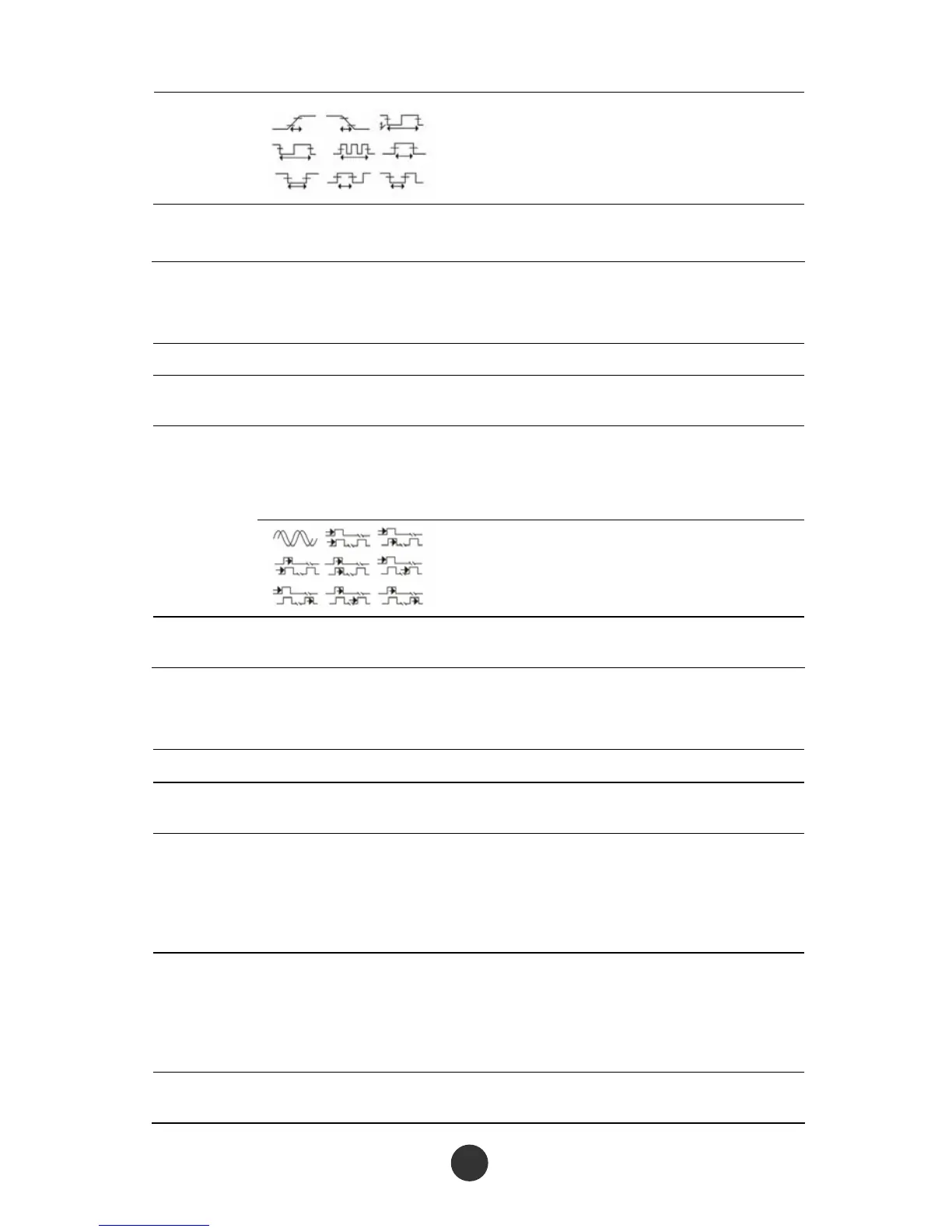
Display the icons and the measured
values corresponding to the selected
measurement parameters.
Back Back to the measurement function
menu 1.
Table 2-38 Measurement function menu 4-delay test menu:
Option Setup Description
Signal
source
CH1
CH2
Select a signal source for delay
measurement.
Phase, FRR, FRF,
FFR,FFF,LRR,
LRF,LFR,LFF
Press “Measurement type” or revolve the
[UNIVERSAL] knob to select the delay
measurement parameters.
Types
Display the icons and the measured
values corresponding to the
measurement parameters.
Back
Back to the measurement function
menu 1.
Table 2-39 All measurement function menu:
Option Setup Description
Signal source
CH1
CH2
Select the input signal channel.
Voltage
measurement
Run
Stop
Run all measurement on the voltage type
parameters.
Stop all measurement on the voltage type
parameters.
Time
measurement
Run
Stop
Run all measurement on the time type
parameters.
Stop all measurement on the time type
parameters.
Delay
measurement
Run
Run all measurement on the delay type



 To Next Page