4
1.1.2 Instrument back
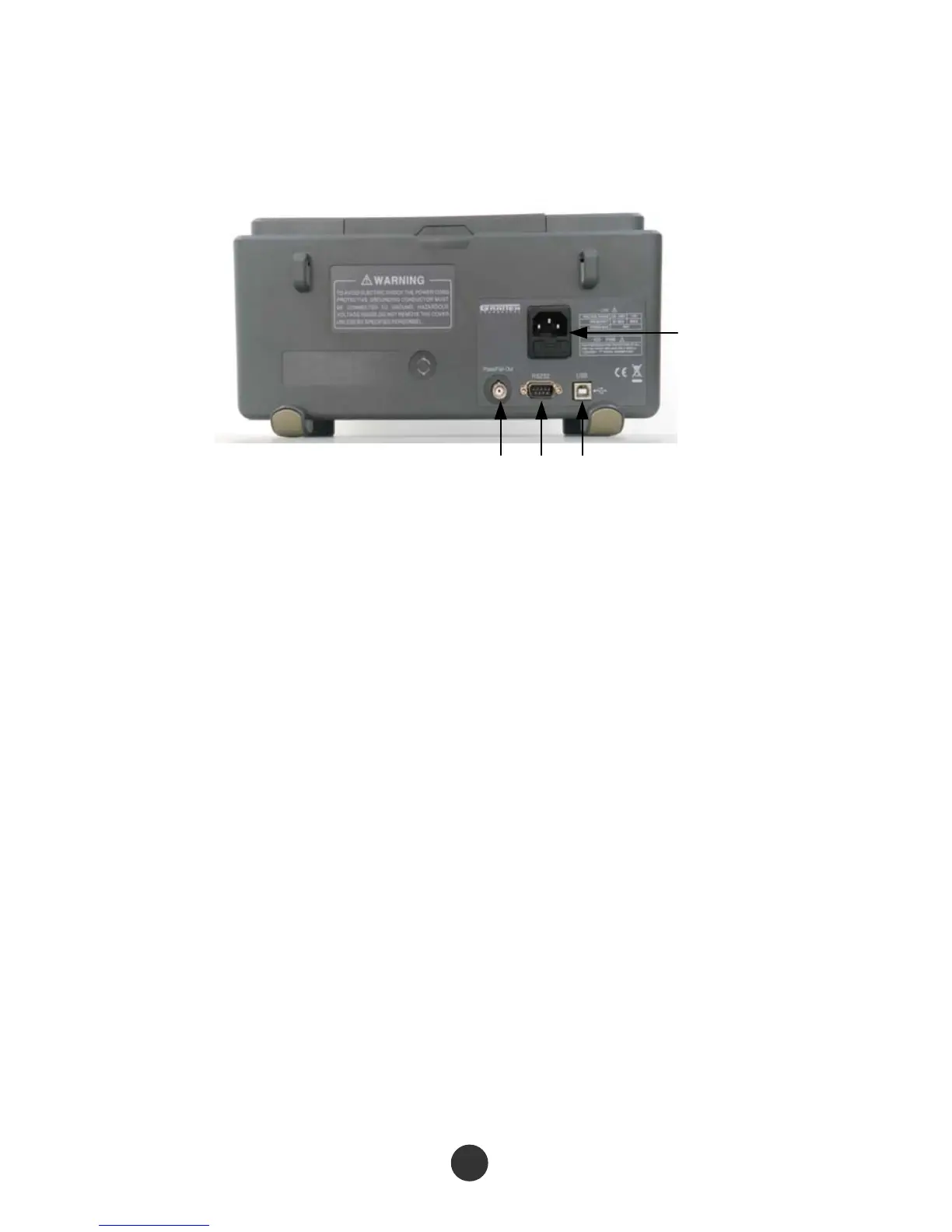
This series of digital oscilloscope provides various standard interfaces, as shown in
the figure below :
4
1 2 3
1. Pass/Fail output port: output a Pass/Fail detection pulse
2. RS-232 interface: connect test software or waveform printing (a bit slow)
3. USB Device interface: connect test software or waveform printing (quick)
4. Power input interface: input a three-pin power supply



 To Next Page