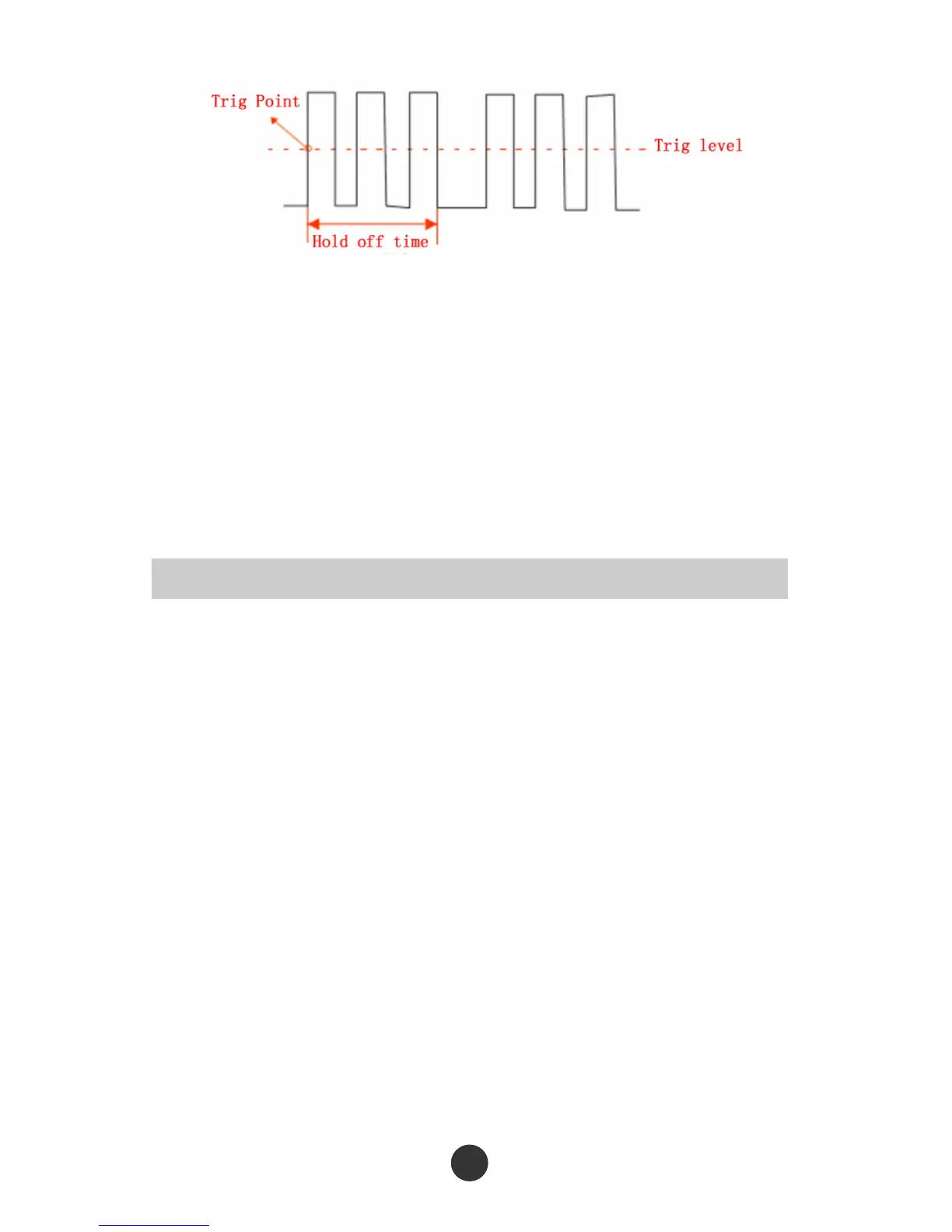
Figure 2-36 Trigger hold-off schematic figure
Carry out the following steps to change the hold-off time:
1. Press [TRIG MENU] to display the “TRIGGER” menu.
2. Press “Type” to select the trigger type.
3. Press the “Setup” option to skip to the trigger setup menu.
4. Press the “Trigger hold-off” function.
5. Regulate the [UNIVERSAL] knob to change the hold-off time until the waveform is
stably triggered.
Using the trigger hold-off is conductive to stably display non-periodic signals.



 To Next Page