Greenline 40
86
WARNING!
Disconnect shore-power connection when the system is not in use.
Do not allow the shore-power cable end to hang in the water. An
electrical field can be caused which can cause injury or death to nearby
swimmers.
Turn off craft’s shore-power connection switch (QS main) before
connecting or disconnecting shore-power cable.
Connect shore-power cable to craft’s inlet before connecting to shore-
power source.
Disconnect shore-power cable at shore-power source first.
Close shore-power inlet cover (or cockpit seat) tightly.
AIR CONDITION ADDITIONAL SHORE POWER
Air condition shore power is provided with Air condition option. Normally Air condition (FS7) is supplied via
main shore power cable through QS main, Quattro inverter and QS1. This way you can also use AC unit when
sailing or in anchor mode.
In marina you can connect additional shore power cable to supply AC. After plugging in the cable, turn ON QS-
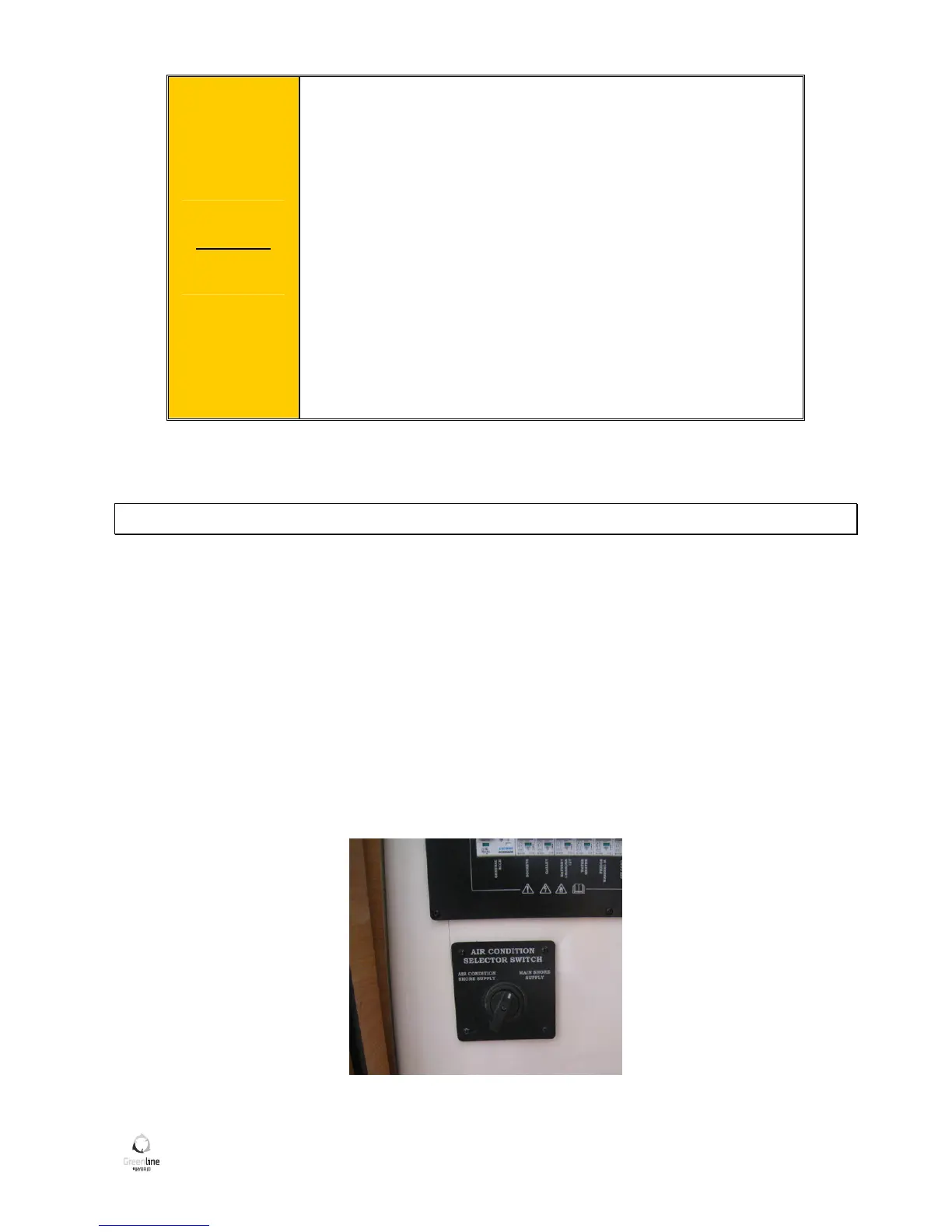
AC (under stbd cockpit seat) and switch AC selector switch to “AC shore supply” position (located under AC/DC
fuse panel).
With this additional connection you increase the maximum power output for all house loads for app 3 kW.
When you leave the marina do not forget to turn AC selector switch back to “main shore supply” position in
order to use AC while sailing.
Picture 28: Air condition selector switch


 To Next Page