GREER Company
1918 East Glenwood Place
Santa Ana CA 92705
Page 11 of 44
MicroGuard
®
586 Operation/Setup Manual
W458200 REV C 10/29/02
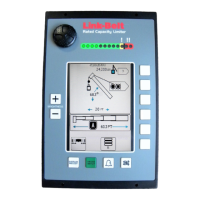
Adjusting Display Contrast
Changes in temperature and lighting conditions
may require adjustment of the display
contrast buttons.
Use the contrast adjustment keys to make the
display area lighter or darker, as desired.
OK
DISPLAY
SETUP
SETUP CODE
STOP
RATED CAPACITY
MG-586
!
SELECT
CONTRAST
Contrast


 To Next Page
 Loading...