GREER Company
1918 East Glenwood Place
Santa Ana CA 92705
Page 16 of 44
MicroGuard
®
586 Operation/Setup Manual
W458200 REV C 10/29/02
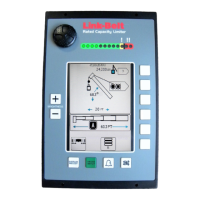
Maximum Capacity and Overload
•
When the rated capacity of the crane reaches
100%, the bar graph in the window of the
display console moves from the caution
(yellow-bordered) zone into the warning red
zone.
• A red light above the alarm zone of
the bar graph lights up and an alarm sounds
continuously.
•
Crane motions (boom extend, boom down,
and winch up) are cut in order to prevent
damage to the crane and the endangerment
of persons near the lifting area.
• As the bar graph moves into the overload
(red-bordered) zone, crane motions remain
cut.
The message, “WARNING! – OVERLOAD” will
flash in the information portion of the screen.
OK
DISPLAY
SETUP
SETUP CODE
STOP
RATED CAPACITY
MG-586
!
SELECT
CONTRAST
Red and Yellow Lamps


 To Next Page
 Loading...