(Revised 1/02)
TROUBLESHOOTING
7-2
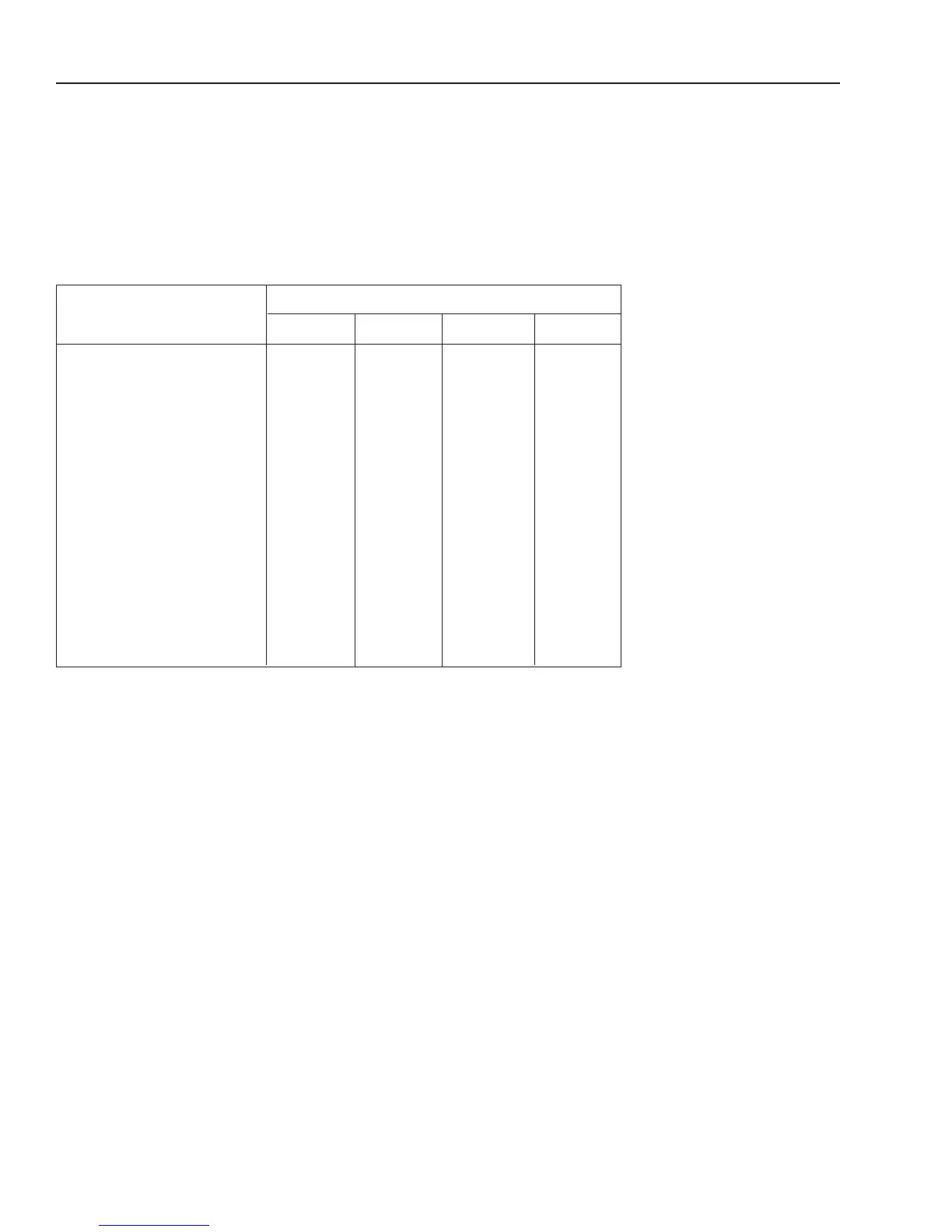
Parts To Take On A Service Call
In addition to the parts listed in the chart below, be sure you take this
Service Manual and the T-Cal box (P/N 074821) with you on the service
call. Use only Groen Certified Replacement Parts.
Description
Part Number
CC10-E
CC20-E CC10-G CC20-G
Relay Board 112966 112964 112964 112964
Control Panel
Single Oven
Cook Only 112960 112960 112960 112960
Cook and Hold 112961 112961
______ ______
Double-Stacked
Top, Cook Only 112960 112960 112960 112960
Bottom, Cook Only 112960 112960 112960 112960
Top, Cook and Hold 112961 112961
______ ______
Bottom, Cook and Hold 112961 112961
______ ______
EPROM 112954 112955 112957 112957
Air Temperature Probe Kit 077803 077803 085187 085187
Door Switch
1
078903 078903 078903 078903
T-Cal (Calibration) Box 074821 074821 074821 074821
1
This is the left hand door switch for the CC20-G oven. It can be installed as a
left hand door switch, or as a right hand door switch, for all electrical and gas
ovens.
The switch wires will need to be cut to the correct length as instructed
in the Maintenance section, page 8-35.
After Arriving At The Customer Site
We recommend that you approach the problem condition in the following manner
after arriving at the customer site:
• Check for Service Codes. See Service Codes Section.
• Perform the installation checks for the oven being serviced. Give particular
attention to the subject of water conditioning. Past experience tells us that a
high frequency of service calls are related to poor water supply conditions.
• If the problem still exists after solving a water condition problem, or if water
conditions are acceptable, proceed with troubleshooting.



 To Next Page