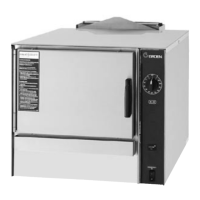
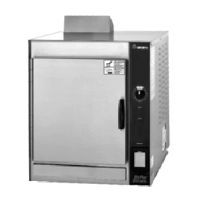
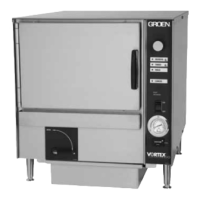
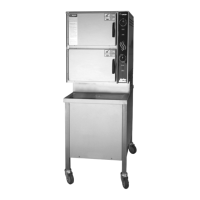
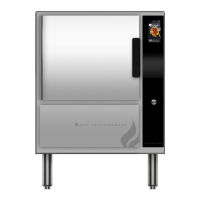
3 SM-GSSP BOILERLESS STEAMER
RECOMMENDED INSTRUMENTS
• Digital Multimeter: Fluke Model 77 or equivalent
HELPFUL HARDWARE
• Extension Mirror
• Screw Starter
• Level: 18” Model
• Fuse Puller
RECOMMENDED SUPPLIES
• Pipe Thread Compound: Brand: LACO Pipe Tite Stik No. 11176 or equivalent
• Motor Sealant Grease: Bel-ray
• 2” Aluminum Duct Tape
• Removable Thread Locker: Loctite Type 242 (Door), Loctite Type 222
(Exterior)
• Clear Silicone Sealant: Dow Corning Type 732
• Silicone Heat Sink Compound: Non-Fluid Oil Corp., Chemplex 1381
• High Temperature Anti-Seize and Lubricating Compound: Bostix NEVER
SEEZ NSBT-16
HOW TO USE THIS MANUAL
Read this manual completely before attempting any disassembly or repairs.
Please note the similarities and differences between the various models
described in the manual.
Before making repairs, you should have knowledge of the steamer operation as
described in the Operations Section of this manual and a good understanding of
service techniques as presented by the Groen Service School.
This service manual should be taken with you on all service calls. Use the correct
tools in accordance with the procedures shown and use only Groen Certied
Replacement Parts when performing steamer repairs.
OPERATION
WARNING: ANY POTENTIAL USER OF THE EQUIPMENT MUST BE TRAINED IN SAFE AND
CORRECT OPERATIONG PROCEDURES.
WARNING: WHEN YOU OPEN THE DOOR, STAY AWAY FROM THE STEAM COMING OUT
OF THE UNIT. THE STEAM CAN CAUSE BURNS.
WARNING
AVOID STEAM CONTACT
CONTROLS
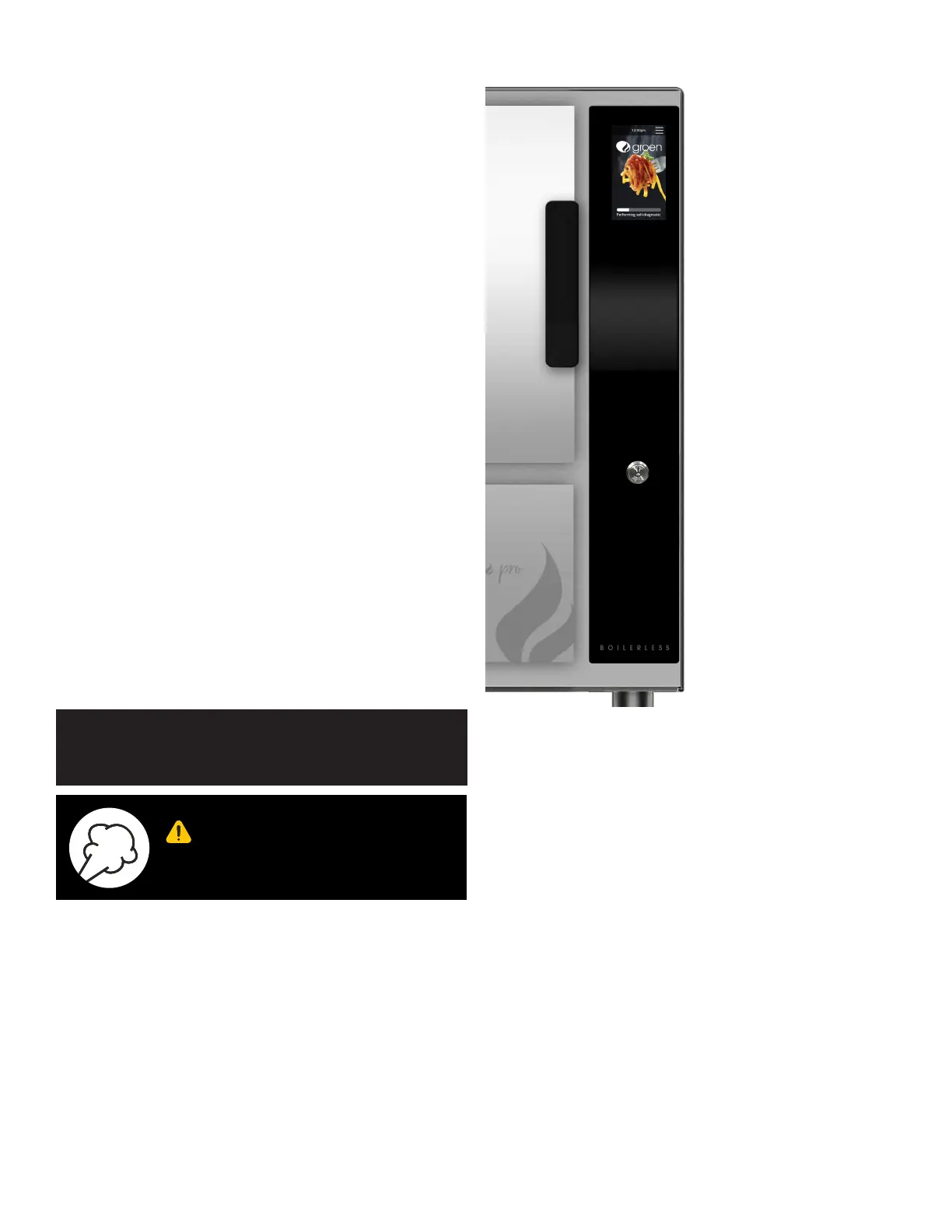
Touchscreen Graphic Display
ON/OFF Push Button
Operator controls are on the front right of the unit.
The Groen SmartSteam Pro Boilerless control panel has the touchscreen graphic
display and the ON/OFF push button.
The touchscreen graphic display allows the user to enter and exist the three
cook modes (MANUAL, TIMED and HOLD) and select various settings with
different menus with the controls. The display also provide several audio and/or
visual indicators to the user as cleaning reminders, when the unit reached ready
temperature, hours of operation, error codes, etc.
The ON/OFF button get the Groen SmartSteam Pro Boilerless ready for use or
shuts it off.
COOK MODE OPERATIONS
1. At the home screen or idle mode, the steam generator stay at a low boil or
ready temperature.
2. When the TIMED button is pushed, time can be set by entering the time in
the HH:MM format. The unit steams until the timer counts down to zero and
goes into HOLD mode while timer counts up. At that time the STOP light
illuminates and a beeper sounds.
3. When the MANUAL button is pushed, the unit steams continuously.
4. HOLD mode the steam generator maintains a warming temperature below
the ready temperature.


 To Next Page