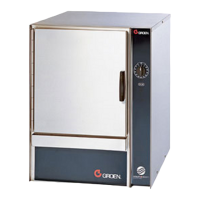
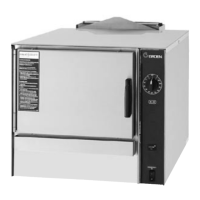
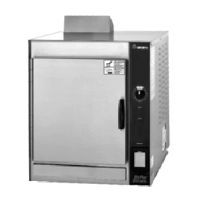
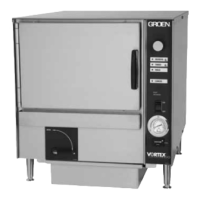
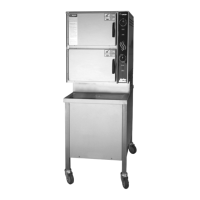
59 SM-GSSP BOILERLESS STEAMER
BL-5GS, (2) GSSP-BL-5GS, GSSP-BL-10GS, (2) GSSP-BL-10GS. If entering
model number from start up error pop up, Save takes back to start up screen.
SERIAL NUMBER ENTRY
Serial number will always begin with a V and will have 13 additional characters
which may include “-”’s and the letter T or B at the end. Letters T and B are
selected by holding down the 2 or 8 key for 1 second. Selecting Save stores the
data, populates the Unit Info screen and returns back to the Parameters screen.
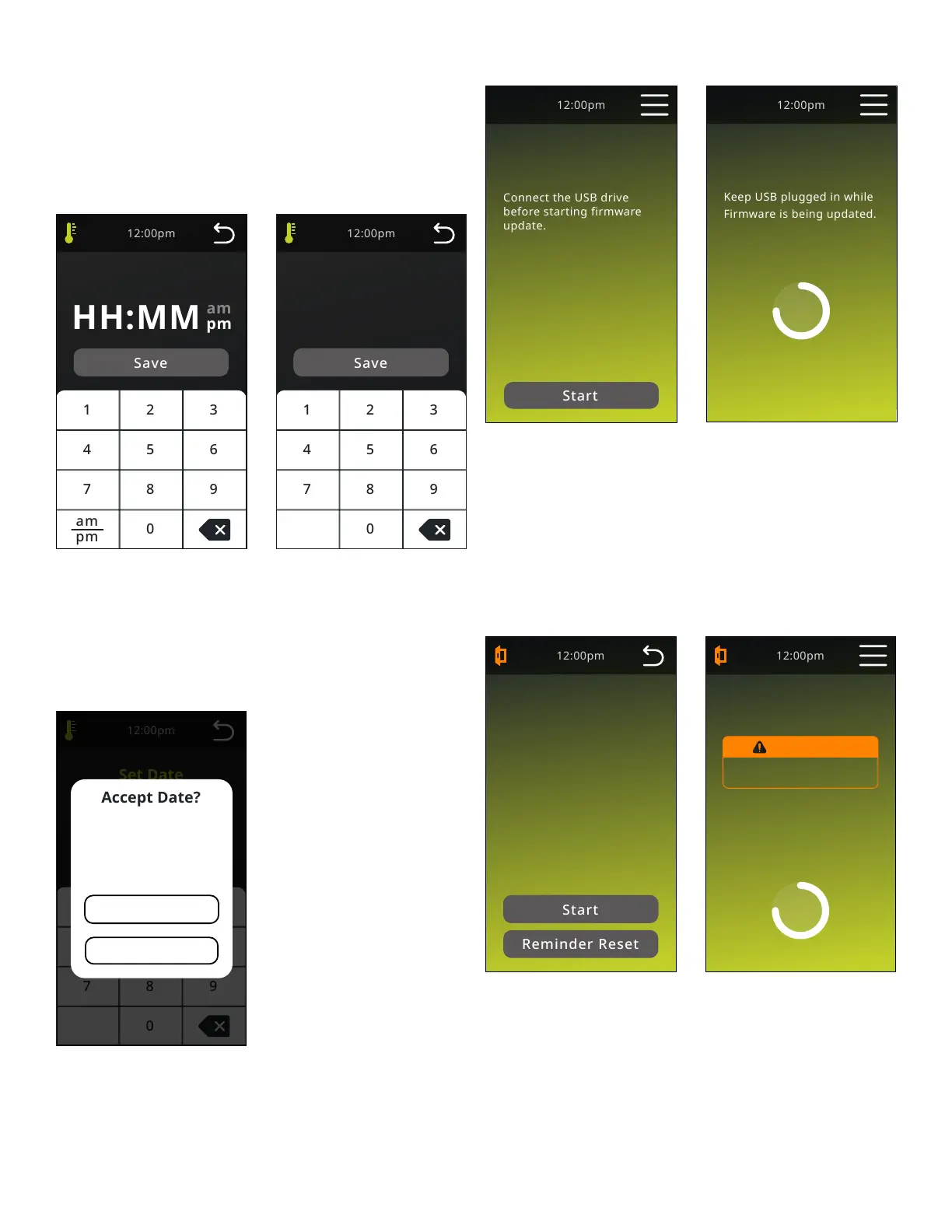
Set Clock
Set Clock
Set Date
Set Date
MM
/ /
DD YYYY
SET CLOCK
Selecting Save stores the data, populates the Settings screen and returns back
to the Parameters screen.
SET DATE
Selecting Save stores the data, populates the Manufactured Date in Parameters,
populates the Settings screen and returns back to the Parameters screen.
Set Date
MM
/ /
DD YYYY
Date Confirmation
Accept
Change
MM/DD/YYYY
DATE CONFIRMATION
Accept - Accepts the date, locks the data and greys out the Startup date button
in the Service menu.
Change - returns to Install Date screen and the elds retain the user data entry.
Updating Firmware
Keep USB plugged in while
Firmware is being updated.
Firmware Update
In Progress
before starting firmware
update.
Firmware Update
Start
Firmware Update
Start
FIRMWARE UPDATE
User shall connect a USB drive which shall have the executable les needed for
rmware update. Start will initiate the Firmware update process.
UPDATING FIRMWARE
Firmware update screens to be based on standard shiptide screen. IIC to
develop and maintain existing themes as close as possible. The UI will undergo
a automatic reset during the rmware update process.
DELIME
Delime
Prepare Cavity
Delime
Delime
Prepare Cavity
Remove Fan Shroud, Racks
and Steam lid. Please wait
a few minutes to allow
reservoir to fill with water.
WARNING
Hot Surfaces. Exercise caution
when removing hot components.
Delime
Process Note
Prior to starting the
Delime process, review the
Operator's manual for
detailed instructions and
warnings.
DELIME
Screen is displayed when the Delime button is pushed on the Startup screen.
“Start” - Begins the delime process by lling reservoir. Door opening will not
stop ll process. Reminder Reset - Resets the color of the Delime button on
the Startup screen, restarts the reminder counter (does not reset Last Delime
counter) and returns to Startup screen to resume startup procedure. Ready light
is not available during delime. Circulation Fan is off during Delime cycle. Fill
valve operates during Delime and maintains level at High probe. All Error codes
are recorded during delime and probe errors are reported on screen as popups.


 To Next Page