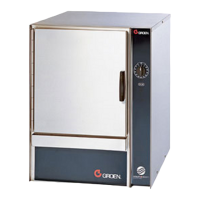
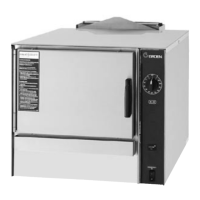
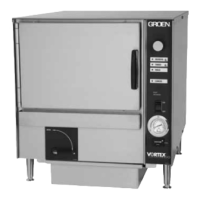
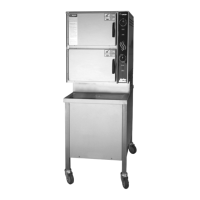
55 SM-GSSP BOILERLESS STEAMER
Settings Service
Settings
Service
SETTINGS
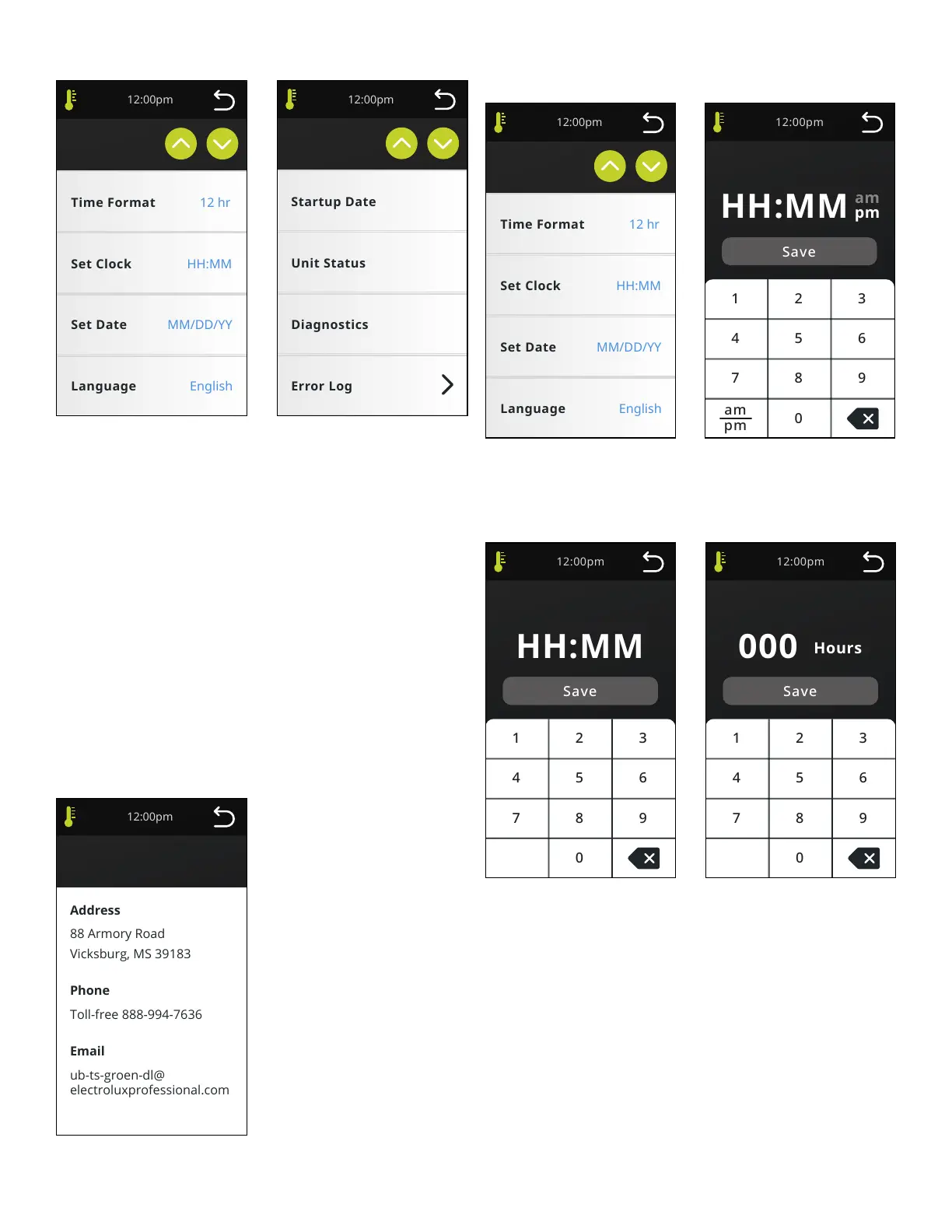
User will click on button to change data. Data will either toggle between choices
or pop up an input window. Default values will be set in rmware and shown
in Bold below. Settings screen to include: Time Format (12 hr, 24 hr), Set Clock
(Default=Parameter setting), Set Date (Default=Parameter setting), Language
(Eng), Temp Indication (F, C), Door Alarm (Off, 2 min, 5 min, 10 min), Keyboard
Beep (On, Off), Brightness (1-20%,2 - 40%,3 - 60%,4 - 80%,5 - 100%), Number
of Timers (1-10, Default = # of pans from Parameters), Compensating Timers
(On, Off), Timer Screen Lock (On, Off), Alarm Volume (Low, Mid, High - Volume
setting will apply to all sounds except keyboard beeps which will only be ON/
OFF. ), Delime Button (On, Off [Delime Reminder will be grayed out]) and Delime
reminder (Off), Settings will be retained at power off and power disconnect.
SERVICE
Service screen to include Startup Date (grayed out after setting), Unit Status,
Diagnostics, Error Log, Documents (Operation, Error Descriptions, Parts List),
Data Retrieval, Firmware Update, RTD Calibration (only if RTD is used) and
Parameters. Startup date will be entered and then asked to conrm. Once
conrmed, date button text will be grayed out and date will be locked but can be
changed in Parameters.
Contact Us
ub-ts-groen-dl@
electroluxprofessional.com
Contact Us
SETTINGS
Settings Set Clock
Set Clock
Settings
SET CLOCK
If data is changed and not saved, no changes are made and unit returns to Home
or Cook screen after 20 seconds.
Set Clock
Set Clock
Military time
Delime Reminder
Set Delime Reminder
DELIME REMINDER
Limit number of hours to 999. Zero hours will indicate the reminder is “off” and
Off will be shown in Settings. Default is 0 hours.


 To Next Page