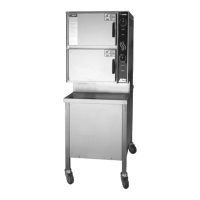
54 SM-GSSP BOILERLESS STEAMER
Set Name
Set Name
Pan Timer Done
Home screen and non-cook screens
Okay
2
Brussel
Sprouts Timer
Expired
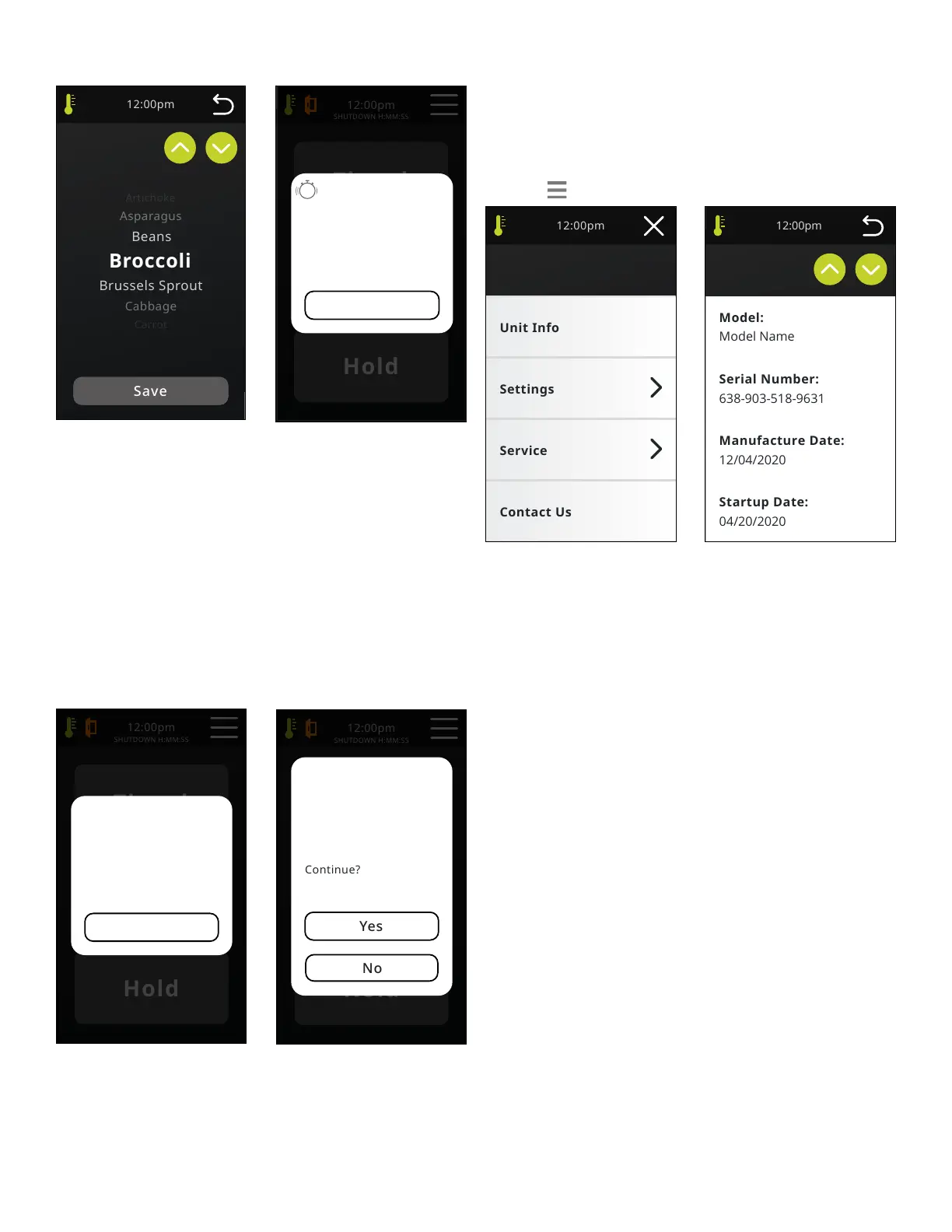
SET NAME
List will always default to “Pan Timer” when setting the timer name: Pan Timer,
Alfredo, Asparagus, Beans, Broccoli, Brussel Sprouts, Buns, Cabbage, Cake,
Carrots, Casserole, Cauliower, Chicken, Dumplings, Eggs, Fish, Ham, Hamburger,
Hotdogs, Mac & Cheese, Meat, Nacho Cheese, Pasta, Peas, Potatoes, Puddings,
Rice, Shellsh, Spaghetti, Spinach, Squash, Tamales, Tomato, Vegetables
PAN TIMER DONE
If a timer goes off while on the home screen or a non-cook screen, a popup will
appear as an acknowledged alert. Pushing “Okay” will silence the alarm, and
close the pop up. If multiple timers are expiring, each subsequent timer will
silence the previous one and only the last timer will be shown. Popup will show
the number of the expiring timer plus the saved timer name including the text
“... Timer Expired” I.e. Brussels Sprout Timer Expired.
Hold Mode - Timer Setting
Only in hold mode
Attempting To
Activate Pan
Timer While In
Hold Mode
Longer than Cook
Timed cook modes
Okay
Pan Timer
Cannot Be Set
For Longer Than
Cook Time
LONGER THAN COOK
If a Pan timer is set for longer than an active “cook” time, a pop up warning will
appear when the timer is started. Okay - Returns to Timed Cook screen.
HOLD MODE TIMER SETTING
Pop up occurs when a timer is activated / started in Hold mode.
Yes - Starts timer and returns to timer screen.
No - Returns to timer screen.
MENU
Unit InfoMenu
Unit Info
MENU
The menu screen will be accessible on the majority of screens and provide quick
access to more nite functions.
“X” returns you to the Home screen if you are not in cook mode. If cooking, “X”
returns to active cook screen. If in fatal error mode, “X” returns screen to Error
pop up. If in Initial Service mode, “X” shows Restart? pop up.
Service menu is password protected - Screen will pop up to enter password.
Preset 4 digit numeric password is common to all units and is not changeable.
(Note: Password is not to be shared with the operator.)
UNIT INFO
“Back” arrow takes you back one screen. Unit Info screen to include: Model,
Serial Number, Manufacture Date, Startup Date, Firmware Version, Total Runtime,
Last Delime date and Last Delime at:. Model, Serial Number and Manufacture
Date are entered from Parameters menu. Startup date is entered from Service
menu. Total run time is recorded from the moment the power switch is toggled
on and the circuit latches.


 To Next Page