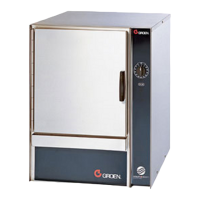
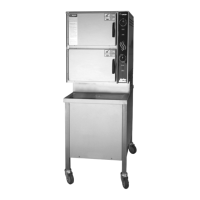
56 SM-GSSP BOILERLESS STEAMER
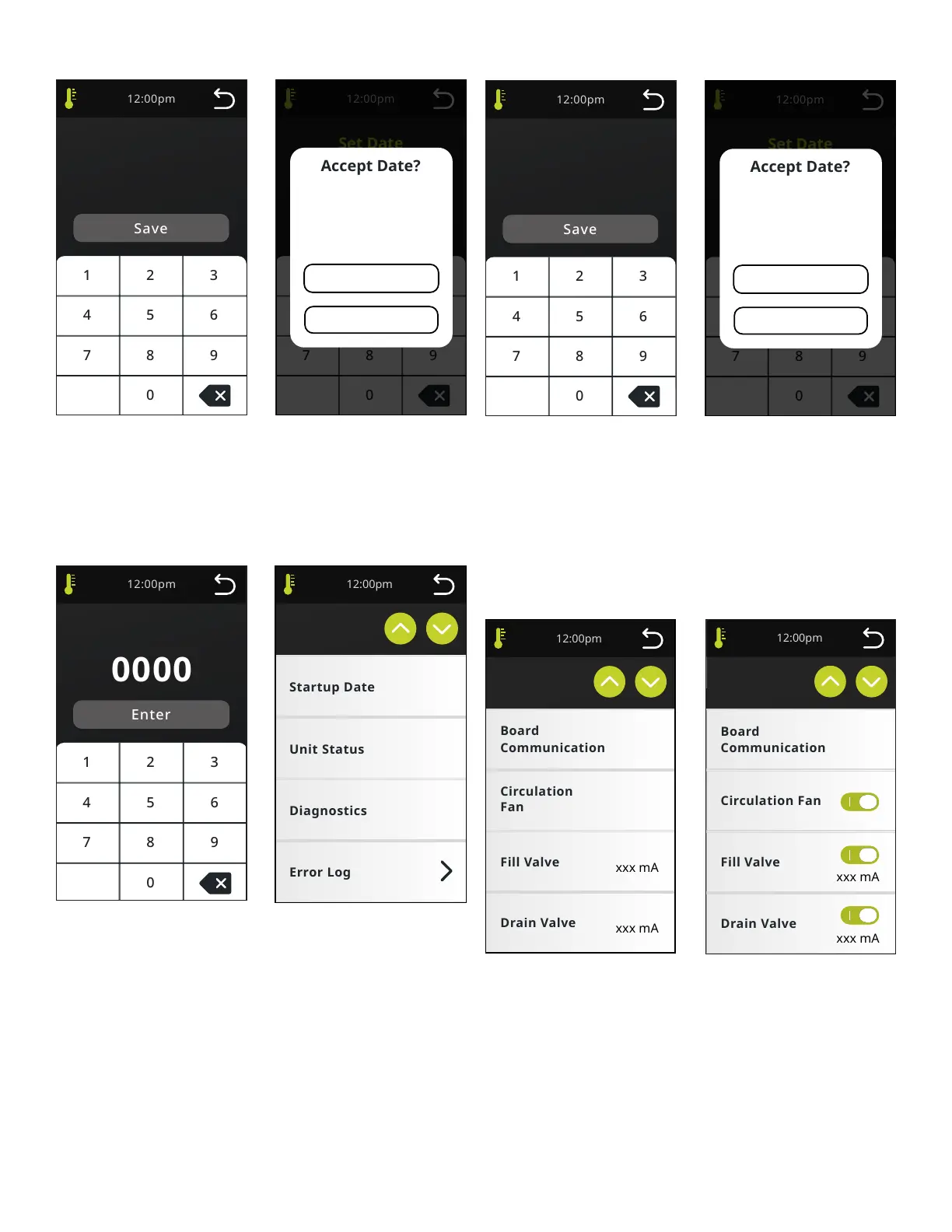
Set Date
Set Date
MM
/ /
DD YYYY
Set Date
MM
/ /
DD YYYY
Date Confirmation
Accept
Change
MM/DD/YYYY
DATE CONFIRMATION
Accept - Accepts the date, locks the data and greys out the Startup date button
in the Service menu.
Change - returns to Install Date screen and the elds retain the user data entry.
SERVICE
Service
Service
Service Code
Service Code
SERVICE CODE
Code: 9999. Each digit will be briey displayed and then replaced with an “*” to
hide the code. (Note: Password is not to be shared with the operator.)
SERVICE
Data to be stored includes 8 hours of operational data and maximum of 50
errors (including operational data at time of error). Each error to be cleared
from memory after 120 calendar hours. All data from internal memory will be
downloaded. No ability to select time or dates will be provided. Data is to be
output in simple text le. No data will be recorded during data retrieval.
Set Date
MM
/ /
DD YYYY
Date Confirmation
Accept
Change
MM/DD/YYYY
Startup Date
Set Date
MM
/ /
DD YYYY
STARTUP DATE
Date will be entered by selecting each individual data box. Default value in the
box should be MM, DD, YYYY. Text in the boxes should be blue to indicate to the
user that it can be changed.
DATE CONFIRMATION
Accept - Accepts the date, locks the data and greys out the Startup date button
in the Service menu.
Change - returns to Install Date screen and retains original data entry.
Diagnostics
Diagnostics
Active
Unit Status
On
On
On
Active
Unit Status
UNIT STATUS
Unit Status list to include: Board Communication (Active (green font) / Lost (red
font)), Circulation Fan (ON/OFF), Fill Valve (ON/OFF xxx mA), Drain Valve (On/ Off
Xxx mA), Condensate Valve (ON/OFF Xxx mA), Cooling Fan (ON/OFF Xxx mA),
Water Level Low (Open/Closed), Water Level High (Open/Closed), Water Level
Overow (Open/Closed) (only with 3rd sensor), Door Switch (Open/Closed),
High Limit Thermostat (state only, (Open/Closed), Ready tstat (state only, (Open/
Closed), Hold tstat (state only, (Open/Closed), Condensate tstat (state only, (Open/
Closed), Board Temp (XXX°C or XXX°F), Control Voltage (XXXV) and Contactor
(xxx mA). Unit Status can be used during any functions other than data download
and rmware update. Screen update is real time. Screen dimming is disabled.
Readings below 32mA will be shown as 0.


 To Next Page