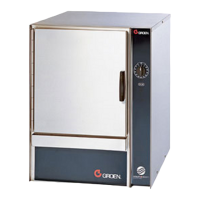
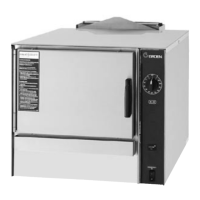
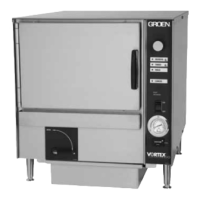
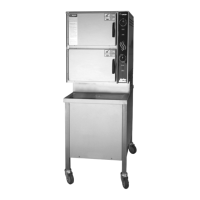
50 SM-GSSP BOILERLESS STEAMER
will display instructing user to clean critical areas before restarting. Door icon
and Error popups can occur on startup screens. Menu is available during self-
diagnostics. Note: Unit will always conduct a break/make/break check at Low
probe before beginning Startup if water level at starting condition is at or above
Low probe. During start up, all diagnostics and Delime button are delayed for 5
seconds. After 5 seconds, unit will check to ensure a model number exists in
the control prior to beginning startup procedure. If model number has not been
entered previously, an error popup will be displayed. Selecting Okay on the error
popup will take user to the Model Selection screen. After a model is selected and
Save is pressed, unit returns to start up screen and begins startup procedure.
This allows for model setting on eld replaced controls (only model number is
necessary for proper operation). This can be bypassed in the factory by going
to the Service mode during the rst 5 seconds of startup so that all data can be
entered. If Menu icon is selected within rst 5 seconds and held for 5 seconds,
unit will display Acknowledgment Screen briey stating “Entering Service mode”
and will then go directly to Menu (Service Mode). Unit will not begin start up
procedure. All menu options are available including Diagnostics. Exiting the
menu via “X” button will generate Popup stating unit will restart and if accepted,
start up screens will be displayed. All diagnostics and preheating functions will
occur on restart. If menu button is not pushed within 5 seconds and held for 5
seconds, start up will occur normally. Delime button is only available during start
up and if the Delime Button in settings is “On”. When setting is “On”, all popups
related to cleaning will reference delime and manual cleaning process. Note: the
default position for the Delime Button is “Off”. When Delime Button is “Off” in
settings, Delime Reminder will be unavailable and all popups related to cleaning
will reference manual cleaning process only. Pressing Delime button will enter
control into Delime Mode and show rst Delime screen. Regardless of when
during startup the button is pushed, the unit will ll to High probe checking make/
break/make transition. If High probe is functioning, a probe based delime cycle
will be initiated. If High probe is not functioning, unit will drain empty and popup
will display to clean all probes before restating delime process. If High probe
continues not to function, the unit will continue to repeat popup for cleaning
before restart until High probe issue is resolved. Delime button font will change
to black and background will change to yellow when 75% of Delime Reminder
date is reached, changed to orange when 90% is reached and changed to red
at expiration. Delime button background will return to normal after Delime is
completed or reminder is reset. Startup diagnostics will be begin after Delime is
complete and unit is restarted.
MANUAL COOK
Manual Cook
No timer <30 and
cleaning shutdown clock
Manual
Steaming
In Progress
SHUTDOWN H:MM:SS
Manual Cook
After start-up
Manual
Heating
In Progress
SHUTDOWN H:MM:SS
MANUAL COOK AFTER STARTUP
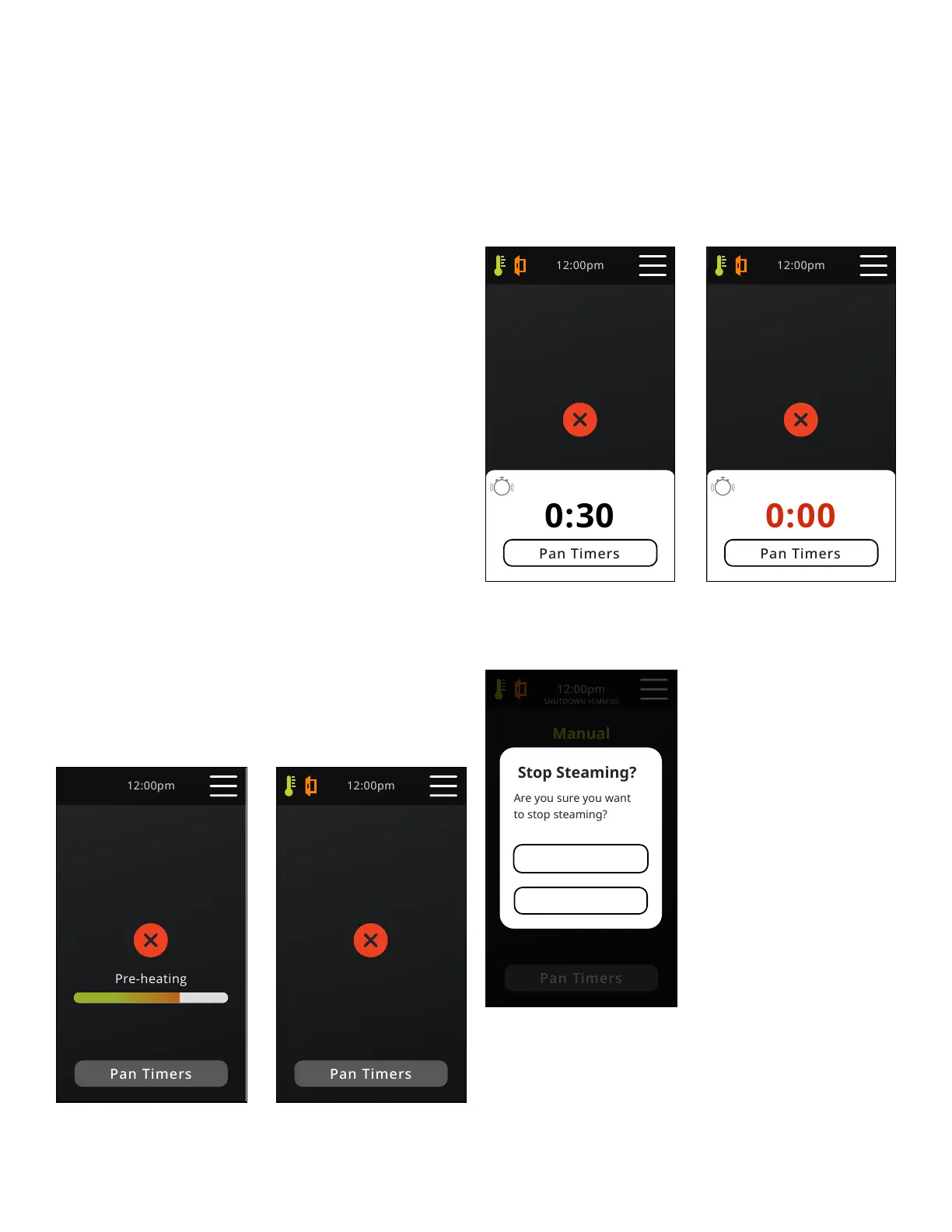
On power button push, diagnostics will complete and the unit will begin to heat.
When Ready temperature is reached, unit will transition to the Manual Cook
Steaming in Progress screen, ready light will illuminate and one 3 second beep
will be audible. Condensate spray remains off until ready temperature is reached
(Ready tstat opens).
If red “X” is pressed, screen will transition to Pre-heating screen.
MANUAL COOK NO TIMER
Pressing “X” will show acknowledgment pop up (Stop Steaming Popup).
Pan Timer function is same as Timed Cook screen.
Manual Cook
During cook W/ active timer
Manual Cook
During cook with expired timer and
cleaning shutdown clock
Manual
Brussel Sprouts
5
Steaming
In Progress
Manual
Brussel Sprouts
5
Steaming
In Progress
SHUTDOWN H:MM:SS
MANUAL COOK DURING COOK WITH ACTIVE TIMER
“X” returns to Home screen.
Manual
Steaming
In Progress
SHUTDOWN H:MM:SS
Stop Steaming
Popup
Yes
No
STOP STEAMING
Yes - Returns to Home screen if above ready temp or Pre-heating screen if below
ready temp.
No - Unit returns to manual screen and continues manual operation.


 To Next Page