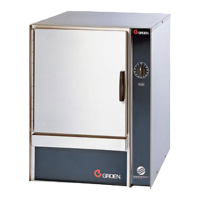
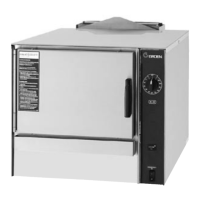
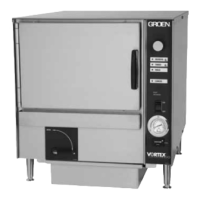
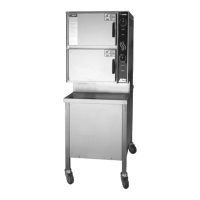
58 SM-GSSP BOILERLESS STEAMER
Connect the USB drive before
Data Retrieval
Start
Data Retrieval
Start
Parts List
Parts List
PARTS LIST
Should not be model specic. Include all parts and denote by model as necessary.
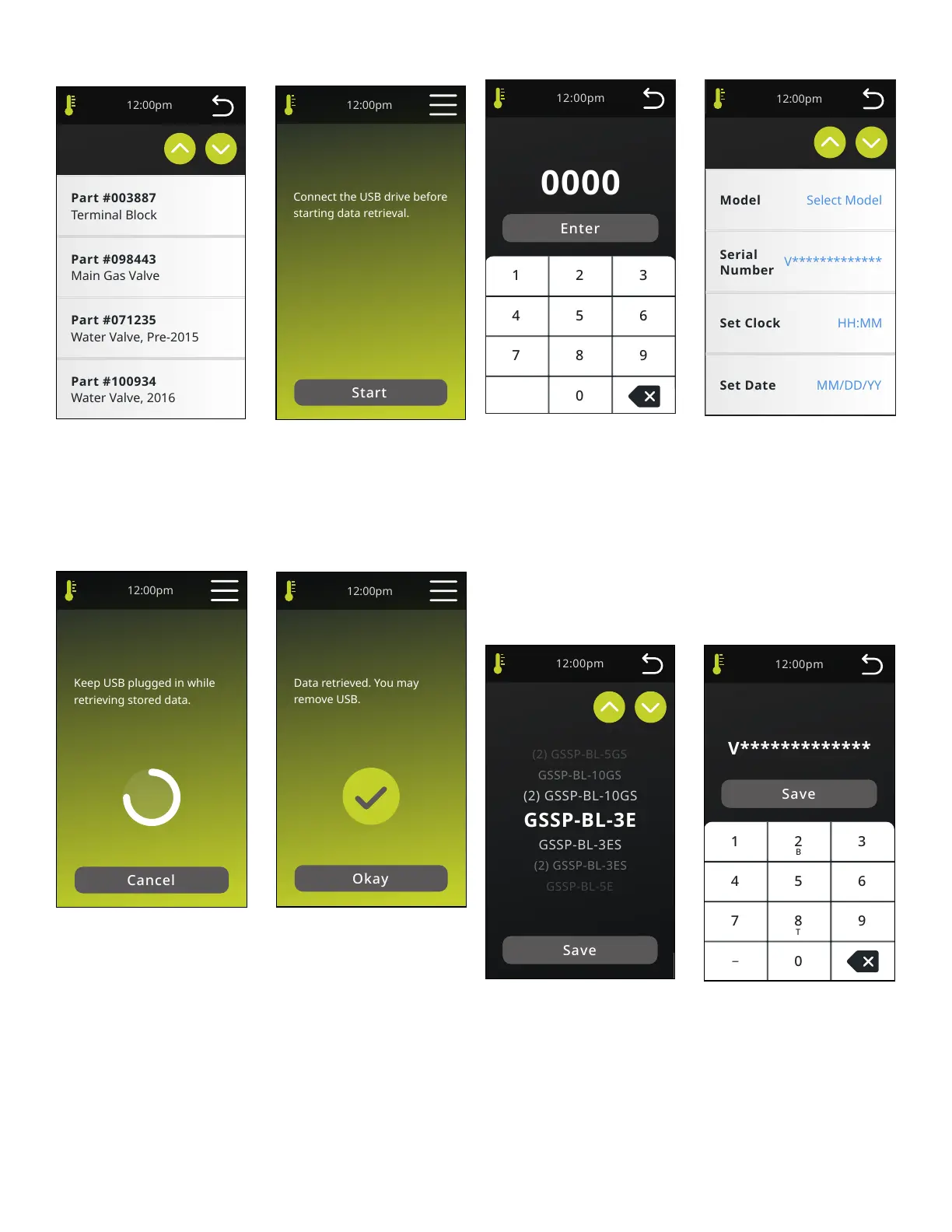
DATA RETRIEVAL
User shall connect a USB drive before pressing the Start button. Start will initiate
the Data retrieval process.
Data Retrieval
Downloaded
Data Retrieval
Complete
Data Retrieval
Downloading
Keep USB plugged in while
Data Retrieval
Downloading
DATA RETRIEVAL DOWNLOADING
Cancel stops data download and returns to Service Menu screen. Spinning
animation indicates download in progress. Will not show how far process has
progressed.
DATA RETRIEVAL DOWNLOADED
Okay returns back to Service screen.
Parameters
Parameters
Parameters Code
Parameters Code
PARAMETERS CODE
Parameters screen is protected by common, unchangeable 4 digit password
(7256). Each digit will be briey displayed and then replaced with an “*” to hide
the code. (Note: Password is not to be shared with the operator.)
PARAMETERS
Parameters screen to include: Model (Select Model), Serial Number
(V*************), Set Clock (HH:MM), Set Date (MM/DD/YY), Number of Pans
(Derived from Model), Manufactured Date (Defaults to Unit Date) but is
changeable and Startup Date which allows for change if incorrect date is entered
in Service screen). Parameters auto-populate the Unit Info and Settings screens.
Serial Number Entry
Set Serial Number
Model Selection
Select Model
MODEL SELECTION
Screen functionality should be the same as the Timer list. Selecting a Model
Name and the Save button will store the information and display it in the Unit Info
screen. Selecting Save returns back to the Parameters screen. The Model Name
selection will automatically set the Number of Pans and gas/electric. Model
names match what is on the data tag. New models will need to be added via
rmware changes and can be done when the UL construction le is updated.
Model name selections will include: GSSP-BL-3E, GSSP-BL-3ES, (2) GSSP-BL-
3ES, GSSP-BL-5E, GSSP-BL-5ES, (2) GSSP-BL-5ES, GSSP-BL-10ES, (2) GSSP-
BL-10ES, GSSP-BL-3G, GSSP-BL-3GS, (2) GSSP-BL-3GS, GSSP-BL-5G, GSSP-


 To Next Page