Ocus®40 MGU-00002 User Guide version 7.0
Saavutustenkatu 3, 33720 Tampere, Finland
©2022 Grundium. All rights reserved.
6-8G, 33720 Tampere, Finland
©2022 Grundium. All rights reserved.
8.
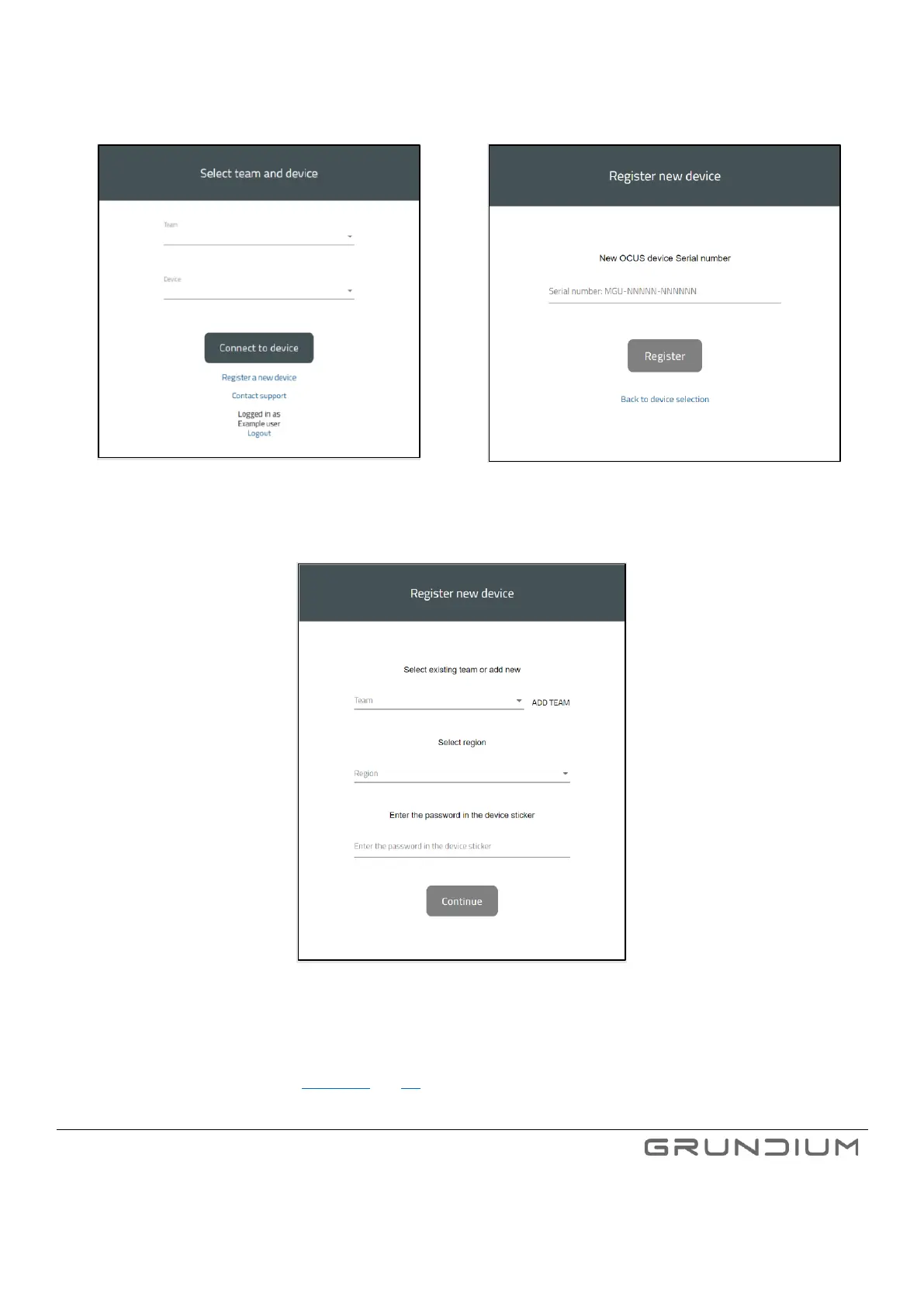
Click Continue after all required details have been entered.
Image 9. Register a new Ocus Scanner.
Image 10. Type the serial number of your Ocus®40 scanner.
Image 11. Team, region, and Ocus Scanner password are required information when registering a new Ocus scanner.
Note: After the registration, the Ocus scanner must be switched on and connected to the Internet for it to obtain the
registration information. (See section 7.4 and 7.5)



 To Next Page