Saavutustenkatu 3, 33720 Tampere, Finland
©2022 Grundium. All rights reserved.
6-8G, 33720 Tampere, Finland
©2022 Grundium. All rights reserved.
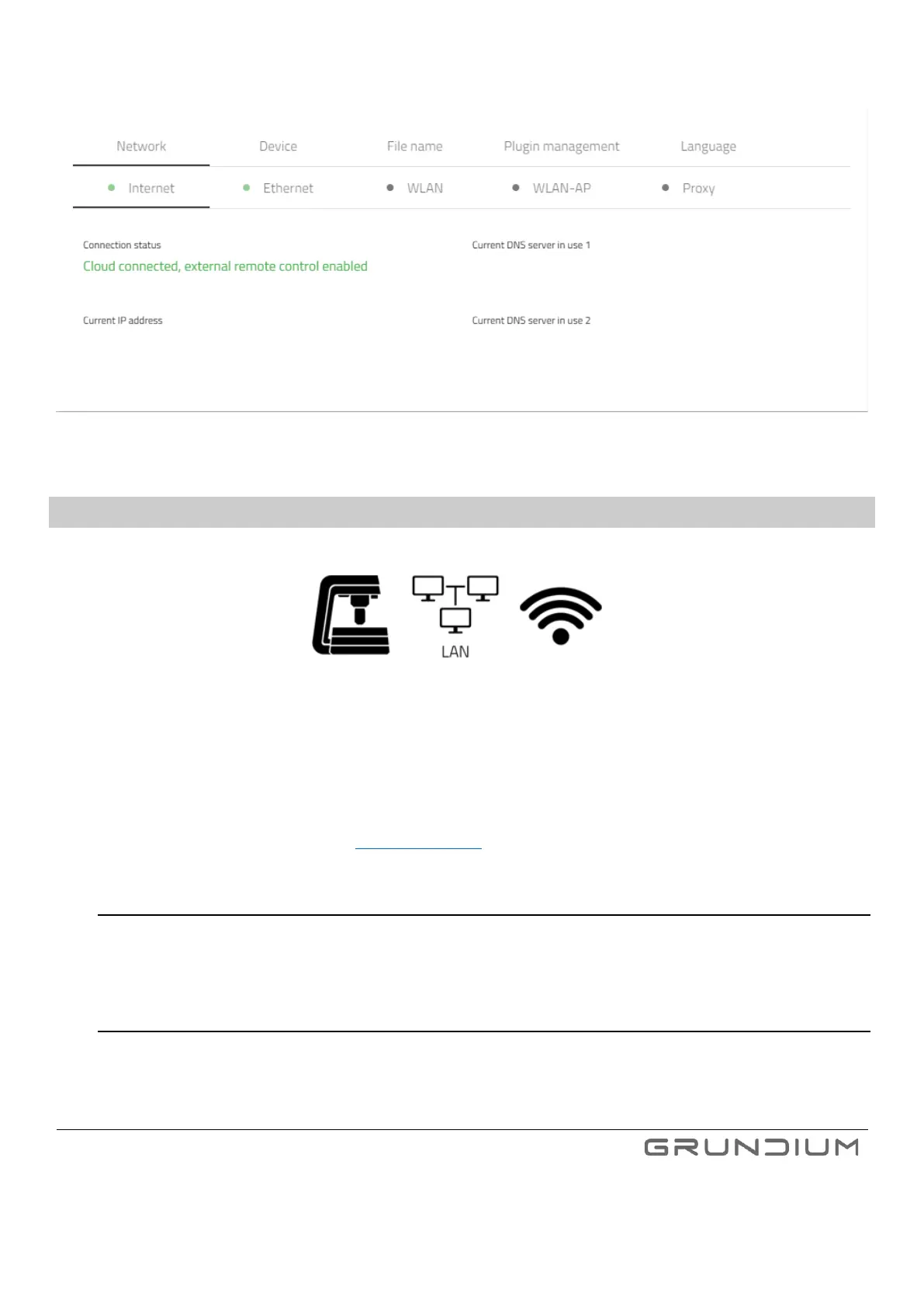
Image 34. Settings overview
15.1 NETWORK SETTINGS
The scanner can be used either with wired (ethernet) or wireless Internet connection or with direct WLAN/Wi-Fi
connection between the scanner and the PC or tablet.
Your organization may not allow direct internet traffic from your network but is enabling internet browser use through a
proxy server instead. Connection to Internet via proxy can be configured in scanner Settings view. Please consult your IT
administrator for assistance and section 23. Troubleshooting for more information.
15.1.1 INTERNET
Under the Internet tab, user can view the connection status, current IP address, and DNS server information.
15.1.2 ETHERNET
Under the Ethernet tab, user can view the Current IP address, connection status, and access the Static IP settings.



 To Next Page